3 After you have finished adjusting the camera settings, touch to take a photo.
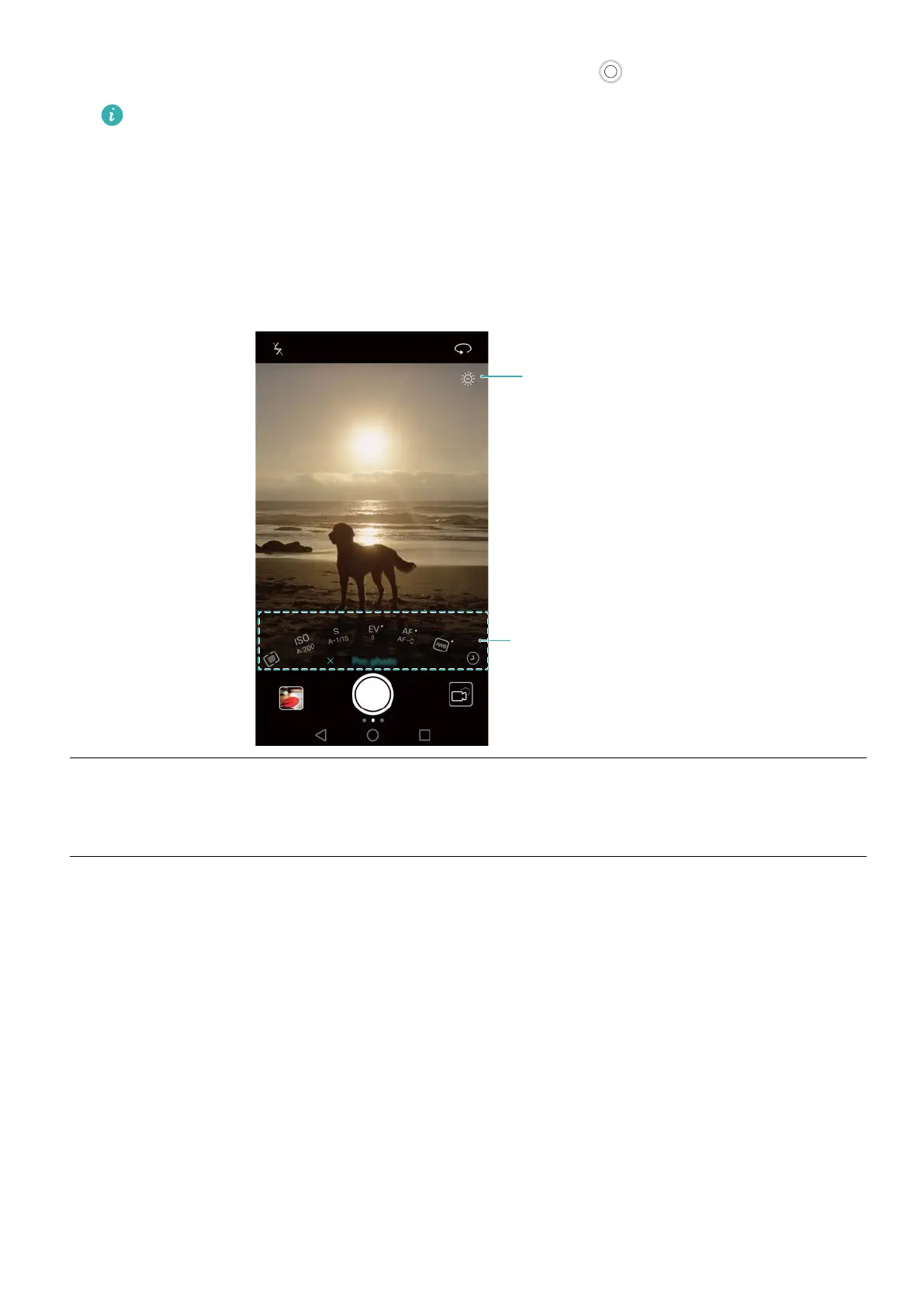
The low exposure icon will appear when the exposure is too low. Touch this icon to
restore the default exposure settings.
Pro camera settings
When you switch to Pro camera mode, you can adjust a whole range of camera settings in the
viewfinder to produce professional-looking shots. For example, you can adjust the ISO,
exposure compensation, white balance, focus mode, shutter speed and more.
Underexposure warning
Manual settings
Low
exposure
icon
Touch this icon to restore the default exposure settings. This icon will only appear
when the exposure is too low
.
Camera and Gallery
80



 To Next Page