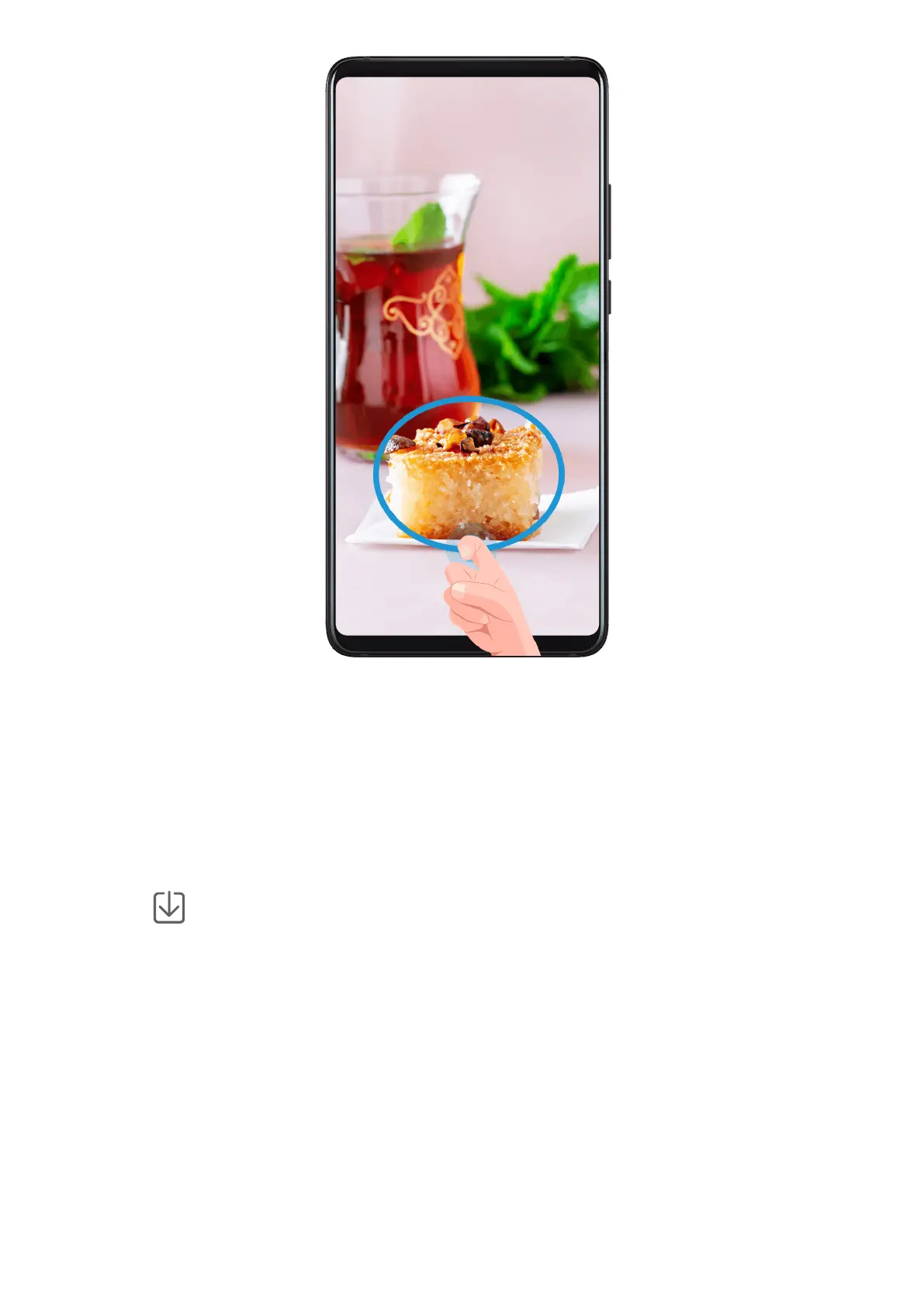
1 Knock the screen with a knuckle and hold to draw an outline around the part of the
screen that you want to capture. Make sure that your knuckle does not leave the screen.
2 The screen will display the movement trajectory of your knuckle and take a screenshot of
the selected area. Then you can:
• Drag the frame to the desired position or resize it.
• Touch a shape icon at the top of the screen to determine the shape of the partial
screenshot.
3 Touch
to save the screenshot.
Record the Screen
Record your screen activities in sharable videos to compose a tutorial, show
o your
awesome gaming skills, and a lot more.
Essentials
20



 To Next Page