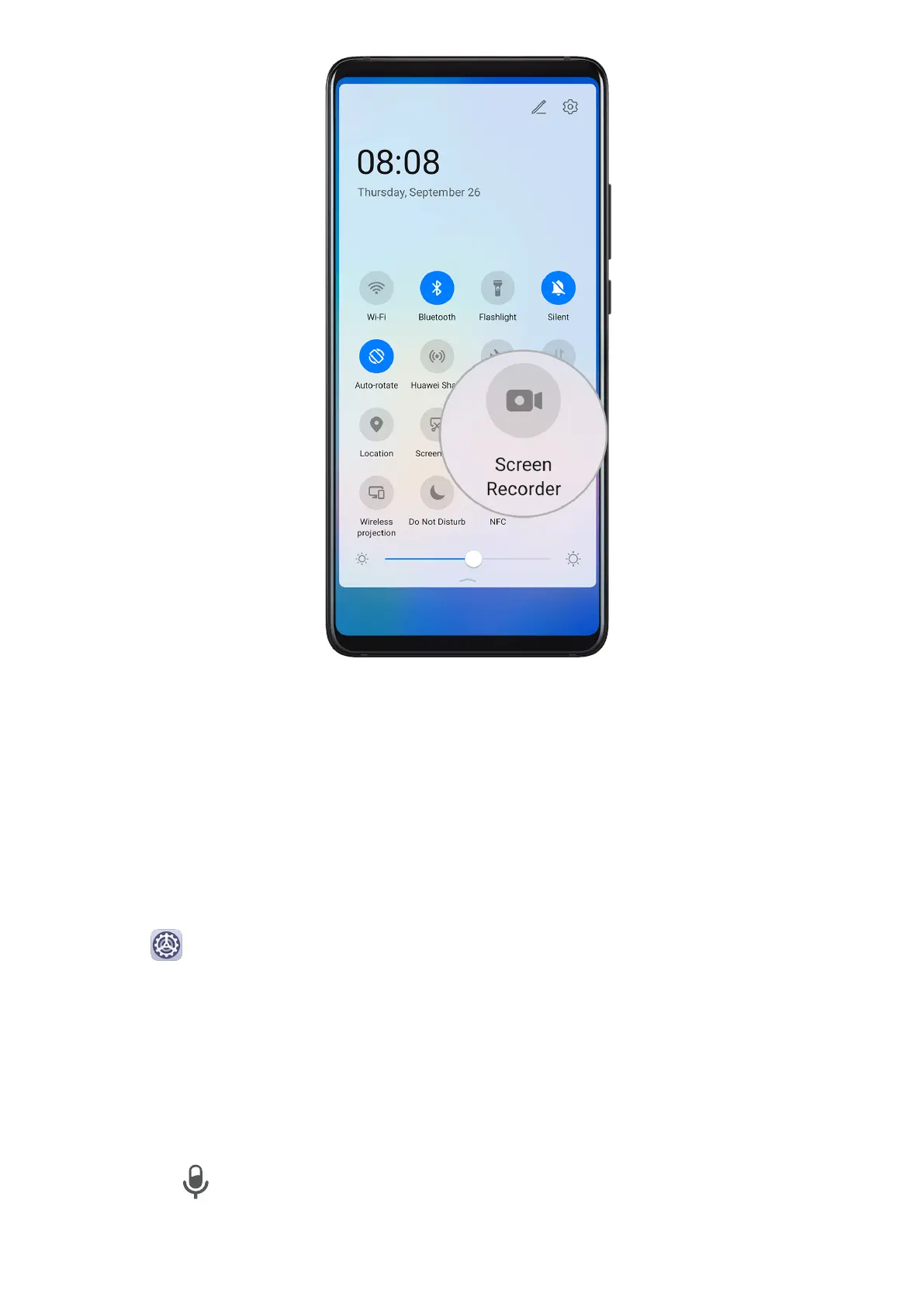
Use a Shortcut to Start Screen Recording
1 Swipe down from the status bar to open the notication panel, then swipe down on it
again to show all shortcuts.
2 Touch Screen Recorder to start screen recording.
3 To stop the recording, touch the timer at the top of the screen.
4 The recording will be saved to Gallery.
Use Two Knuckles to Start Screen Recording
1 Go to Settings > Accessibility features > Shortcuts & gestures > Record screen, and
ensure that Record screen is enabled.
2 Knock the screen twice in quick succession with two knuckles to start screen recording. To
stop recording, knock twice again.
Record Your Voice During Screen Recording
You can enable the microphone to record your voice while recording the screen.
Once you have started a screen recording, touch the microphone icon and ensure that it is
displayed as . Then your voice can be recorded as well.
Essentials
21



 To Next Page