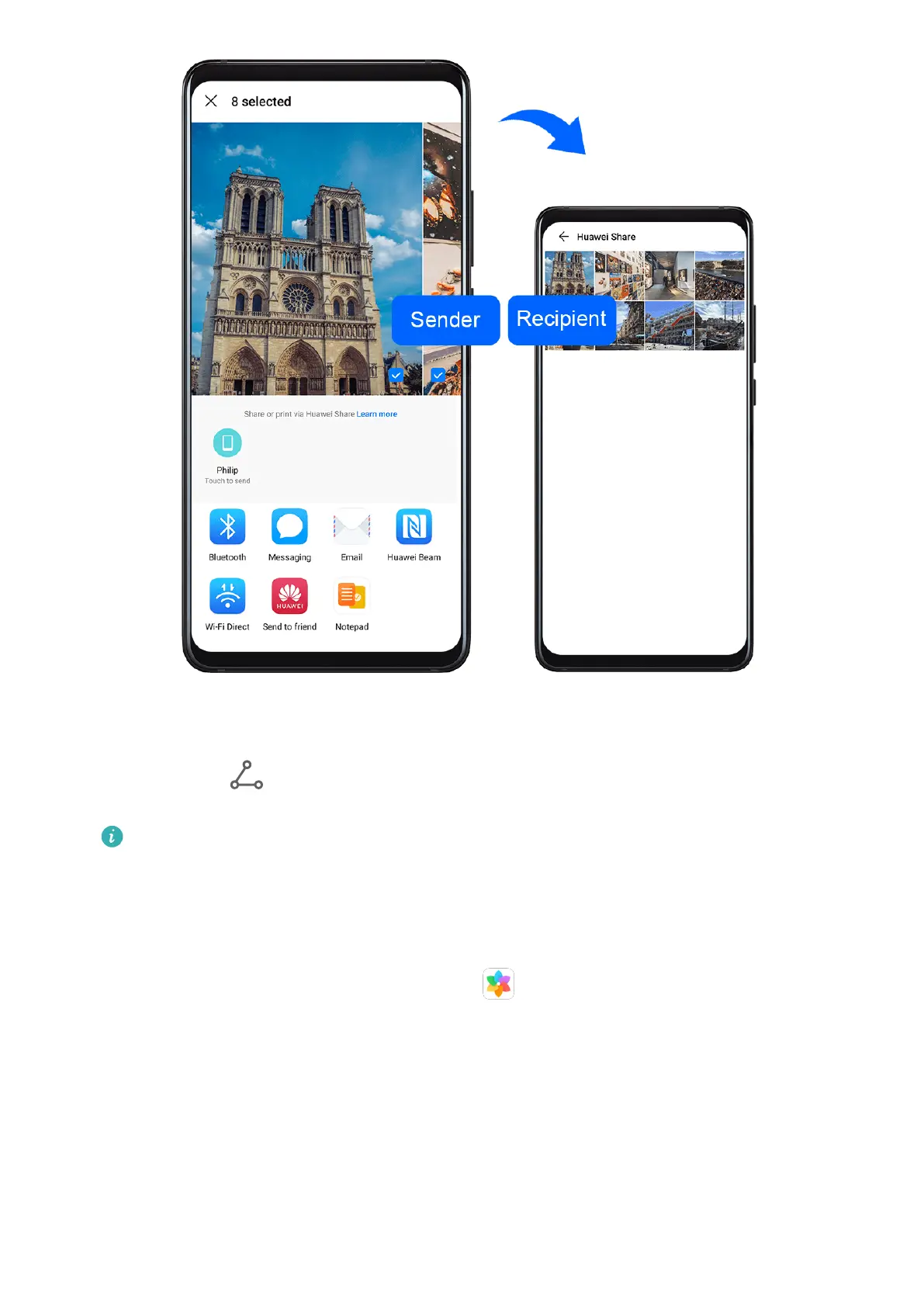
1 On the receiving device, enable Huawei Share.
2 On the sending device, touch and hold the le you want to share, then go to More >
Share or touch . Touch Huawei Share, then touch the name of the receiving device to
send the le.
The exact operations may vary if you are sharing les directly from apps.
3 On the receiving device, touch ACCEPT to accept the transfer.
To view the received
les, go to Files, select the Categories tab, then go to Internal storage
> Huawei Share.
Received pictures or videos can also be found in Gallery > Albums > Huawei Share.
Share Files Between Your Phone and Computer
You can use Huawei Share to quickly and easily share les wirelessly between your phone
and a computer.
Smart Features
44



 To Next Page