• Turn the ash on or o: Touch and select (Auto), (On), (O), or
(Always on).
Some features are only available when using the rear camera.
3 Touch
to take a photo.
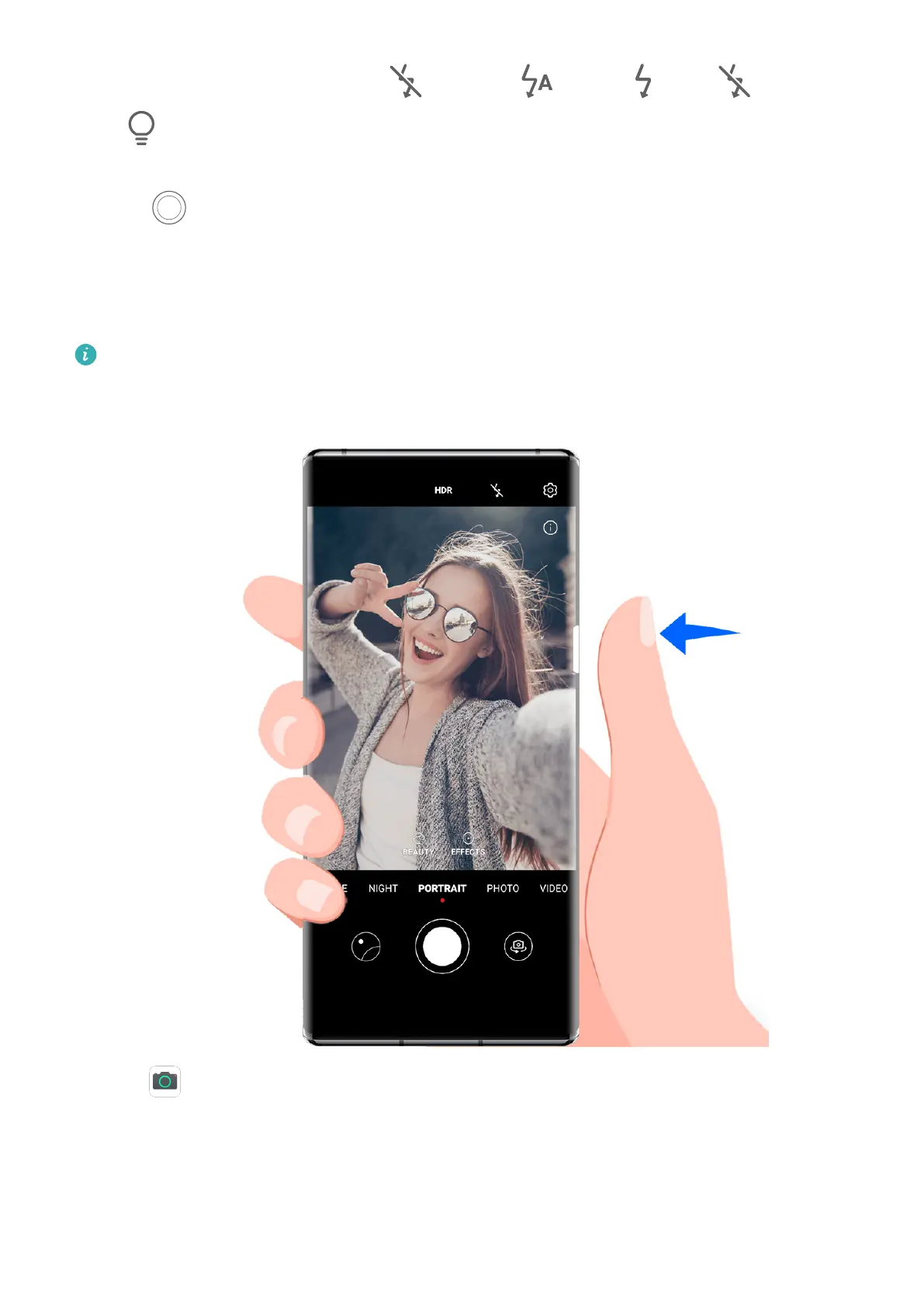
Use the Floating Shutter Button to Take Photos
A oating shutter button is displayed when you are using the camera. Drag it anywhere you
like to take photos quickly.
This feature may not be available in some camera modes.
1 Open Camera.
2 When you select Photo, Portrait, or another applicable mode, the oating shutter button
will be displayed on the viewnder.
Drag the oating shutter button anywhere you like. Then touch it to take a photo.
Camera and Gallery
54



 To Next Page