If ... Then …
Net Mode is set to ETHIP and AUTO
IP to ENABLE
The configuration is complete. End the
operation.
NOTE
When an AP is delivered, Net Mode is set to
ETHIP and AUTO IP to ENABLE by
default. Therefore, in PPPoE route mode, it
is not necessary to configure the AP.
Net Mode is not set to ETHIP or AUTO
IP to ENABLE
Go to 3.
3. Configure the AP. On the WebUI, choose Transfer Basic > NETMODE . Click
Mod and set Net Mode to ETHIP and AUTO IP to ENABLE.0
----End
5.1.2 FE Direct Connection Mode
This describes how to configure the IP address of the AP and the connection of the router in FE
direct connection mode.
Prerequisite
l You have logged in to the WebUI. For details, see Logging in to the WebUI.
l The IP address of the computer is set on the 192.168.1.x network segment.
Context
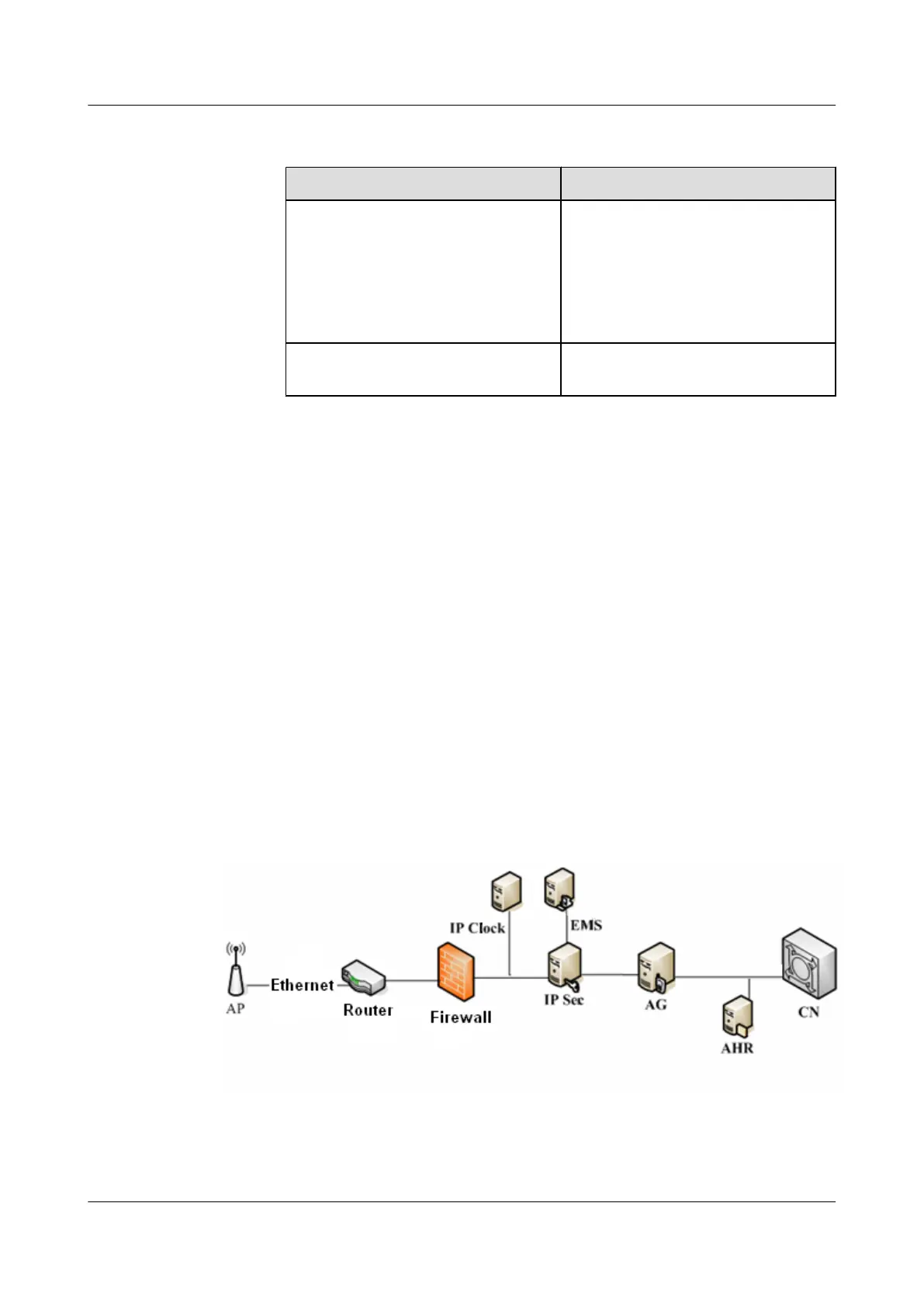
Figure 5-3 shows the FE direct connection mode.
Figure 5-3 FE direct connection mode
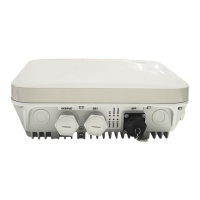
5 Configuring the UAP2105
UAP2105
User Guide
5-4 Huawei Proprietary and Confidential
Copyright © Huawei Technologies Co., Ltd.
Issue 03 (2009-08-20)


 To Next Page