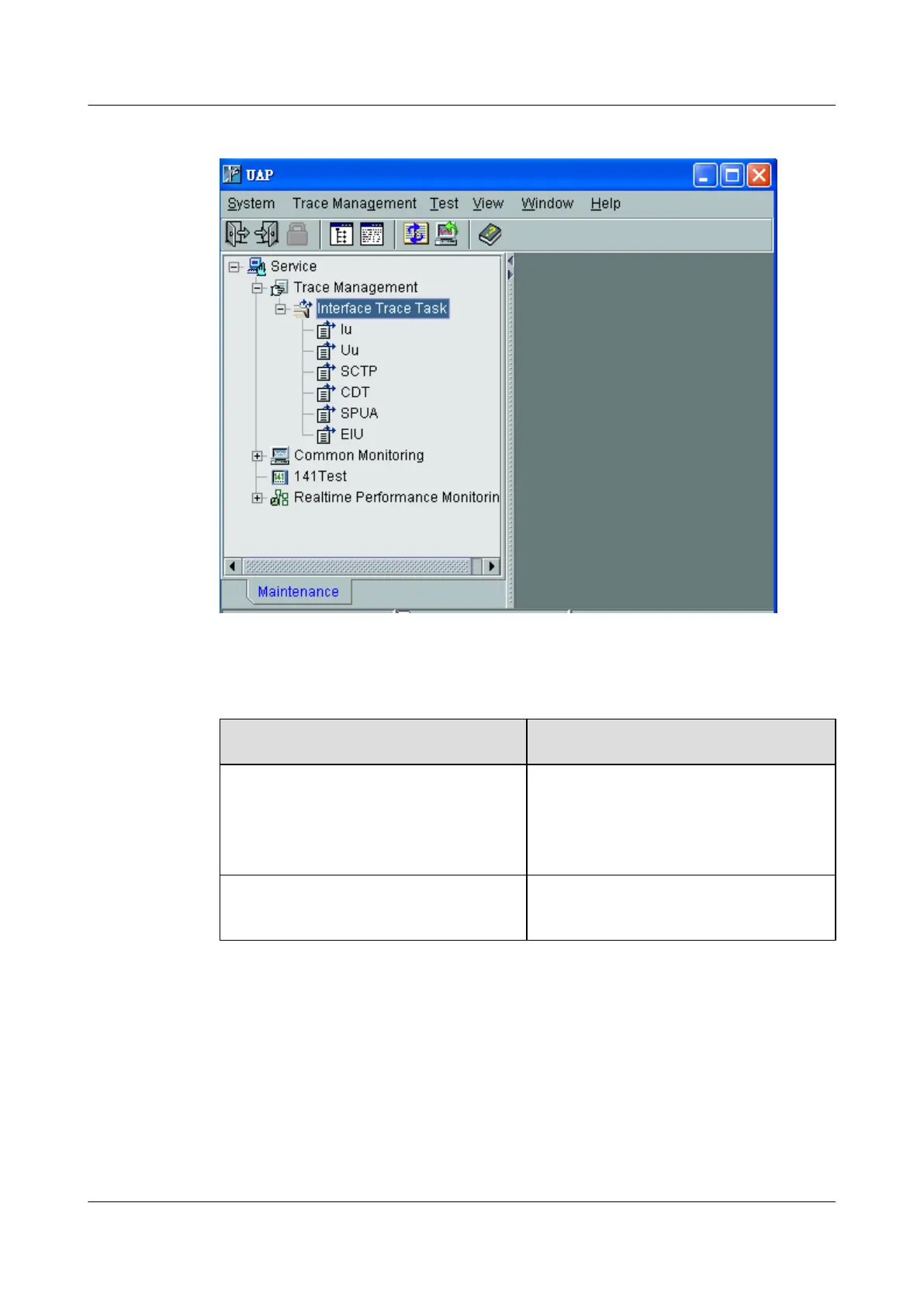
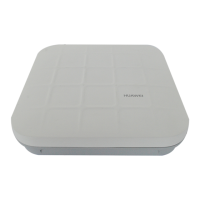
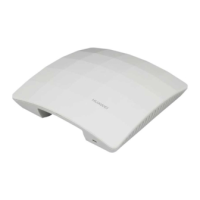
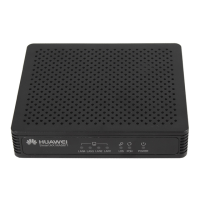
Figure 6-1 Tracing management
Step 2 Power on the UE under the coverage of the AP cell. Check whether the UE can automatically
search for the AP cell during startup.
If ...
Then …
The UE fails to search for the AP cell 1. Identify and rectify the fault. For details, see
Failure of the UE to Search for the AP
Cell.
2. Go to Step 3.
The UE succeeds in searching for the AP
cell
Go to Step 3.
Step 3 Wait until the UE is under the coverage of the AP cell and the location update is complete.
If the AP fails to access the AP cell, identify and rectify the faulty. For details, see Failure of
the UE to Access the AP Cell.
Step 4 Test the services provided by the AP.
1. A UE originates a voice call to the fixed-line phone.
2. UE 1 originates a voice call to UE 2.
3. UE 1 originates a video call to UE 2.
4. Browse web pages and upload or download data through a UE.
----End
UAP2105
User Guide 6 Routine Operation and Maintenance of the UAP2105
Issue 03 (2009-08-20) Huawei Proprietary and Confidential
Copyright © Huawei Technologies Co., Ltd.
6-3


 To Next Page