Figures
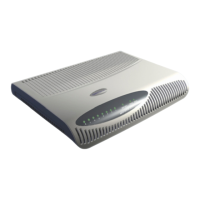
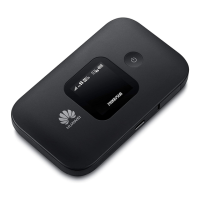
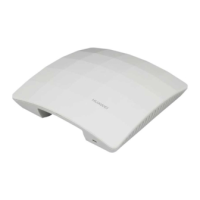
Figure 3-1 UAP2105............................................................................................................................................3-2
Figure 3-2 LED on the UAP2105.........................................................................................................................3-3
Figure 3-3 Ports and buttons on the UAP2105.....................................................................................................3-4
Figure 4-1 Installing the SIM or USIM card........................................................................................................4-3
Figure 4-2 Connecting the power adapter of the UAP2105.................................................................................4-4
Figure 4-3 Cable connections (with the modem having only one LAN port)......................................................4-5
Figure 4-4 Cable connections (with the modem having multiple LAN ports).....................................................4-5
Figure 4-5 Cable connections (in FE direct connection mode)............................................................................4-6
Figure 5-1 Configuring an AP..............................................................................................................................5-3
Figure 5-2 Checking the configuration of the AP................................................................................................5-3
Figure 5-3 FE direct connection mode.................................................................................................................5-4
Figure 5-4 Logging in to the AHR.......................................................................................................................5-5
Figure 5-5 Adding an AP zone.............................................................................................................................5-6
Figure 5-6 Completing settings............................................................................................................................5-6
Figure 5-7 Adding an AP user..............................................................................................................................5-7
Figure 5-8 Logging in to the AP Manager...........................................................................................................5-9
Figure 5-9 Configuring a zone...........................................................................................................................5-10
Figure 5-10 Activating a zone............................................................................................................................5-11
Figure 5-11 Configuring a zone.........................................................................................................................5-12
Figure 5-12 Setting the list of AP frequencies...................................................................................................5-12
Figure 5-13 Setting the list of AP scrambling codes..........................................................................................5-13
Figure 5-14 Configuration confirmation............................................................................................................5-13
Figure 6-1 Tracing management..........................................................................................................................6-3
Figure 6-2 Execute Trouble Diagnose ..............................................................................................................6-4
UAP2105
User Guide Figures
Issue 03 (2009-08-20) Huawei Proprietary and Confidential
Copyright © Huawei Technologies Co., Ltd.
iii


 To Next Page