EasyManua.ls Logo

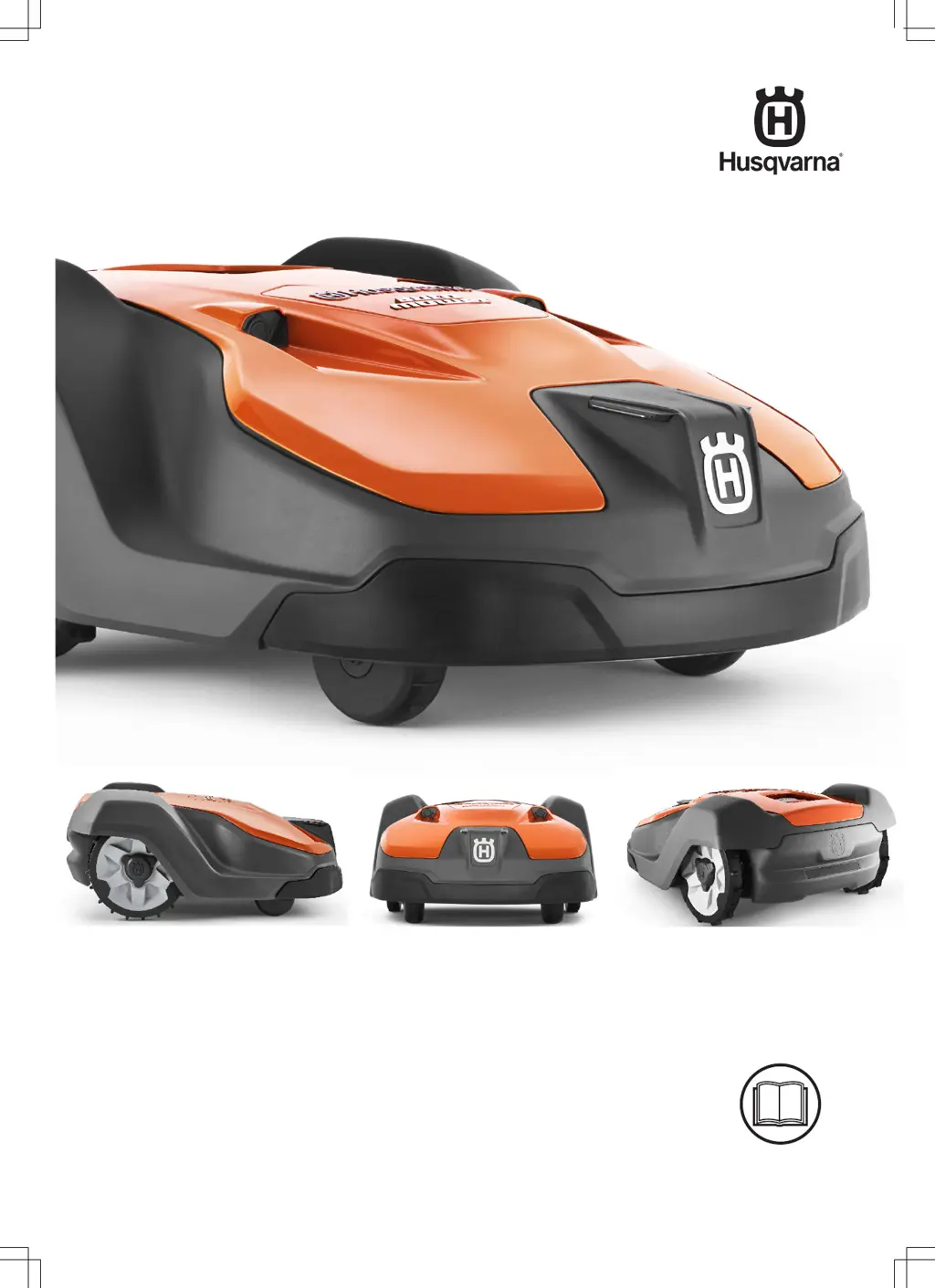
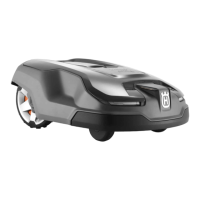
Husqvarna AUTOMOWER 550 - User Manual

Husqvarna AUTOMOWER 550
64 pages
Print Icon
To Next Page IconTo Next Page
Loading...
EN, English
Operator's manual
HUSQVARNA AUTOMOWER
®
520/550
Read the operator's manual carefully and make sure that you understand the instructions before
you use the product.

Table of Contents

Other manuals for Husqvarna AUTOMOWER 550

Questions and Answers

  • A
    aperezSep 18, 2025
    Why did the guide calibration fail on my Husqvarna Lawn Mower?
    • P
      patrickwhitakerSep 18, 2025
      If the guide calibration failed on your Husqvarna Lawn Mower, it means that the mower has failed to calibrate the guide wire. Check that the guide wires are installed according to the instructions.
  • B
    ballmelissaAug 25, 2025
    Why is my Husqvarna AUTOMOWER 550 Lawn Mower battery empty?
    • E
      Earl SpencerAug 25, 2025
      If your Husqvarna Lawn Mower is showing an empty battery, possible causes include: * The mower is unable to locate the charging station. Verify that the charging station and guide wire are installed according to instructions. * The guide wire is broken or disconnected. Find and fix any breaks in the guide wire. * The battery is spent and needs replacement. Replace the battery. * The charging station's antenna may be defective. Check if the indicator lamp in the charging station flashes red.
  • A
    Alicia PhelpsAug 25, 2025
    Why does my Husqvarna AUTOMOWER 550 Lawn Mower have a low battery?
    • D
      Donna MyersAug 26, 2025
      If your Husqvarna Lawn Mower indicates a low battery, it might be due to: * The mower's inability to locate the charging station. Ensure the charging station and guide wire are correctly installed. * A broken or disconnected guide wire. Find and repair any breaks in the wire. * A spent battery requiring replacement. Replace the battery. * A defective charging station antenna. Check if the indicator lamp on the charging station flashes red.
  • Q
    qvelasquezAug 26, 2025
    What to do if my Husqvarna Lawn Mower is trapped?
    • J
      Joshua MathewsAug 26, 2025
      If your Husqvarna Lawn Mower gets trapped, it could be due to these reasons: * The lawnmower has become caught on something. Free the lawnmower and address the cause of the trapping. * The lawnmower is stuck behind multiple obstacles. Inspect the area for obstacles that impede the lawnmower's movement.
  • G
    Gary KellySep 18, 2025
    What does weak GPS signal mean for my Husqvarna AUTOMOWER 550?
    • L
      lewisscottSep 18, 2025
      If your Husqvarna Lawn Mower has a weak GPS signal, it means that the GPS signal is weak for the current working area. If the message appears often, turn off the GPS assisted navigation and instead use the manual settings for Lawn coverage.
  • R
    Raymond GarciaSep 23, 2025
    What to do if Husqvarna Lawn Mower SIM card requires PIN?
    • P
      Phillip SinghSep 23, 2025
      If your Husqvarna Lawn Mower indicates that the SIM card requires a PIN, it means that the SIM card must be unlocked. Make sure the correct SIM PIN has been entered into the mower's menu.
  • D
    Dawn CochranSep 9, 2025
    Why does my Husqvarna AUTOMOWER 550 Lawn Mower say alarm mower stopped?
    • K
      Katherine RobinsonSep 9, 2025
      If your Husqvarna Lawn Mower displays 'Alarm! Mower stopped', the alarm was activated because the mower was stopped. Adjust the mower security settings in the Security menu.
  • D
    Daniel SmallSep 10, 2025
    What does temporary electronic problem mean on my Husqvarna AUTOMOWER 550?
    • B
      Beth GraySep 10, 2025
      If your Husqvarna Lawn Mower is experiencing a temporary electronic problem, it is due to a temporary electronic or software related issue in the mower. Restart the mower.
  • J
    Justin LewisSep 3, 2025
    What to do if my Husqvarna AUTOMOWER 550 is upside down?
    • E
      Elizabeth GuerreroSep 3, 2025
      If your Husqvarna Lawn Mower is upside down, it means the mower is leaning too much or has turned over. Place the mower on a flat, level surface, and start it again.
  • F
    Faith MitchellSep 1, 2025
    Why is the cutting height blocked on my Husqvarna AUTOMOWER 550 Lawn Mower?
    • J
      Jeremiah RobinsonSep 1, 2025
      If the cutting height of your Husqvarna Lawn Mower is blocked, it may be because grass or another object is wrapped around the cutting height adjustment, or between the blade disc and chassis. Check the blade disc and the bellows around the cutting height adjustment, and remove any obstructions.

Summary

Introduction to Husqvarna Automower Operation

Symbols on the Product

Explains safety and warning symbols found on the product.

Safety Guidelines for Robotic Lawnmowers

General Safety Instructions

Provides general safety guidelines for operating the robotic lawnmower.

Safety Instructions for Operation

Specific safety rules for operating the lawnmower safely.

Maintenance Safety Precautions

Safety precautions related to maintenance tasks.

Installation of Husqvarna Automower

Installation Preparations

Steps and considerations before starting the installation process.

Charging Station Setup

Details about the charging station and its functions.

Boundary Wire Installation

Information on installing the boundary wire.

Connectivity Options

Overview of the Automower Connect app and connectivity options.

Starting the Robotic Lawnmower

Initial setup and startup sequence.

Timer Function

How to use the timer function to schedule mowing times.

Operating Your Robotic Lawnmower

Maintenance and Care of Your Automower

Replacing the Blades

Instructions and safety warnings for replacing the blades.

Troubleshooting Common Issues

Fault Messages

Lists common fault messages and their causes/actions.

Symptoms Guide

Guide to diagnosing and resolving common operational symptoms.

Finding Loop Wire Breaks

Troubleshooting guide for locating breaks in the boundary wire.

Technical Data

Warranty Information

Guarantee Terms

Explains the product's warranty coverage and terms.

Husqvarna AUTOMOWER 550 Specifications

General IconGeneral
Cutting Width24 cm
Cutting Height Min20 mm
Cutting Height Max60 mm
Battery TypeLi-ion
Maximum Incline within the Working Area45%
Working Area Capacity5000 m²
Cutting System3 pivoting razor blades
Height AdjustmentElectric
Product Size72 x 56 x 31 cm
Battery Voltage18 V
Weather ResistanceYes
Smart ConnectivityYes
Typical Charging Time60 minutes

Related product manuals