100 Digital Refractor CDR-9000
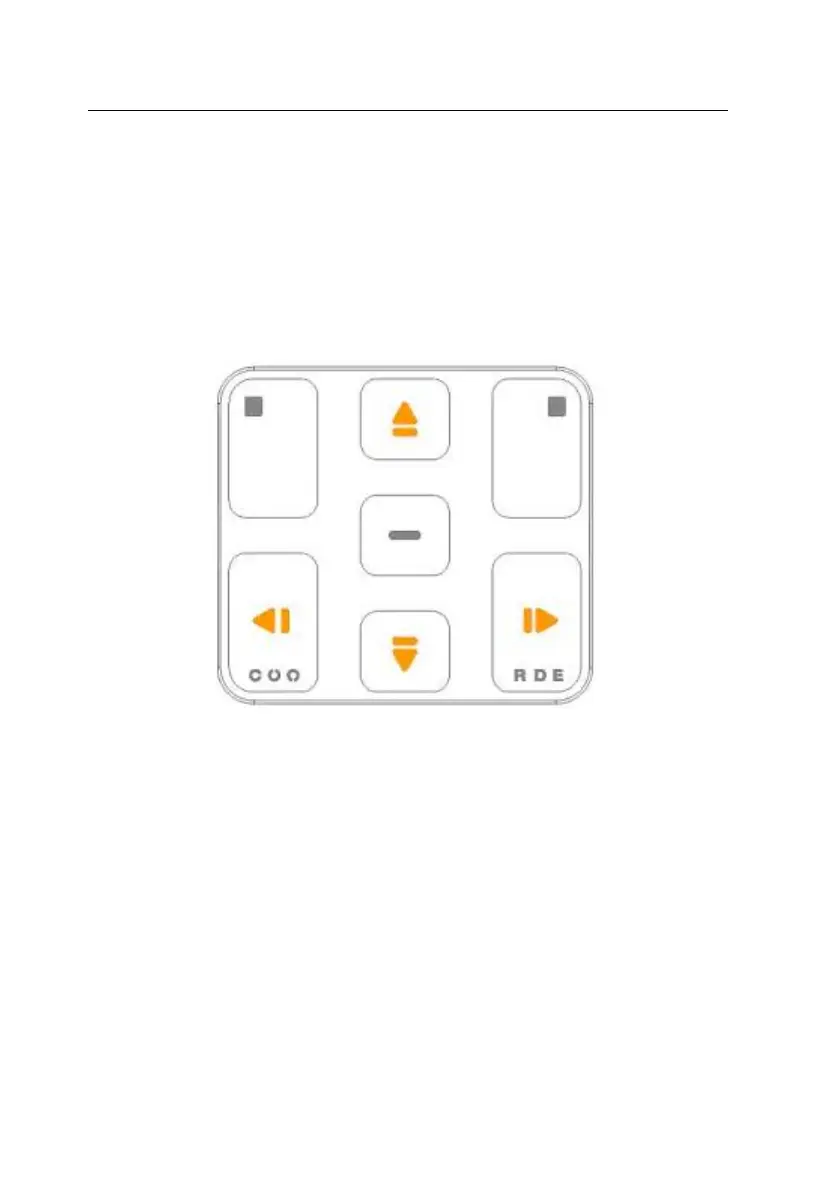
You can erase the part of or whole message by using [
] or [
] button. W
hen you press [
] button, the letter before the cursor is deleted and when yo
u press [
] button, the letter on the cursor is erased. [
] button erases the
character on the cursor position, and the remaining characters move forward o
ne by one. [
] button erases the previous letter on the cursor position, and t
he remaining characters including cursor position move forward one by one. You
can move the cursor by using the arrow buttons.
.


 To Next Page