102 Digital Refractor CDR-9000
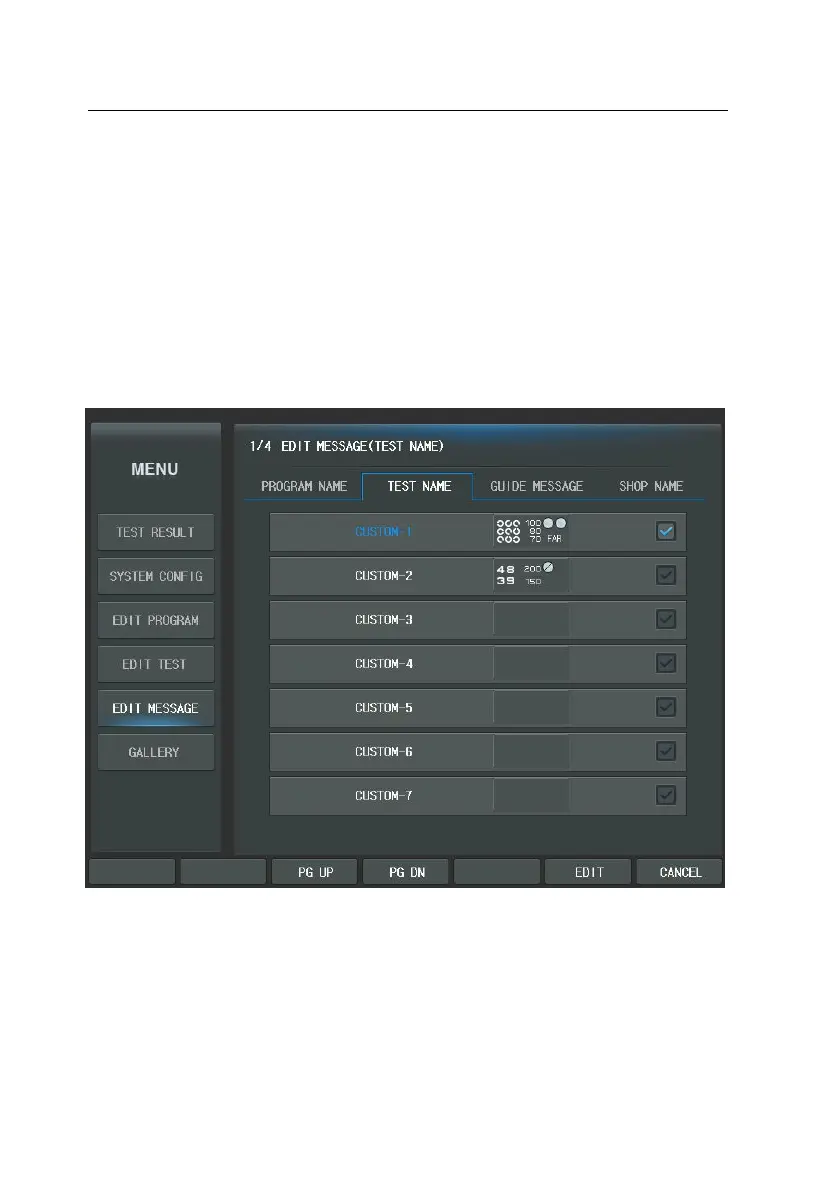
Press [MENU] and select “Edit Message” and “Test Name” in order to edit the u
ser-defined test name. Select the test name of the touch screen you want to edi
t. When you select ‘CUSTOM A1’, the initial program name ‘CUSTOM A1’ display
s on the Message area of the virtual keyboard. You can make 35 test names an
d write maximum 15 characters. But, it is impossible to change the system provi
de test name.



 To Next Page