Digital Refractor CDR-9000 63
8. Configuring the System
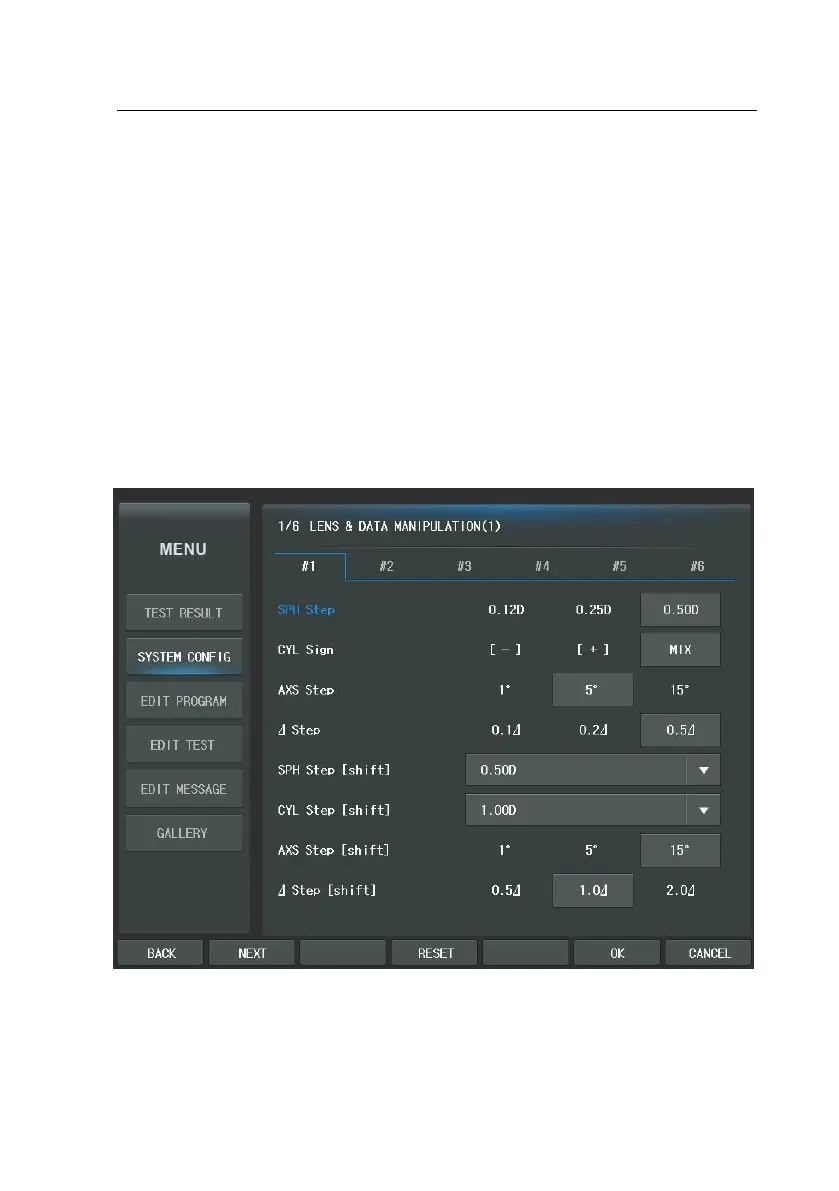
CDR-9000 system provides various kinds of system configuration menu. Thus it is
able to optimize optometry environment. You may start configuration by pressin
g the [MENU] button. Then select “System Config” of the touch screen. It is co
mposed of 6pages and the major categories are as follows: “LENS & DATA MAN
IPULATION (1,2), “TEST & DATA MANIPULATION (1,2)”, “TEST ENVIRONMENT”, “P
RINT OPTION”. Before exploring configuration by page sequence all around, butt
on method is covered first.



 To Next Page