Digital Refractor CDR-9000 97
10.2. How to Use Virtual Keyboard
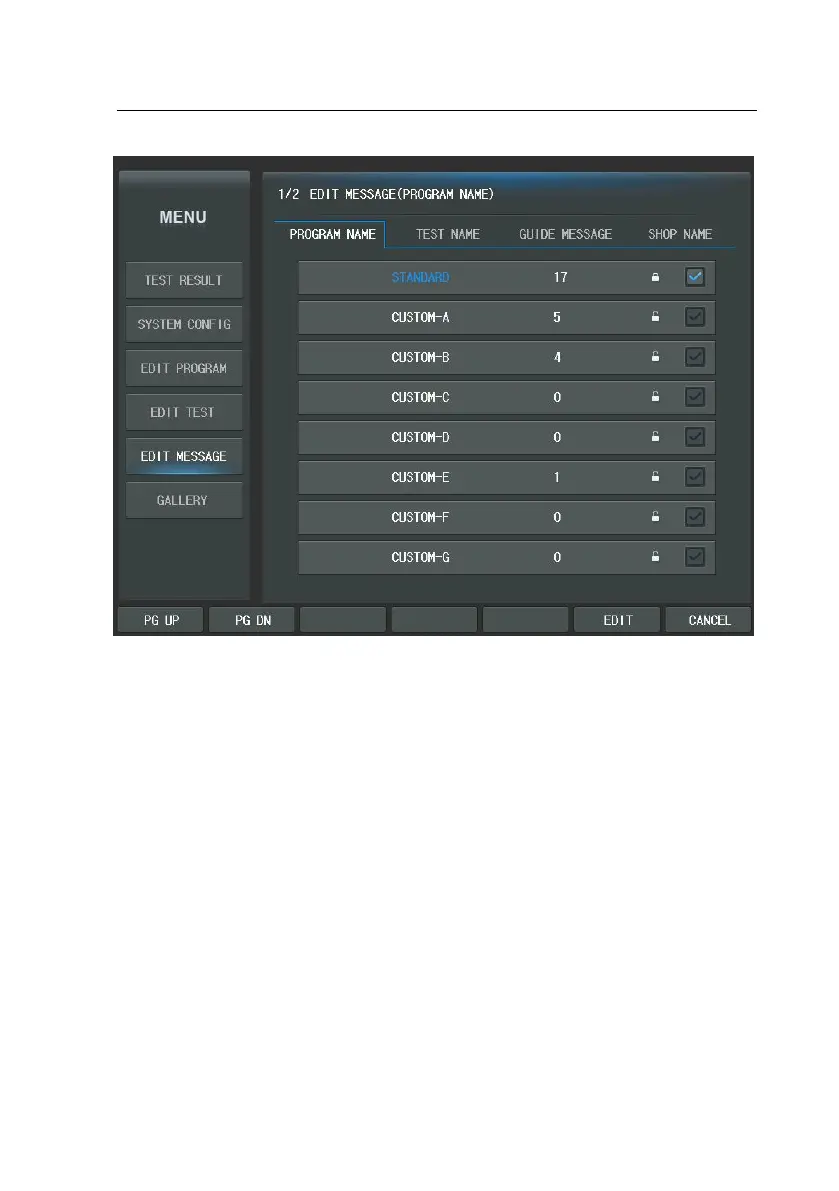
You can edit message by pressing the button on the virtual keyboard.
The virtual keyboard is composed of ‘SAVE’, ‘EXIT’ button, Message area, and Ke
yboard buttons. You can rewrite the message by using the virtual keyboard butt
ons as shown at the Figure.
Next figure shows the keys for rewriting the message.



 To Next Page