98 Digital Refractor CDR-9000
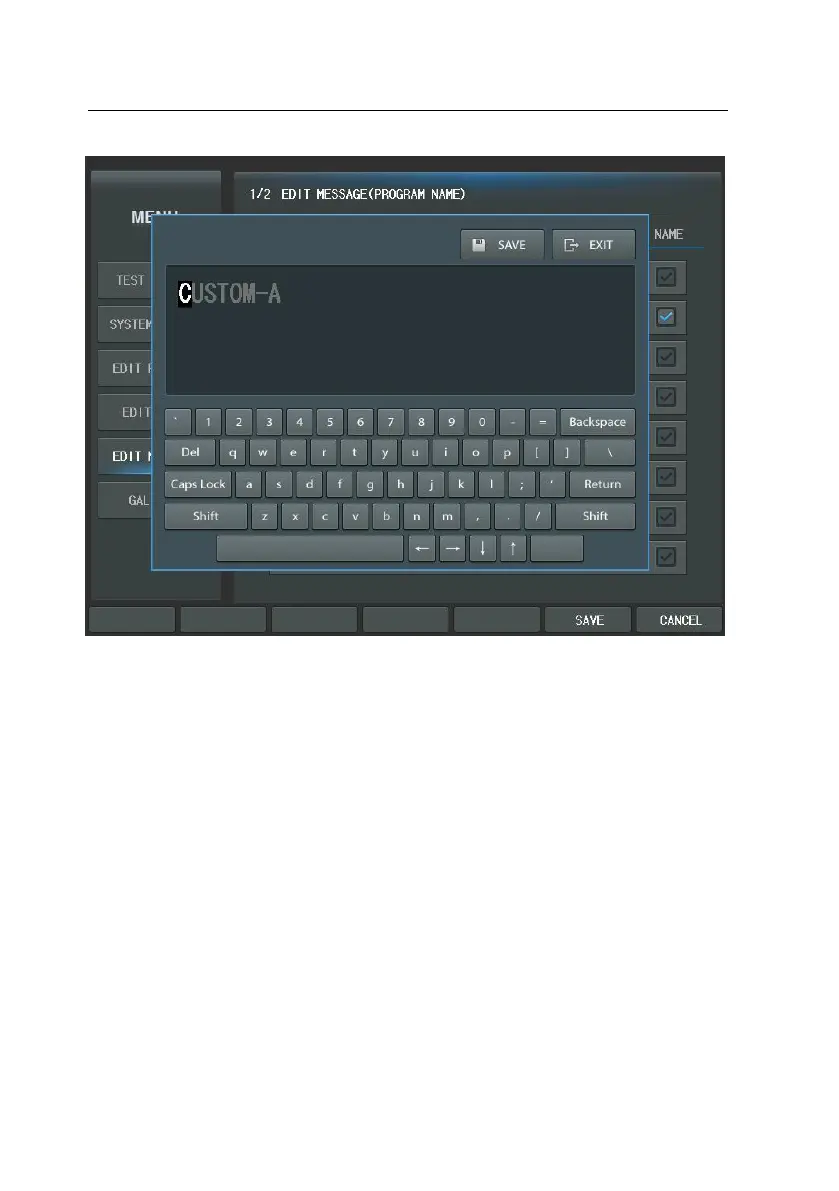
When you press the key on the virtual keyboard, the characters display on the
Message area. If the last character is reached in the end of Message area, the c
ontrol panel warns you using beep sound.
If you want to write ‘capital’, press ‘Caps Lock’ button or ‘Shift’ button, then virt
ual keyboard changes to ‘capital’. In addition, you can erase the message by usi
ng ‘Backspace’ or ‘Del’ button. ‘Backspace’ button has a function what delete pre
vious character from current cursor. ‘Del’ button delete the character on the curs
or position and the remaining characters remove before one by one. You can m
ove the cursor in the Message area by using the ‘arrow’ buttons. Press ‘SAVE’ b
utton to save and press ‘EXIT’ button to exit.
It is identical with keyboard instructions. It will be convenient to the user.



 To Next Page