142 Digital Refractor CDR-9000
13.5. Negative Relative Accommodation Test
-
Objective: To measure the Negative Relative Accommodation Test during the s
ubjective test.
-
Chart: Near Distance chart
-
Expectation: To obtain BLUR and RECOVERY value for the right or left eye or
for both eyes.
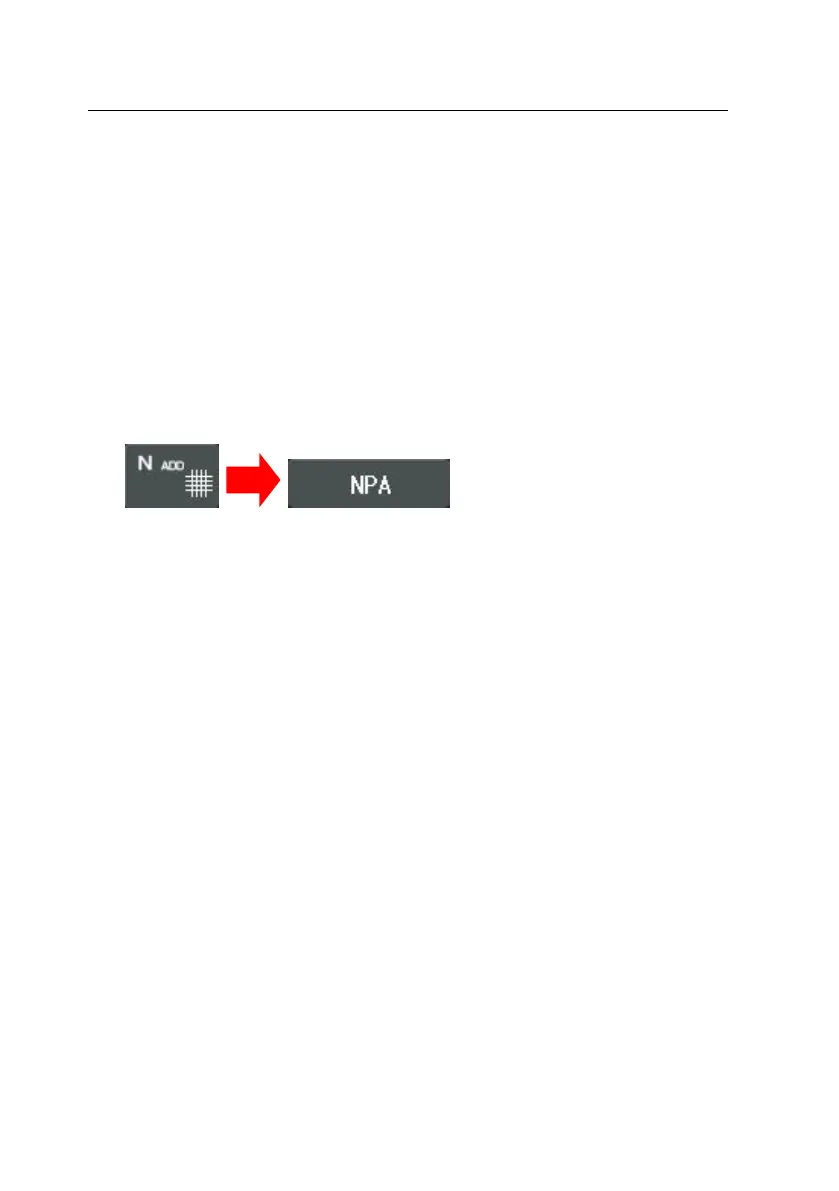
1. Press the [N ADD #] button and then the [NRA] button of the touch scre
en. Alternately, press the [TEST] button and then select “Negative Relative
Accomm.” Item of the touch screen to execute this test.
2. Press the [R], [L], [OU] button to select the field to measure.
3. After pressing the [BLUR] button of the touch screen, place the Near Dista
nce chart with 1.0 VA (20 in 20/20, 6 in 6/6) to 40cm away position from
the patient’s eye. Turn the dial to find the spot where the letters on the
chart start to fade away. If the break spot has been found, press the [REC
OV] button of the touch screen to enter recovery mode.
4. Find the recovery spot while turning the dial clockwise. Press the [OK] but
ton of the touch screen to finish this test after the recovery spot has bee
n found.



 To Next Page