Digital Refractor CDR-9000 147
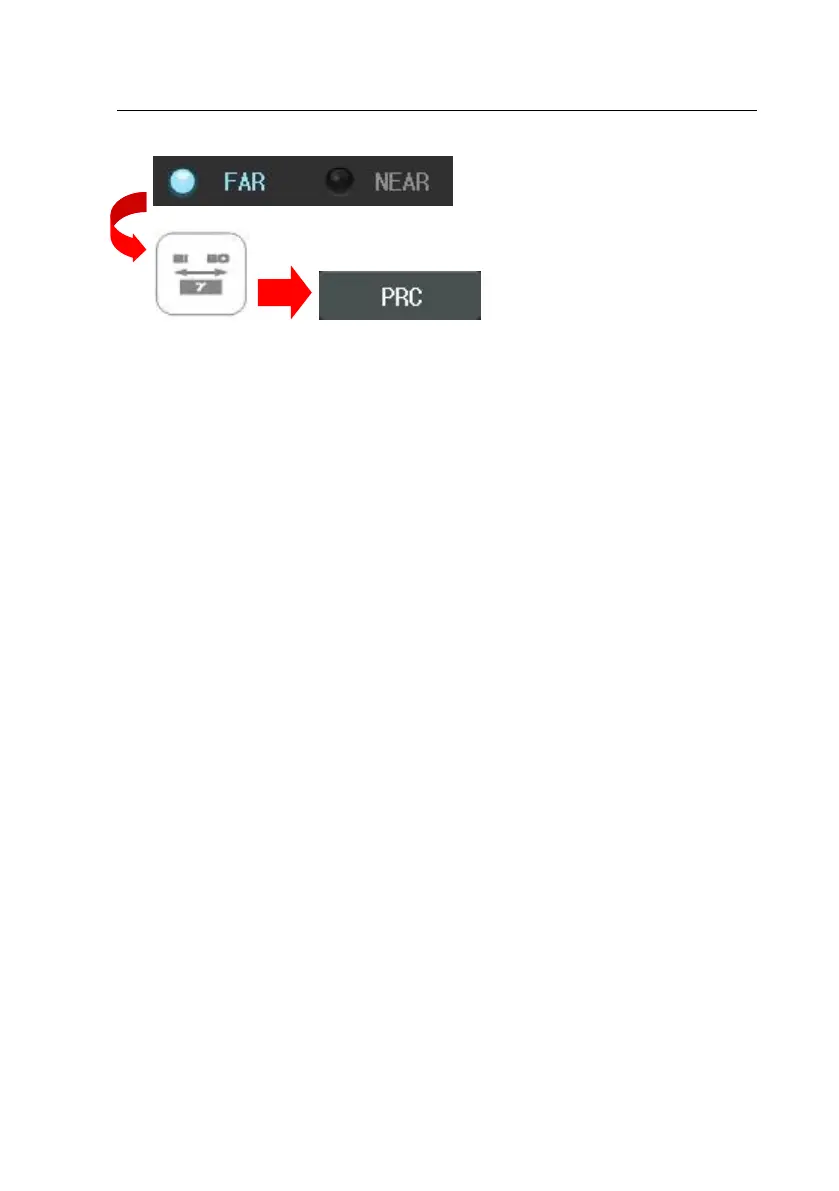
1. Press the [F/N] button of the touch screen to select near or far mode.
2. Press the [BIBO] button and then the [PRC] button of the touch screen. Al
ternately, press the [TEST] button and then select “Positive Relative Convr
g.” Item of the touch screen to execute this test
3. In the far mode, horizontal Von Graefe Chart will be spread on the screen.
In the Near Mode, lower the Von Graefe chart until it is placed to 40cm
away position from the patient’s eye so that the patient could see this c
hart.
4. After pressing the [BLUR] button of the touch screen, turn the dial clockwi
se to subtract BO prism. Press the [BREAK] button of the touch screen by
the time the chart starts to fade away. If there is no such spot and the
chart appears to be divided into two, continue the test.
5. Continuously turn the dial clockwise to subtract the BO prism. Press the [R
ECOV] button of the touch screen by the time the chart is divided into tw
o.
6. At this time, turn the dial counterclockwise to add the BO prism. Press th
e [OK] button of the touch screen when the charts come together. All do
ne.



 To Next Page