32 Digital Refractor CDR-9000
-
(TIP) This button is useful if you are confused to find the exit method
in certain dialog or screen. On behalf of pressing some buttons aimles
sly to exit with luck, CDR-9000 system provides the [ESC] button consis
tently. In other words, whenever the [ESC] button is pressed, it goes to
the main display without exception.
-
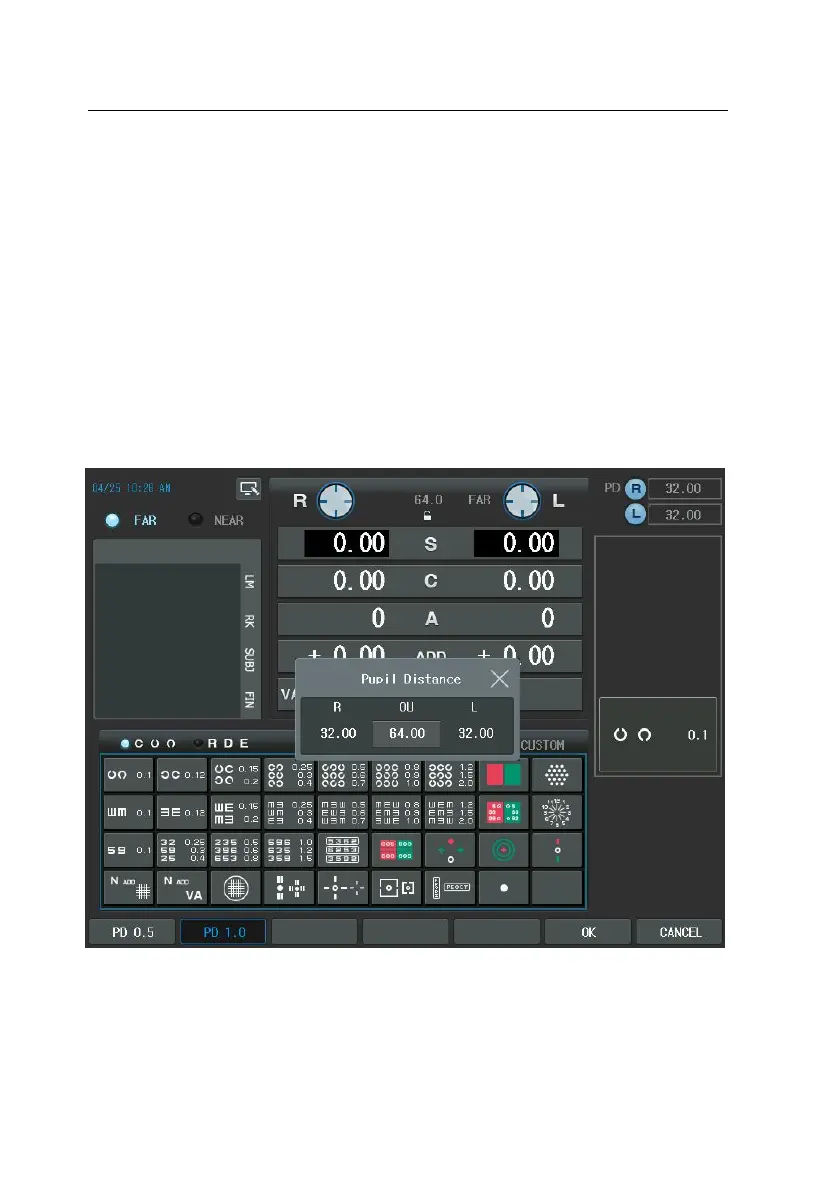
Press the [PD] button to enter PD control mode for both eyes or for R
ight/Left eye and turn on the LED for VD check simultaneously.
-
To control R/L PD, press the [R], [L] button and change by the dial.
3) Unit Test button (TEST)
- You can choose one from the 29 system-providing unit tests or from t
he 35 user-defined tests. Pressing the [CUSTOM] button in the Chart ar



 To Next Page