Digital Refractor CDR-9000 55
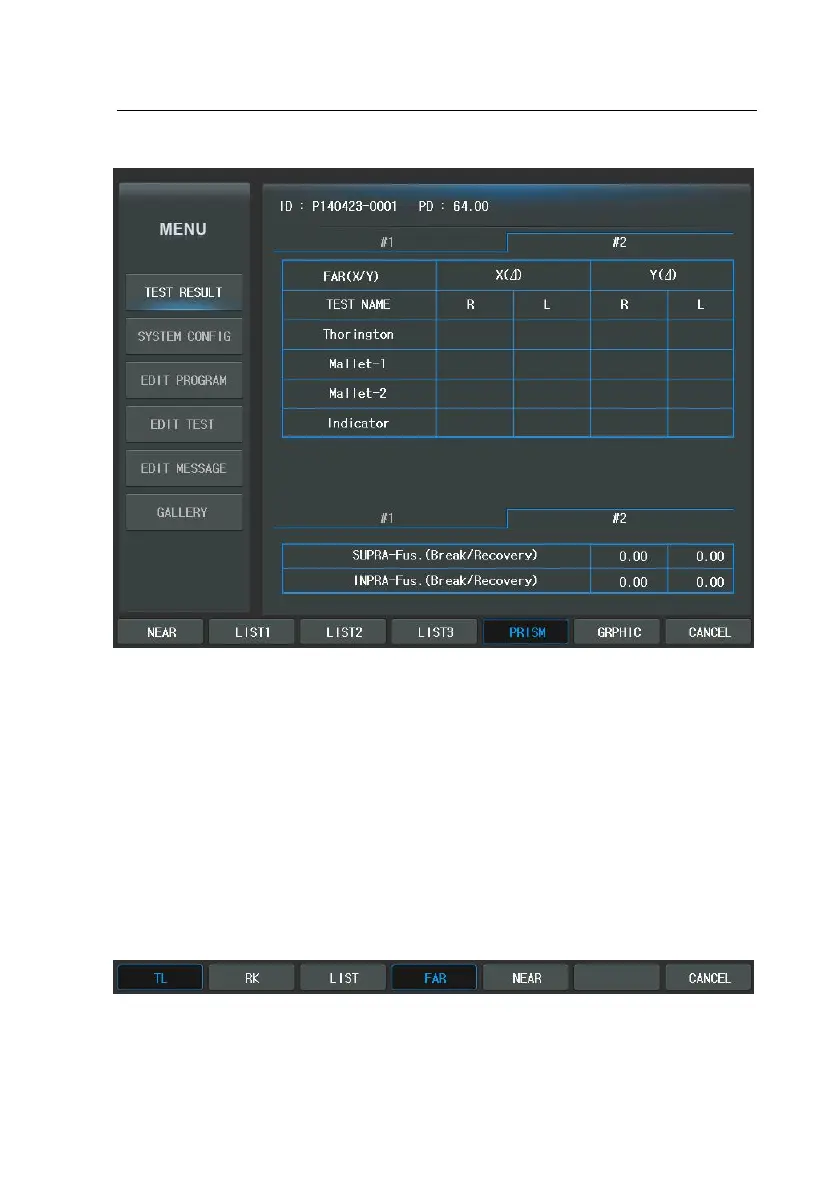
For your information, these are no separate menu but if the [PRINT] button is p
ressed during table view, the measured results will be printed on the paper via t
he built-in thermal printer.
It goes through “Test Result” display in place of the direct printing on paper if
“Preview List” is set as ‘YES’ on page 6 of the “System Config” which appears w
hen the [MENU] button is pressed. Set it as ‘NO’ prints test results out through
the built-in thermal printer.
Press the [GRAPHIC] button of the touch screen to verify the results in the grap
hical view. It consists of two large parts: [TL] (Trial Lens Data), [RK] (Ref. & Kerat
o Data). And [LIST] (LIST1) is provide for the conversion of the screen.
-
Trial Lens Data: illustrates required information in brief to set up the trial l


 To Next Page
 Loading...