2.2
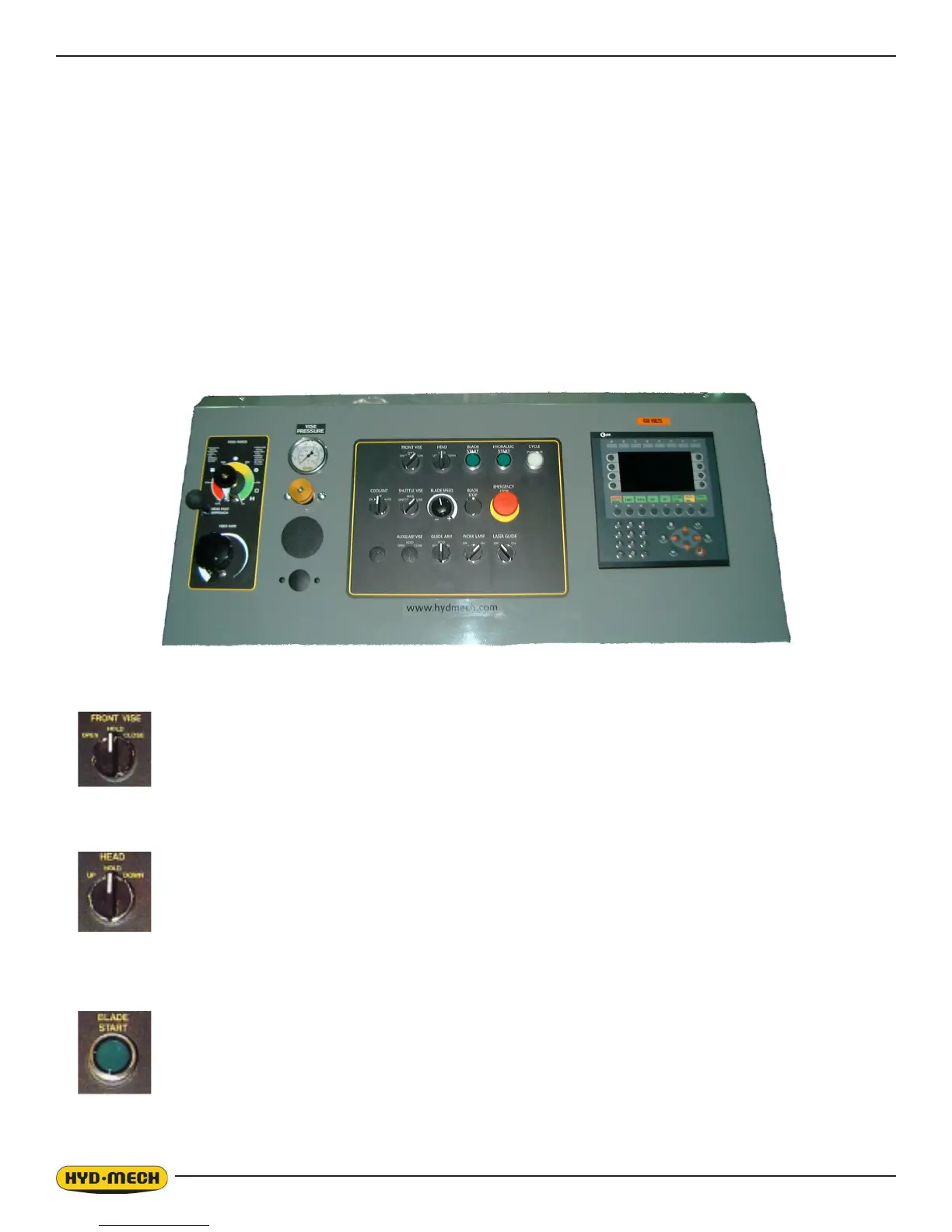
Operator Control Console TOP ROW
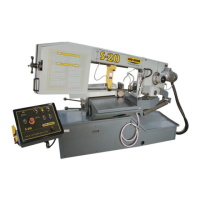
THE CONTROL CONSOLE
START-UP
The M-16A and M-20A control console has been designed to simplify the operation of the saw, to give the operator the
ability to stop any function at any time, and to be able to control all the functions remotely. We cannot overstress the im-
portance of familiarizing yourself with the controls of the M-16A and M-20A prior to starting the machine.
NOTES:
1. ALL SWITCHES MUST BE IN THE CENTER NEUTRAL POSITION TO START THE MACHINE!
2. WHEN STARTING THE MACHINE FOR THE FIRST TIME MAKE SURE THAT BLADE IS MOVING IN A
COUNTERCLOCKWISE DIRECTION, AND THAT THE HYDRAULIC PRESSURE IS 900 PSI (6200kP). IF
THERE IS NO IMMEDIATE PRESSURE, SHUT THE SAW DOWN AND CHANGE THE PHASE ORDER AS
STATED IN SECTION 1 .
FRONT VISE - This switch has three positions, OPEN, HOLD and CLOSE. With the switch held in the
OPEN position the vise will open all the way or until the switch is released. With the switch
in the HOLD position, the vise will stay where it is and will not move freely although it will
not resist a large force indenitely without creeping. In CLOSE, the vise will close all the
way, or until it encounters enough resistance to stop it.
HEAD CONTROL - This switch has three positions: UP, HOLD and DOWN. The switch is inactive unless
the PLC is in manual mode. In the UP position, the head will rise until it trips the head
up limit switch. In the HOLD position the head will stay still. In the DOWN position the
head will descend until it reaches the head down limit switch. The speed of descent is
controlled by the Head Feed and Head Force Limit controls.
BLADE START - The blade can be started only when the hydraulics are running in either manual or auto
mode.
NOTE: In automatic Mode the head will not descend until the blade has been started, which the PLC will
prompt the operator to do so.



 To Next Page