16
TOGGLE TORQUE, ANGLE & RELEASE
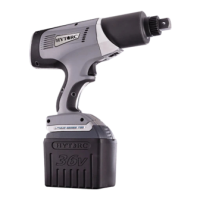
The tool provides simple access to set Torque, Angle and Release by toggling the center button. The torque setup screen is
the home screen for operating the tool.
2. ANGLE: Press and hold the center button for
approximately 3-seconds and release it to access the
Release screen.
3. RELEASE: Press and hold the center button for
approximately 3-seconds and release it to access the
Torque screen.
1. TORQUE: Press and hold the center button for
approximately 3-seconds and release it to access the
Angle screen.

 To Next Page
 Loading...