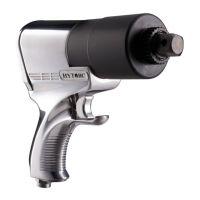
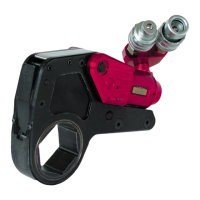
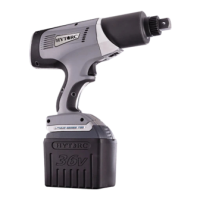
LITHIUM SERIES® Electric Torque Tool (BTM-DOC Models) Operations Manual
37
LOOSENING THE HYTORC NUT
• The Tool provides the maximum torque capacity in reverse providing a powerful breakout capability.
• Press the center button to toggle to the loosen mode.
• It may necessary to install a back wrench to keep the back nut from turning.
• When loosening HYTORC Nuts position the driver and hold the trigger until the HYTORC Nut is loose.
• The status light turn amber during operation. If the operation is successful, the status light will turn green, if
unsuccessful the status light will turn red.
• Remove the tool driver from the nut.

 To Next Page
 Loading...