7
Note:
While in Cool or Heat mode, once the thermostat turns the system off, a built-in delay keeps
the compressor from turning on for about 5 minutes. This protects the compressor.
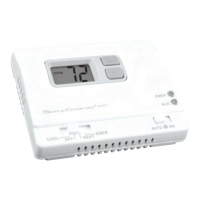
4. Put the Mode switch to the Heat position.
5. Press the button until the temperature setting is at least 3 degrees above
room temperature. The heating system should turn on.
Note:
The compressor may not turn on again for 5 minutes.
6. Put the Mode switch to the Off position. The heating system should turn off.
Once again the fan may have a delay.
7. Put the Fan switch to the On position. The blower fan should turn on.
8. Put the Fan switch to the Auto position. The blower fan should turn off.
If all functions operate properly, the thermostat is installed correctly.
If the thermostat does not operate properly:
• Check all wiring connections
• See Troubleshooting (Page 21)
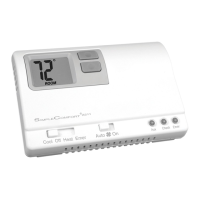
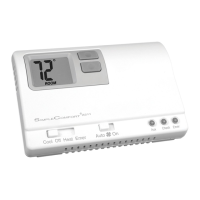
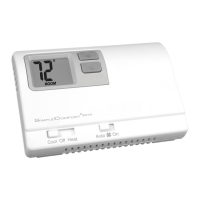
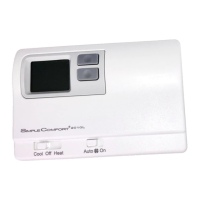
Cool Off Heat Emer
Auto On
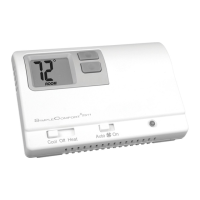
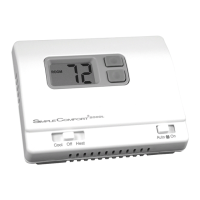
Auto On
Cool Off Heat Emer
Mode
Mode
Fan
Fan






 To Next Page