8
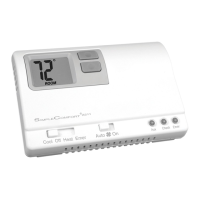
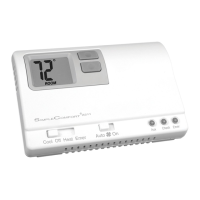
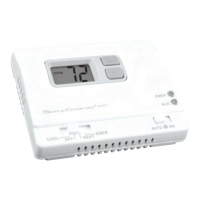
There are two LED indicators located on the front of the thermostat. They are designed to inform you of
the following:
AUX (GREEN): This turns on when the auxiliary (back-up)
heating is in operation. This is the second (non-
economy) stage of heat. It turns on 2 degrees
below first stage and is not adjustable.
EMER (RED): This light turns on whenever the emergency
heat is manually selected (system switch is in
the EMER position). While in the emergency
heat mode, the heat pump compressor is off,
and the emergency heat (same as the auxiliary
heat) maintains the setpoint temperature.
Setting the Room Temperature (Setpoint Temperature)
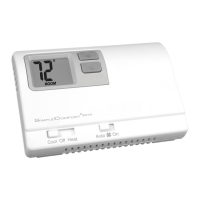
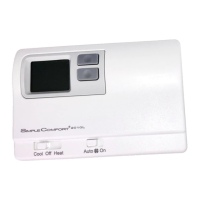
Step 1: Press the or button; the current temperature setpoint displays.
Step 2: Press the or button until the desired temperature setpoint displays.
Note:
Holding down either
the or button will scroll the
temperature display.
The new temperature setting is automatically saved. After 5 seconds, the display
returns to showing the current room temperature.
Operation
LED Indicators






 To Next Page