EasyManua.ls Logo

Icom IC-M34 - User Manual

Icom IC-M34
36 pages
Print Icon
To Next Page IconTo Next Page
Loading...
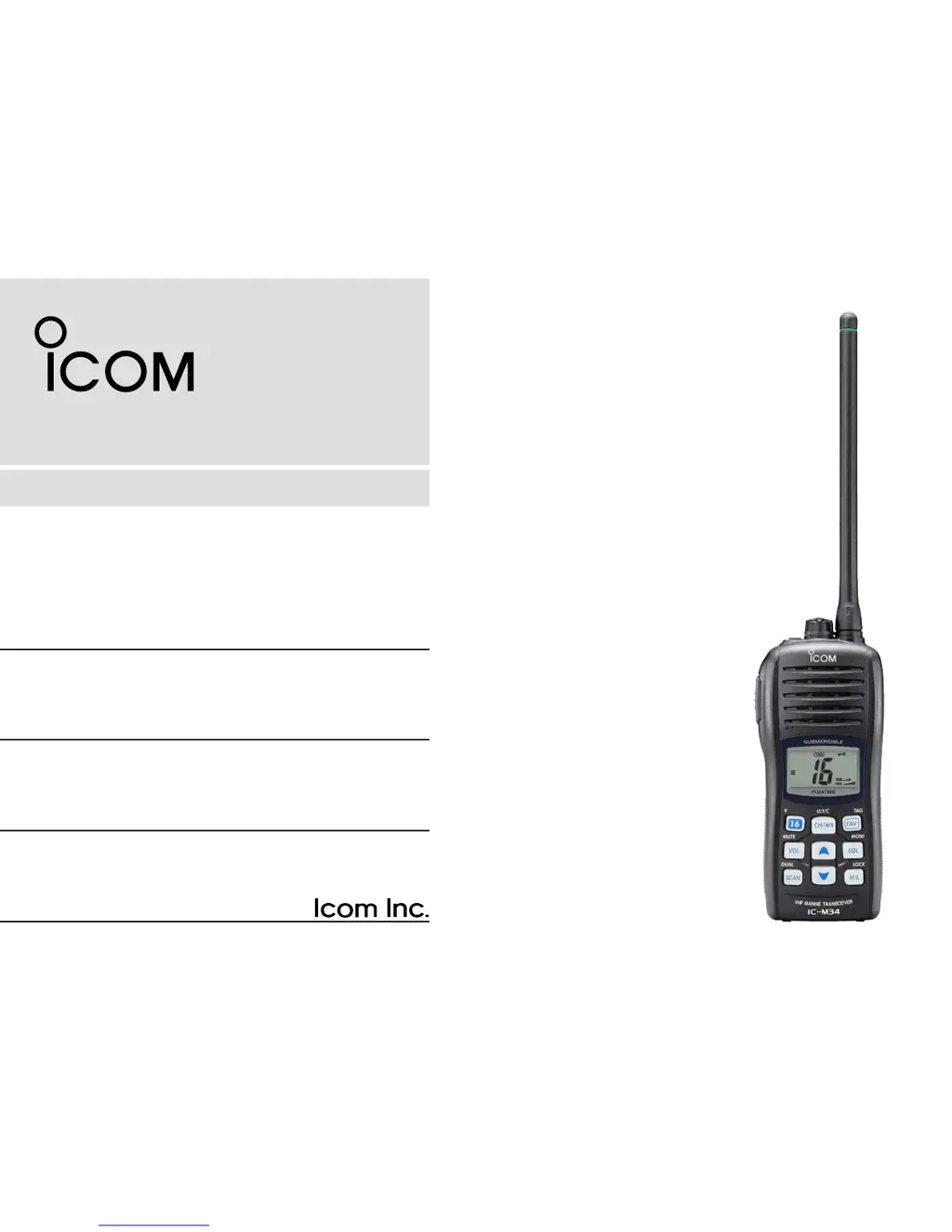
INSTRUCTION MANUAL
iM34
VHF MARINE TRANSCEIVER
This device complies with Part 15 of the FCC
Rules. Operation is subject to the condition that
this device does not cause harmful interference.

Other manuals for Icom IC-M34

Questions and Answers

  • L
    leah27Sep 12, 2025
    What to do if Icom IC-M34 Transceiver transmitting is impossible?
    • J
      John BushSep 12, 2025
      If transmitting is impossible on your Icom Transceiver, or if high power cannot be selected, several factors could be at play. Some channels may be designated for low power or receive-only operation, so try changing channels. If the battery is exhausted, recharge it. Also, ensure that the battery voltage is correct. Finally, check if the output power is set to low and push [H/L] to select high power.
  • M
    Matthew JonesSep 13, 2025
    What to do if Icom Transceiver has battery voltage error?
    • N
      Nancy LeonSep 13, 2025
      If your Icom Transceiver shows a battery voltage error, it could be that the connected battery pack’s voltage is more than 11 V. Verify the battery voltage is correct.
  • J
    Jenna WeaverSep 15, 2025
    Why my Icom IC-M34 has no beeps?
    • K
      kcortezSep 15, 2025
      If your Icom Transceiver is not producing any beeps, the beep tone function may be turned OFF. To resolve this, set the beep tone to ON (Fix Beep/User Beep) in set mode.

Summary

Safety Training Information

Electromagnetic Interference and Compatibility

This radio generates RF energy that can cause interference with other devices.

Emergency Procedures and Recommendations

Distress Call Procedure on Channel 16

Procedure for sending a distress call on Channel 16.

Critical Precautions

Safety and Handling Precautions

Covers essential warnings for safe operation, battery, and environmental handling.

Operating Rules and Licensing

Basic Operation: Channel Selection

Distress and Call Channel Usage

How to select the distress (Ch 16) and call channels.

Basic Operation: Receiving and Transmitting

Signal Reception and Voice Transmission

Steps for receiving signals and transmitting voice communications.

Basic Operation: Channel Programming and Volume

Call Channel Programming Procedure

Procedure to program custom call channels for quick recall.

Basic Operation: Squelch, Lock, and Backlighting

Adjusting Squelch Level

How to adjust squelch for optimal signal reception.

Scan Operation: Scan Types

Priority and Normal Scan Modes

Explanation of Priority Scan and Normal Scan modes.

Scan Operation: Setting and Starting Scans

Setting TAG Channels for Scanning

How to assign channels for scanning.

Initiating Scan Operations

Procedure to initiate priority or normal scanning.

Dualwatch and Tri-watch Functions

Operating Dualwatch;Tri-watch

Steps to activate and use Dualwatch and Tri-watch.

Set Mode Configuration

Entering and Navigating Set Mode

Overview of entering and navigating the set mode.

Configurable Set Mode Items

Lists and briefly describes the 12 configurable functions in set mode.

Battery Charging Safety

Battery Handling Hazards and Cautions

Critical safety warnings regarding battery misuse and hazards.

Battery Charging Safety and Cautions

General Battery Handling Warnings

Warnings about abnormal battery conditions and improper use.

Charging Precautions

Cautions for safe battery charging, temperature, and time limits.

Optional Speaker-Microphone

Troubleshooting Common Issues

Power and Audio Problems

Solutions for transceiver not turning on or no sound from speaker.

Icom IC-M34 Specifications

General IconGeneral
BrandIcom
ModelIC-M34
CategoryTransceiver
LanguageEnglish

Related product manuals