EasyManua.ls Logo

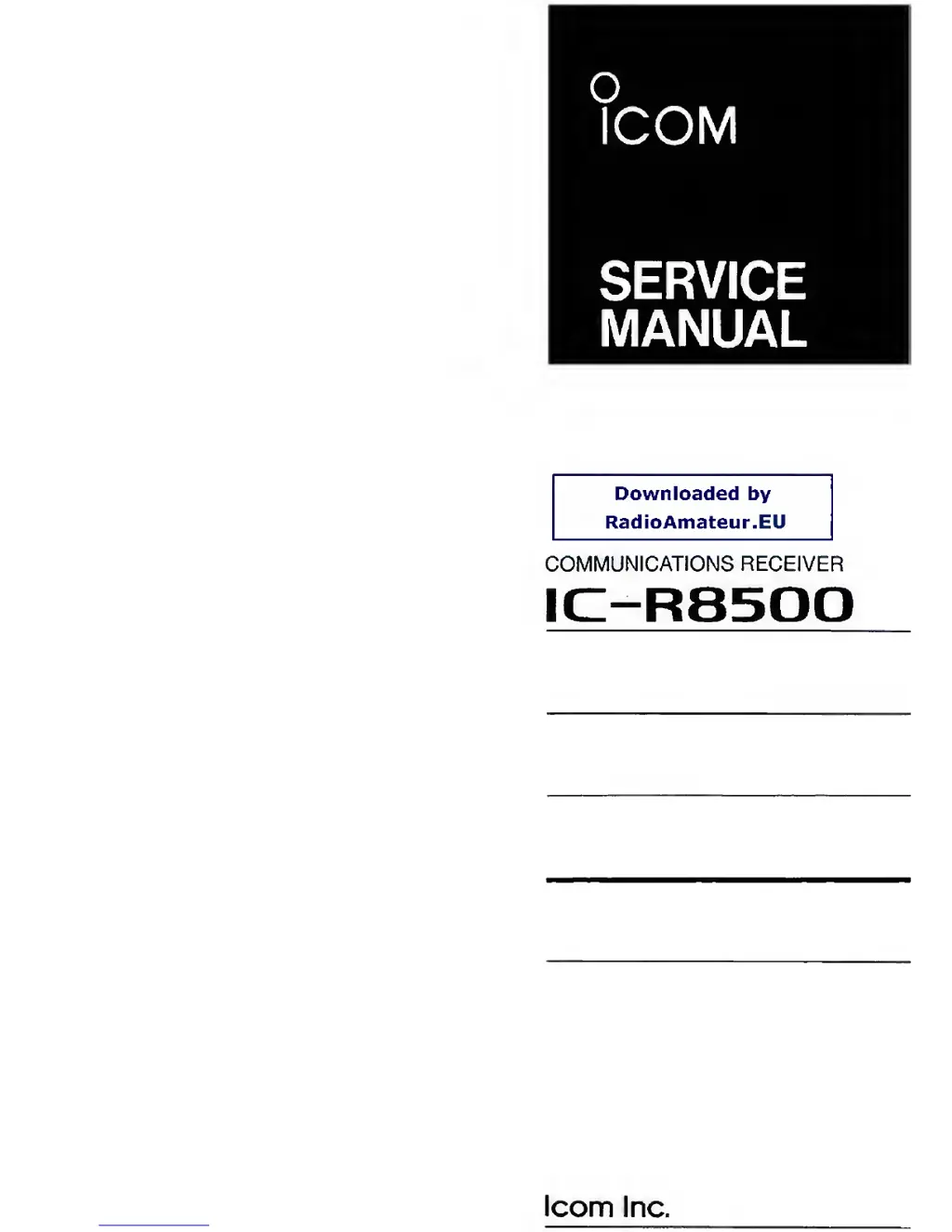
Icom IC-R8500 - Service Manual

Icom IC-R8500
100 pages
Print Icon
To Next Page IconTo Next Page
Loading...
o
ICOM
SERVICE
MANUAL
Downloaded
by
RadioAmateur.EU
COMMUNICATIONS RECEIVER
IC-R8500
loom
Inc.

Other manuals for Icom IC-R8500

Questions and Answers

  • C
    Chris MannSep 2, 2025
    What to do if Icom IC-R8500 Receiver signal is unclear?
    • D
      david31Sep 2, 2025
      If the receive signal on your Icom Receiver is unclear or distorted, try the following: * Set [IF SHIFT] to the center position if it's rotated too far CCW or CW. * Adjust the [APF] control to the center position or turn it OFF if it's rotated too far CCW or CW. * Ensure you're pushing the correct mode switch.
  • K
    Kelsey WoodwardSep 13, 2025
    What happens to my Icom IC-R8500 if the selected frequency is erased?
    • S
      sroseSep 14, 2025
      If the selected frequency is being erased, it might be because the memory channel was changed before writing into memory. Push [MW] for 1 second to write into a memory before changing channels.
  • C
    Cynthia SmithAug 31, 2025
    Why doesn't auto memory write scan work on my Icom IC-R8500 Receiver?
    • M
      mcintoshphillipAug 31, 2025
      If auto memory write scan does not function on your Icom Receiver, it's likely that all channels in the auto memory bank have been programmed. Erase some or all of the channels in the auto write bank.
  • J
    julie29Sep 16, 2025
    Why are memory channels in the ‘AUTO’ bank cleared on my Icom IC-R8500?
    • J
      Jason JordanSep 16, 2025
      If memory channels in the ‘AUTO’ bank are cleared, it is because written memories condition is set as CL&START. Change the setting to START.
  • V
    Vicki EstesSep 15, 2025
    What to do if memory channels in another bank cannot be selected on my Icom Receiver?
    • T
      tina46Sep 15, 2025
      If you cannot select memory channels in another bank, the bank limit function might be activated and 'BANK' is indicated. Push [BANK] to turn OFF the bank limit function or use [BANK] or [BANK] to select the bank.
  • M
    Michael BrownSep 23, 2025
    Why doesn't auto memory write scan function on my Icom Receiver?
    • D
      Diane KleinSep 23, 2025
      If auto memory write scan does not function, it is because all channels in the auto memory bank have been programmed. Erase some or all of the channels in the auto write bank.
  • M
    Michael ClaytonAug 27, 2025
    Why won't any scan function on my Icom Receiver?
    • M
      michael15Aug 28, 2025
      If no scan will function on your Icom Receiver, it might be because [SQUELCH] is open and [?] is selected. Turn [SQUELCH] CW until noise disappears.
  • T
    tonya93Aug 27, 2025
    How to select memory channels in another bank on Icom IC-R8500?
    • D
      deanlarryAug 27, 2025
      If you can't select memory channels in another bank on your Icom Receiver, the bank limit function may be activated, indicated by “BANK” on the display. Push [BANK] to turn OFF the bank limit function, or use [BANK] or [BANK] to select the bank.
  • C
    Christine MooreAug 26, 2025
    Why does the main dial not function on my Icom Receiver?
    • S
      santiagoashleyAug 26, 2025
      If the main dial on your Icom Receiver does not function, it's possible that the lock function is activated. To deactivate it, push the [LOCK] button for 1 second.
  • D
    davidcurtisAug 25, 2025
    Why does my Icom IC-R8500 Receiver turn off by itself?
    • L
      lbrandtAug 26, 2025
      If your Icom Receiver turns off by itself, the sleep timer may be activated. To deactivate it, turn the power back on, then push the [SLEEP] button one or more times to turn the sleep timer function off.

Summary

Introduction

DANGER

Critical safety warnings for receiver operation and power connection.

Section 1 Specifications

Section 3 Disassembly and Option Installations

3-1 Disassembly Instructions

Procedures for removing the top and bottom covers of the receiver.

3-2 Option Installations

Steps for installing optional filters and synthesizer units.

Section 4 Circuit Description

Section 5 Adjustment Procedures

5-3 Receiver Adjustment

Adjustments for receiver sensitivity and bias voltages across different modes.

5-4 RF-B BPF Tuned Voltage Adjustment

Tuning procedure for the RF-B unit's bandpass filters.

5-5 Noise Squelch, S-Meter and Center Indicator Adjustment

Adjustment of noise squelch, S-meter, and center indicator functions.

Section 9 Board Layouts

Section 10 Block Diagram

Section 11 Voltage Diagram

Icom IC-R8500 Specifications

General IconGeneral
Antenna Impedance50 Ω
Power Supply13.8 V DC ±15%
ModeAM, FM, WFM, CW
Channels1000
Tuning Steps10 kHz
Dynamic Range100 dB
IF Output10.7 MHz
Antenna InputSO-239

Related product manuals