EasyManua.ls Logo

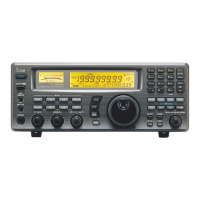
Icom IC-R8500 - Service Manual

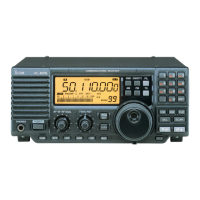
Icom IC-R8500
100 pages
Print Icon
To Next Page IconTo Next Page
Loading...
o
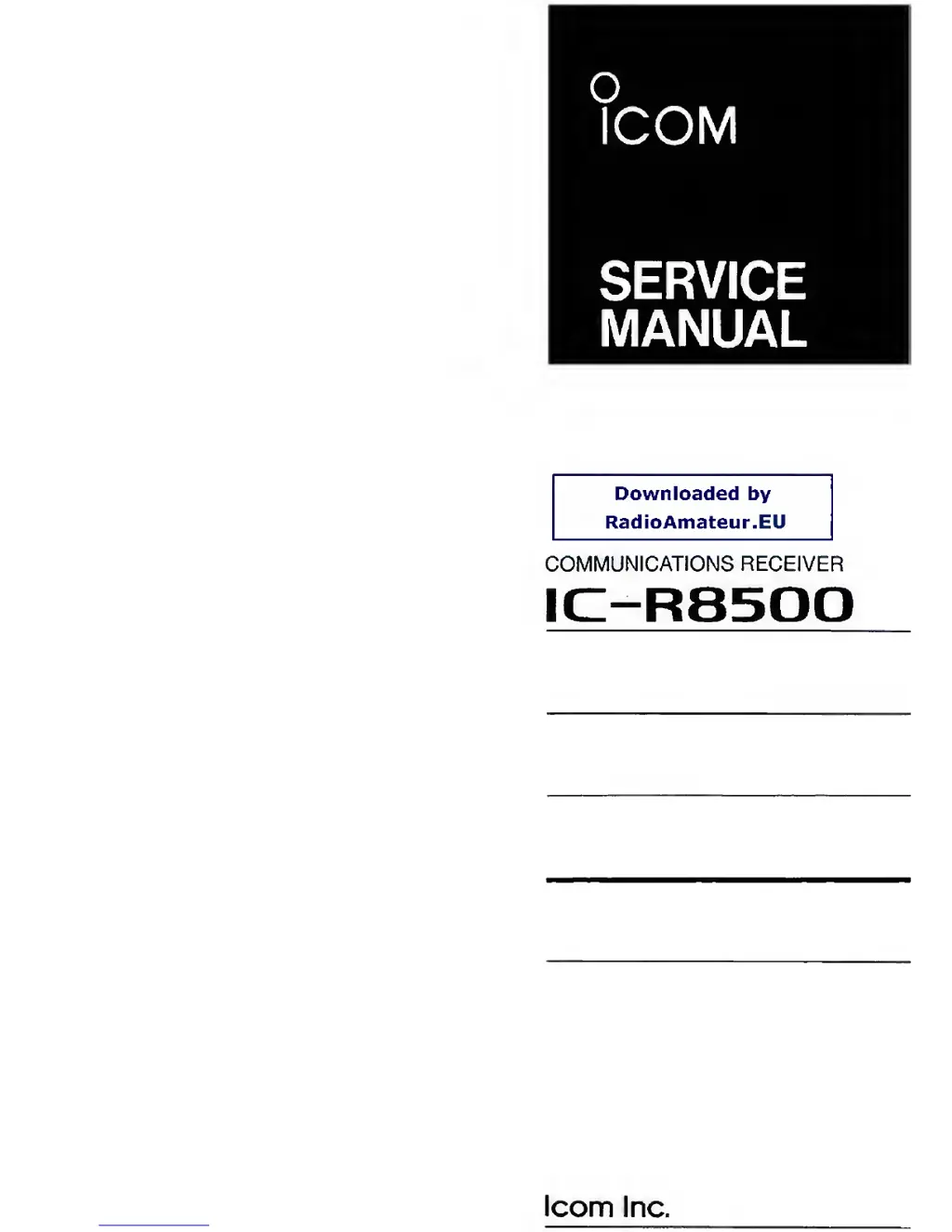
ICOM
SERVICE
MANUAL
Downloaded
by
RadioAmateur.EU
COMMUNICATIONS RECEIVER
IC-R8500
loom
Inc.

Other manuals for Icom IC-R8500

Questions and Answers

  • D
    davidcurtisAug 25, 2025
    Why does my Icom IC-R8500 Receiver turn off by itself?
    • L
      lbrandtAug 26, 2025
      If your Icom Receiver turns off by itself, the sleep timer may be activated. To deactivate it, turn the power back on, then push the [SLEEP] button one or more times to turn the sleep timer function off.
  • C
    Christine MooreAug 26, 2025
    Why does the main dial not function on my Icom Receiver?
    • S
      santiagoashleyAug 26, 2025
      If the main dial on your Icom Receiver does not function, it's possible that the lock function is activated. To deactivate it, push the [LOCK] button for 1 second.
  • T
    tonya93Aug 27, 2025
    How to select memory channels in another bank on Icom IC-R8500?
    • D
      deanlarryAug 27, 2025
      If you can't select memory channels in another bank on your Icom Receiver, the bank limit function may be activated, indicated by “BANK” on the display. Push [BANK] to turn OFF the bank limit function, or use [BANK] or [BANK] to select the bank.
  • M
    Michael ClaytonAug 27, 2025
    Why won't any scan function on my Icom Receiver?
    • M
      michael15Aug 28, 2025
      If no scan will function on your Icom Receiver, it might be because [SQUELCH] is open and [?] is selected. Turn [SQUELCH] CW until noise disappears.
  • T
    Thomas ThomasAug 28, 2025
    Why doesn't programmed scan work on my Icom IC-R8500 Receiver?
    • T
      tiffany56Aug 28, 2025
      If programmed scan and auto memory write scan do not function on your Icom Receiver, it's possible that the same frequencies are programmed into the selected scanning group. Reprogram different frequencies into scan edge channels or select a different programmed scan group.
  • M
    Marissa MyersAug 29, 2025
    Why doesn't memory scan work on my Icom IC-R8500?
    • A
      amy71Aug 29, 2025
      If memory scan does not function on your Icom Receiver, it could be because all channels are specified as “SKIP” channels in the selected bank. Turn OFF the automatic skip function or release the “SKIP” setting for 2 or more channels in the selected bank. It could also be that no memory channels have been programmed in the selected bank, so program 2 or more channels.
  • J
    John ThompsonAug 30, 2025
    Why doesn't select memory scan work on my Icom Receiver?
    • K
      Kristina StoneAug 30, 2025
      If select memory scan does not function on your Icom Receiver, it's because two or more “SEL-CH” are not specified in the selected bank. Set 2 or more channels as “SEL-CH” in the selected bank.
  • S
    Sean ThomasAug 23, 2025
    How to fix Icom IC-R8500 if power does not turn on?
    • W
      websteremilyAug 23, 2025
      If your Icom Receiver power doesn't turn on when you push the power button, there might be a few reasons. First, check that the DC power cable is securely connected. If it is, a fuse might be blown; check for the cause and replace the fuse. When using an AC adapter, ensure the jumper connector is connected to the [DC13.8V] jack on the receiver's rear panel. Also, make sure that if you're using an external 12 V DC, it is connected to the [DC13.8V] jack, as the [DC IN] jack is only for an AC adapter (AD-55/A/S/V).
  • D
    David WagnerSep 1, 2025
    How to improve the sensitivity of my Icom Receiver?
    • L
      Lisa SimpsonSep 1, 2025
      If the sensitivity of your Icom Receiver is low, check the following: 1. Ensure the coaxial cable isn't cut and fix it if it is. 2. Verify an antenna is connected. 3. Make sure the connected antenna is matched to the receiving frequency. 4. Check that you're using the correct antenna connector for V/UHF and HF antennas. 5. In set mode, confirm the proper antenna connector (SO-239 or phono (RCA)) is selected for the HF antenna. 6. Ensure an RF attenuator isn't activated by pushing [ATT 10 dB] or [ATT 20 dB] to cancel the function.
  • C
    Chris MannSep 2, 2025
    What to do if Icom IC-R8500 Receiver signal is unclear?
    • D
      david31Sep 2, 2025
      If the receive signal on your Icom Receiver is unclear or distorted, try the following: * Set [IF SHIFT] to the center position if it's rotated too far CCW or CW. * Adjust the [APF] control to the center position or turn it OFF if it's rotated too far CCW or CW. * Ensure you're pushing the correct mode switch.

Summary

Introduction

DANGER

Critical safety warnings for receiver operation and power connection.

Section 1 Specifications

Section 3 Disassembly and Option Installations

3-1 Disassembly Instructions

Procedures for removing the top and bottom covers of the receiver.

3-2 Option Installations

Steps for installing optional filters and synthesizer units.

Section 4 Circuit Description

Section 5 Adjustment Procedures

5-3 Receiver Adjustment

Adjustments for receiver sensitivity and bias voltages across different modes.

5-4 RF-B BPF Tuned Voltage Adjustment

Tuning procedure for the RF-B unit's bandpass filters.

5-5 Noise Squelch, S-Meter and Center Indicator Adjustment

Adjustment of noise squelch, S-meter, and center indicator functions.

Section 9 Board Layouts

Section 10 Block Diagram

Section 11 Voltage Diagram

Icom IC-R8500 Specifications

General IconGeneral
Antenna Impedance50 Ω
Power Supply13.8 V DC ±15%
ModeAM, FM, WFM, CW
Channels1000
Tuning Steps10 kHz
Dynamic Range100 dB
IF Output10.7 MHz
Antenna InputSO-239

Related product manuals