EasyManua.ls Logo

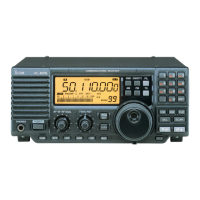
Icom IC-R8500 - Service Manual

Icom IC-R8500
100 pages
Print Icon
To Next Page IconTo Next Page
Loading...
o
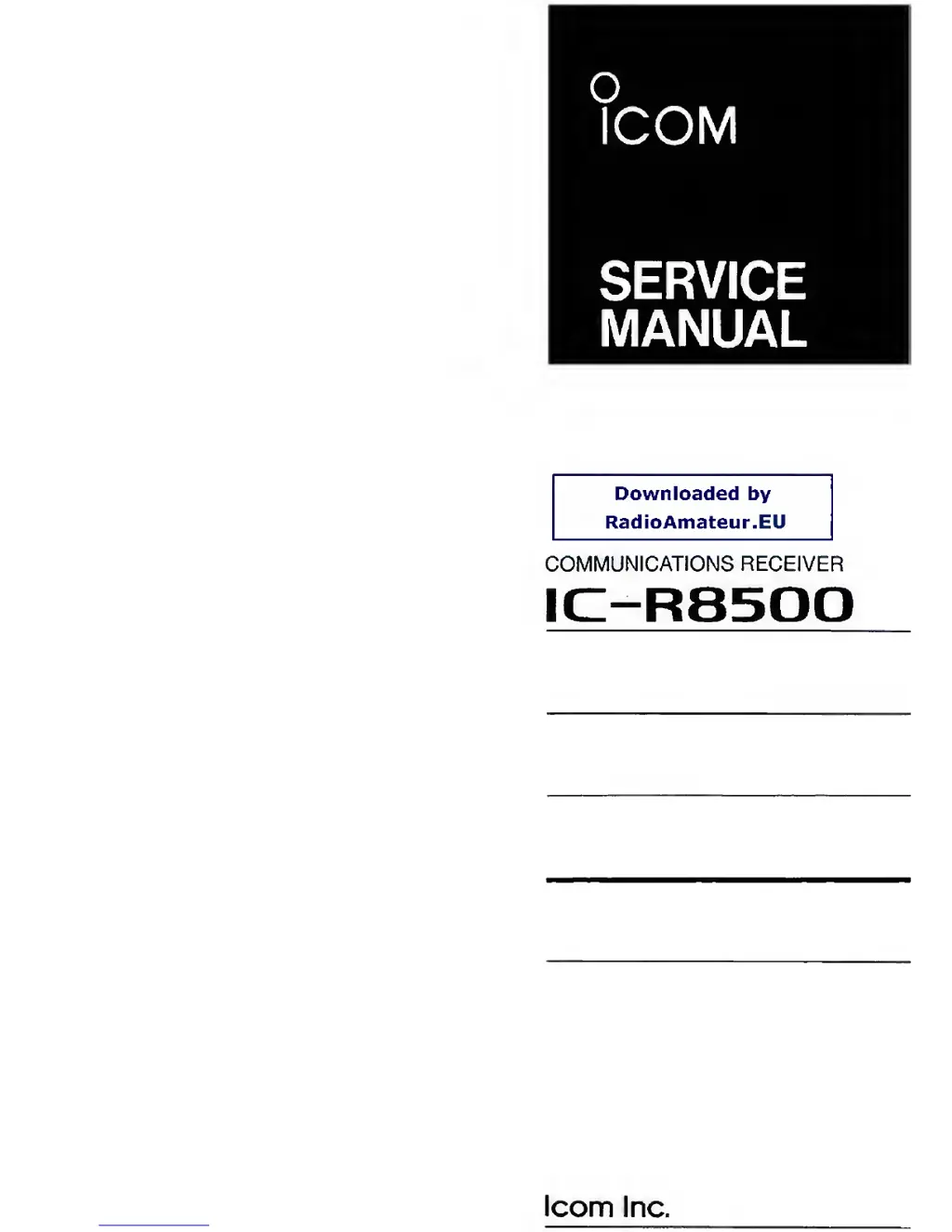
ICOM
SERVICE
MANUAL
Downloaded
by
RadioAmateur.EU
COMMUNICATIONS RECEIVER
IC-R8500
loom
Inc.

Other manuals for Icom IC-R8500

Questions and Answers

  • K
    Karl HartmanSep 2, 2025
    Why can't I set WFM mode on my Icom IC-R8500?
    • R
      Richard PopeSep 2, 2025
      If you can't set WFM mode on your Icom Receiver, it might be because the operating frequency is lower than 30 MHz. Set the frequency above 30 MHz when in WFM mode.
  • S
    Sally WilliamsSep 3, 2025
    Why doesn't the lock button work on my Icom IC-R8500 Receiver?
    • I
      Ian TrujilloSep 3, 2025
      If the [LOCK] button on your Icom Receiver isn't locking the keypad and function switches, it's likely that DIAL LOCK is selected in quick set mode. Change this to PANEL LOCK in quick set mode.
  • D
    Dr. Mallory OrozcoSep 4, 2025
    Why is the selected frequency erased on my Icom IC-R8500 Receiver?
    • L
      lindacohenSep 4, 2025
      If the selected frequency on your Icom Receiver is being erased, it may be because the memory channel was changed before writing into memory. Push [MW] for 1 second to write into a memory before changing channels.
  • B
    bmelendezSep 5, 2025
    Why are memory channels cleared in the 'AUTO' bank on my Icom IC-R8500 Receiver?
    • D
      Dustin JacksonSep 5, 2025
      If memory channels in the ‘AUTO’ bank are cleared on your Icom Receiver, it's because the written memories condition is set as CL&START. Change the setting to START.
  • M
    Maria ObrienSep 6, 2025
    Why is the bank name erased after setting on my Icom IC-R8500?
    • R
      Robert HunterSep 6, 2025
      If the bank name is erased after setting it on your Icom Receiver, it's likely that [CE?] was pushed on the final name character. Push [ENT] after setting the name.

Summary

Introduction

DANGER

Critical safety warnings for receiver operation and power connection.

Section 1 Specifications

Section 3 Disassembly and Option Installations

3-1 Disassembly Instructions

Procedures for removing the top and bottom covers of the receiver.

3-2 Option Installations

Steps for installing optional filters and synthesizer units.

Section 4 Circuit Description

Section 5 Adjustment Procedures

5-3 Receiver Adjustment

Adjustments for receiver sensitivity and bias voltages across different modes.

5-4 RF-B BPF Tuned Voltage Adjustment

Tuning procedure for the RF-B unit's bandpass filters.

5-5 Noise Squelch, S-Meter and Center Indicator Adjustment

Adjustment of noise squelch, S-meter, and center indicator functions.

Section 9 Board Layouts

Section 10 Block Diagram

Section 11 Voltage Diagram

Icom IC-R8500 Specifications

General IconGeneral
Antenna Impedance50 Ω
Power Supply13.8 V DC ±15%
ModeAM, FM, WFM, CW
Channels1000
Tuning Steps10 kHz
Dynamic Range100 dB
IF Output10.7 MHz
Antenna InputSO-239

Related product manuals