Diagnostic Utilities 2-7
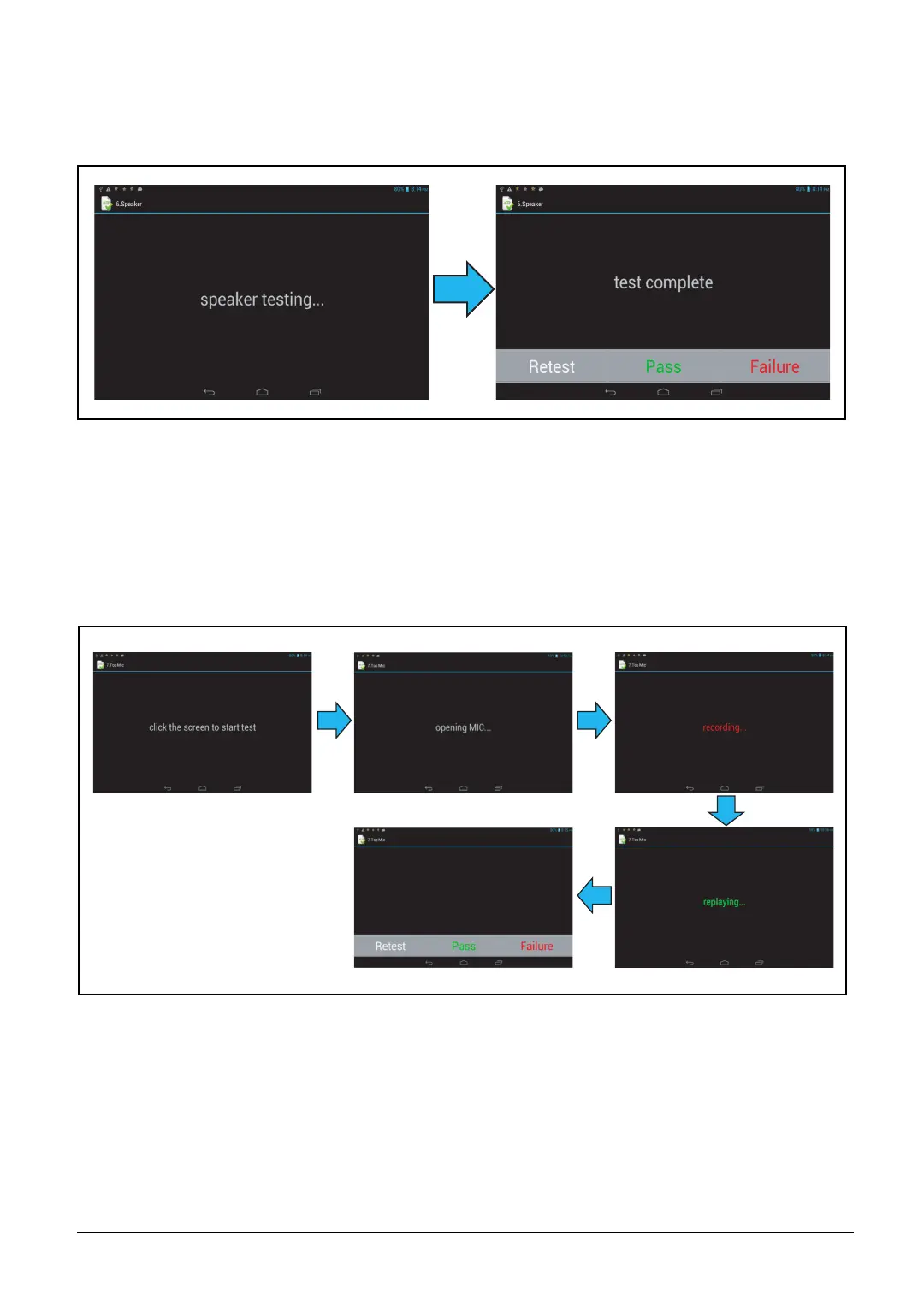
6. Speaker
Music plays for 5 seconds. When the music playing is finished, tap “Pass” if the test passes,
“Failure” if the test fails, or “Retest” to redo the test.
Figure 2-10. Speaker Test
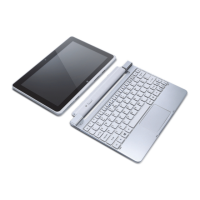
7. Microphone
Tap the screen to start the test. When recording appears, speak into the device. Check the
recorded sound quality when the screen shows replaying. Tap “Pass” if the test passes,
“Failure” if the test fails, or “Retest” to redo the test.
Figure 2-11. Front Microphone Test



 To Next Page