5-33 Service and Maintenance
WLAN Antenna Installation
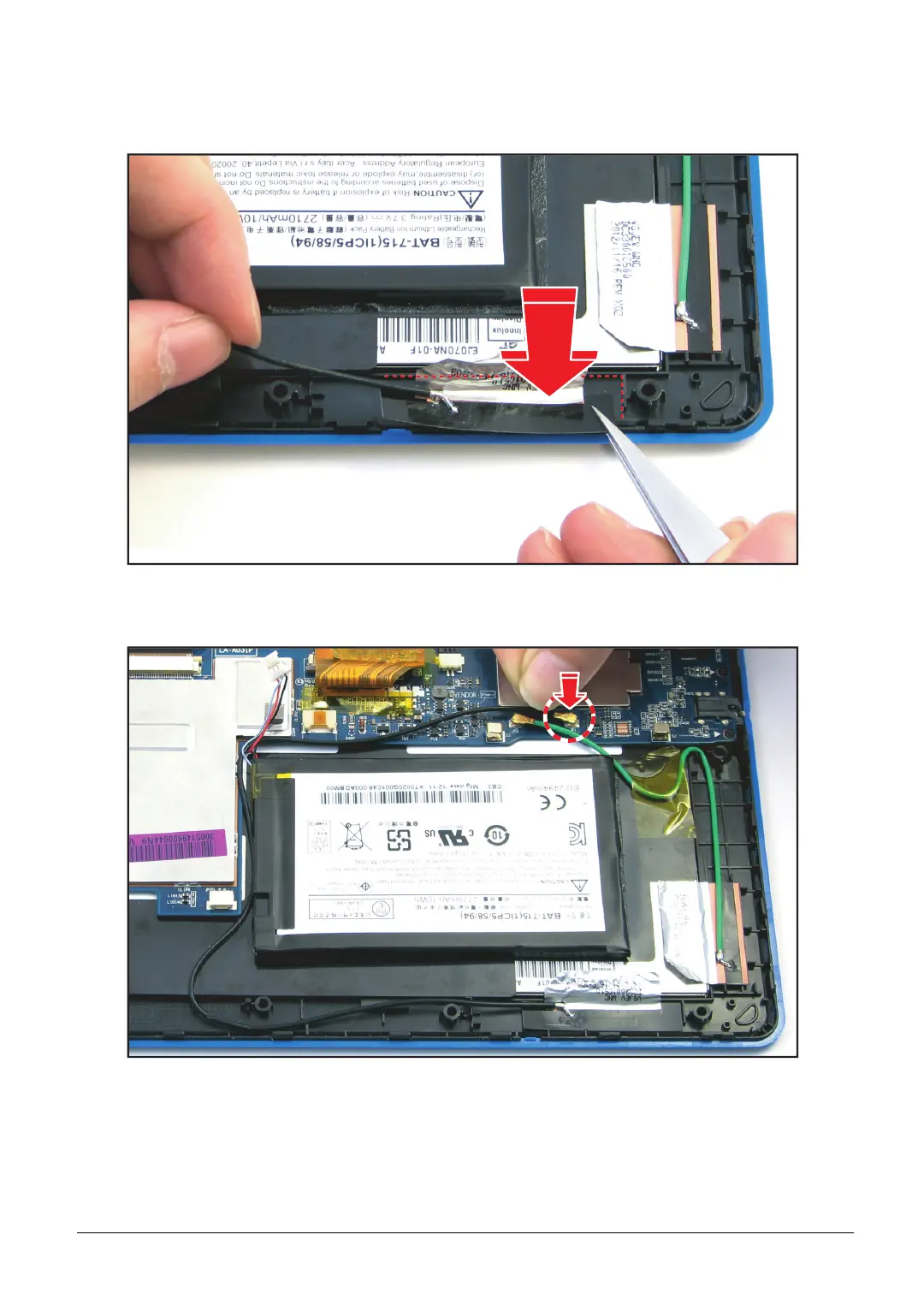
1. Using the tweezers, align and install the WLAN antenna to the antenna slot on the bezel.
Figure 5-48. Installing the WLAN Antenna (1 of 2)
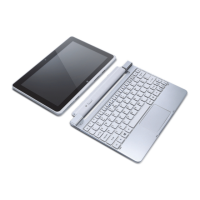
2. Connect the WLAN antenna connector to the mainboard connector (marked JP1).
Figure 5-49. Connecting the WLAN Antenna Connector



 To Next Page