2-6 Diagnostic Utilities
4. Hardware Keys Test
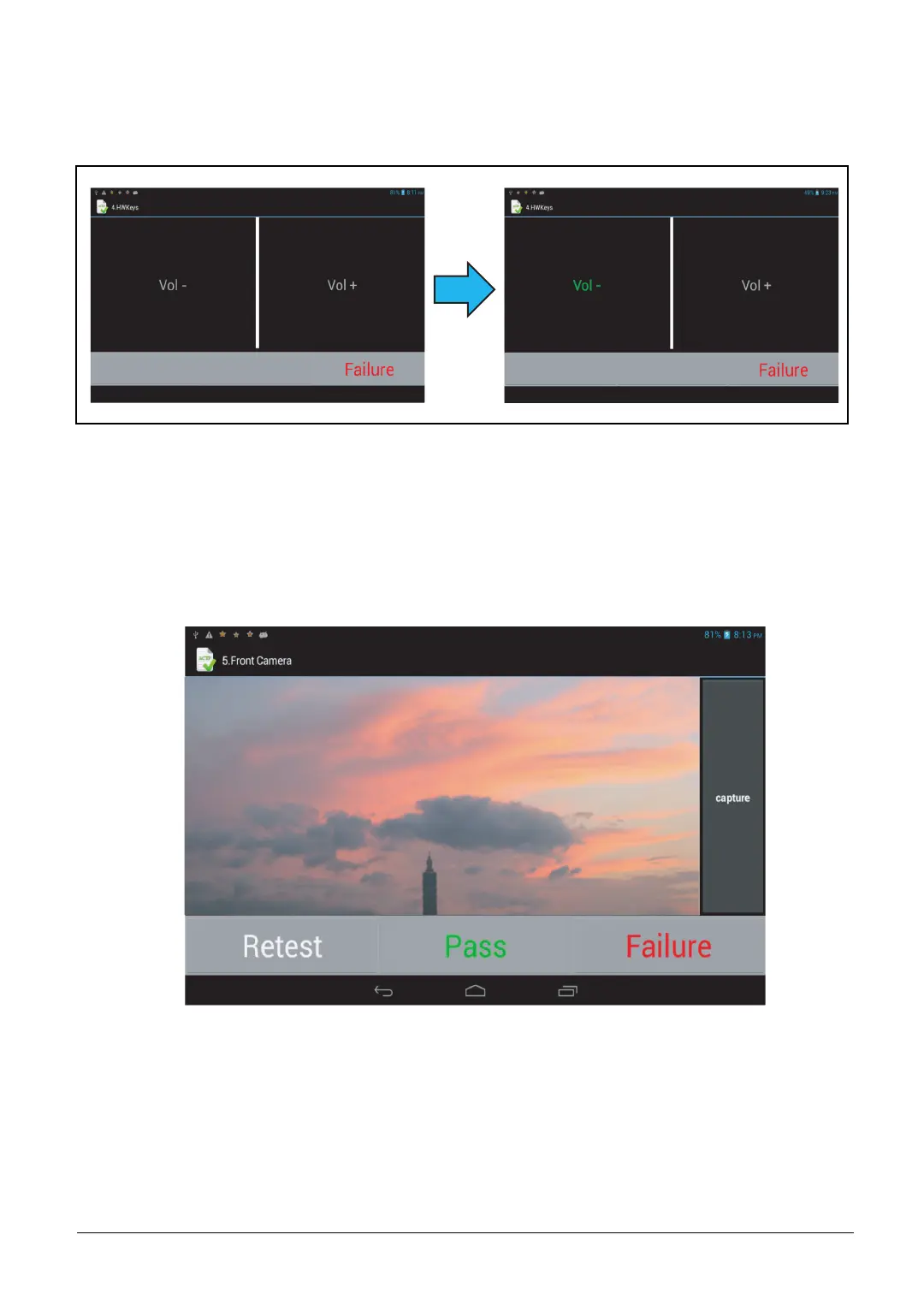
Press the volume up and volume down keys to verify if all keys work. The Vol - and Vol + text
color changes to green to indicate the keys are functioning..
Figure 2-8. Hardware Keys Test
5. Front Camera
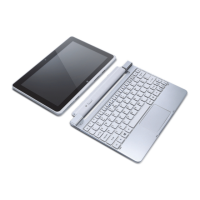
Aim the front side of the device at an object. Tap capture to test the picture taking functionality.
Tap “Pass” if the test passes, “Failure” if the test fails, or “Retest” to redo the test.
Figure 2-9. Front Camera Test



 To Next Page