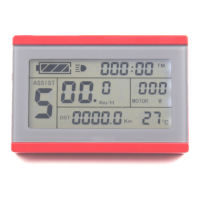
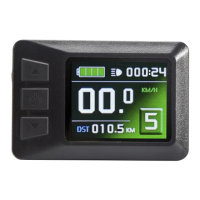
ELECTRIC BICYCLE METER KT—LCD7C Product User Manual
- 32 -
more than 1 minute, and then the meter will automatically return to display 1, and the
original parameters will be saved.
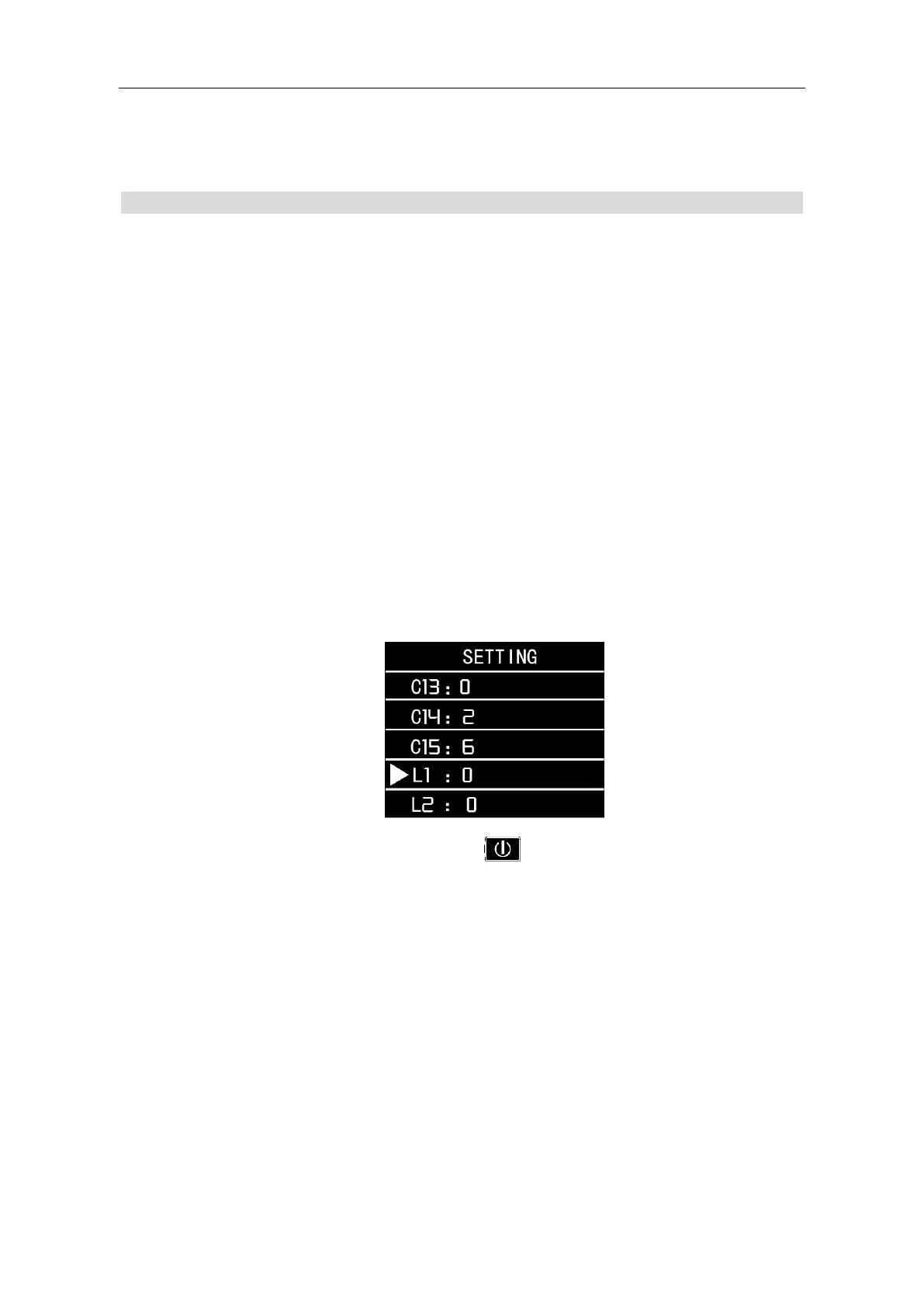
L Parameter Setting
○ L1 Parameter setting
L1 parameters are applicable to the automatic under-voltage controller. The
default of the factory is 0.
When L1=0, the automatic under-voltage controller can automatically select
the under-voltage value according to the battery voltage.
When L1=1, the under-voltage value of the automatic under-voltage controller is
forced to be 20V.
When L1 = 2, the under-voltage value of the automatic under-voltage controller is
forced to be 30V.
When L1 = 3, the under-voltage value of the automatic under-voltage controller is
forced to be 40V.
After finishing L1 parameter setting, press button (SW) to save the current
value and then enter L2 parameter setting interface.
○ L2 Parameter setting
L2 parameter is suitable for the super high-speed motor controller. The default of
the factory is 0.
L2 parameter will be activated when the value of P1 parameter exceeds 255. L2
parameter should use in combination with P1.


 To Next Page