Color Slot Index
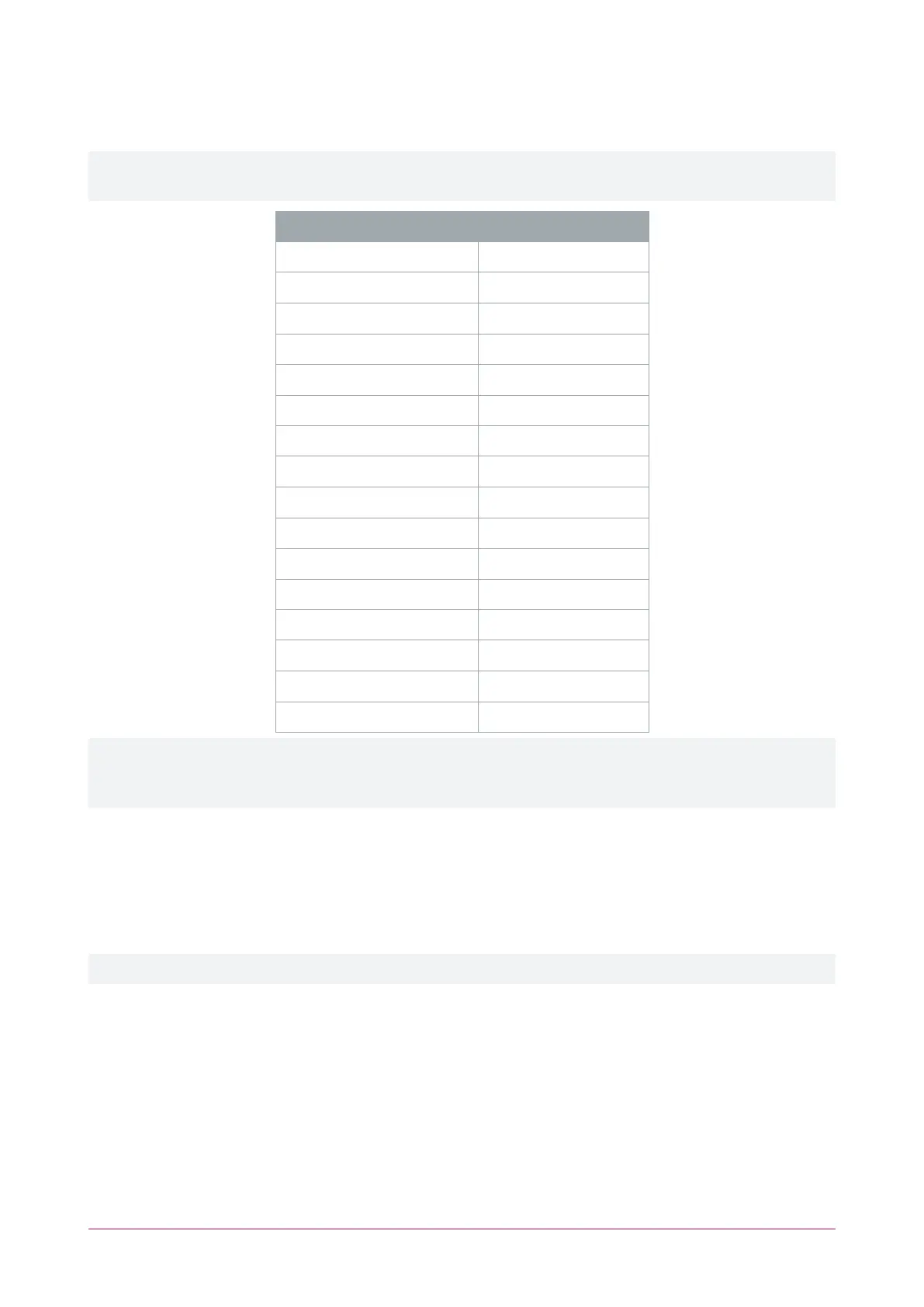
The color slot index and the default color assigned to each slot are outlined in the table below.
This table applies to raw TLVsprogrammed directly on the card reader only. Configurations programmed in
Protege GX are adjusted by 1 for the controller's 'off' index (0), such that Red=1 through to Crimson=16.
Color Slot Index Default Color
0 Red
1 Amber
2 Orange
3 Yellow
4 Lime
5 Green
6 Mint
7 Turquoise
8 Cyan
9 Sky Blue
10 Cobalt
11 Blue
12 Violet
13 Purple
14 Magenta
15 Crimson
Color slot 5 is the default color for access granted. Color slot 11 is the default reader idle color. Changing the
default colors will mean the reader LEDs no longer display as expected for events and functions, which may
complicate support requests. It is recommended to keep a register of any LED color changes.
Wiegand Site Code
The Wiegand Site Code TLV is used to configure the site code sent with keypad input data in 26 bit and 36 bit
Wiegand keypad output formats (see page12). Both of those keypad formats have a site code which is sent along
with the PIN. This TLV allows you to define that site code.
⦁ Wiegand Site Code: The site code may be entered in decimal or hexadecimal format.
This configuration applies when sending PIN data over 26 bit and 36 bit Wiegand only.
ICT Card Reader | Configuration Guide 18



 To Next Page