Caller Display
!
To subscribe to this feature, you need to contact your
service provider, who will tell how much it will cost.
Caller Display lets you see the phone numbers of your
callers on the handset’s display, before you answer. The
iDECT X2i will store the numbers of the last 20 callers
(whether or not you answered the call) so you can call
them back later. When the Caller Display list is full, the
next incoming number will overwrite the oldest one.
If you’ve got new Caller Display records, the symbol
is shown on the display.
22
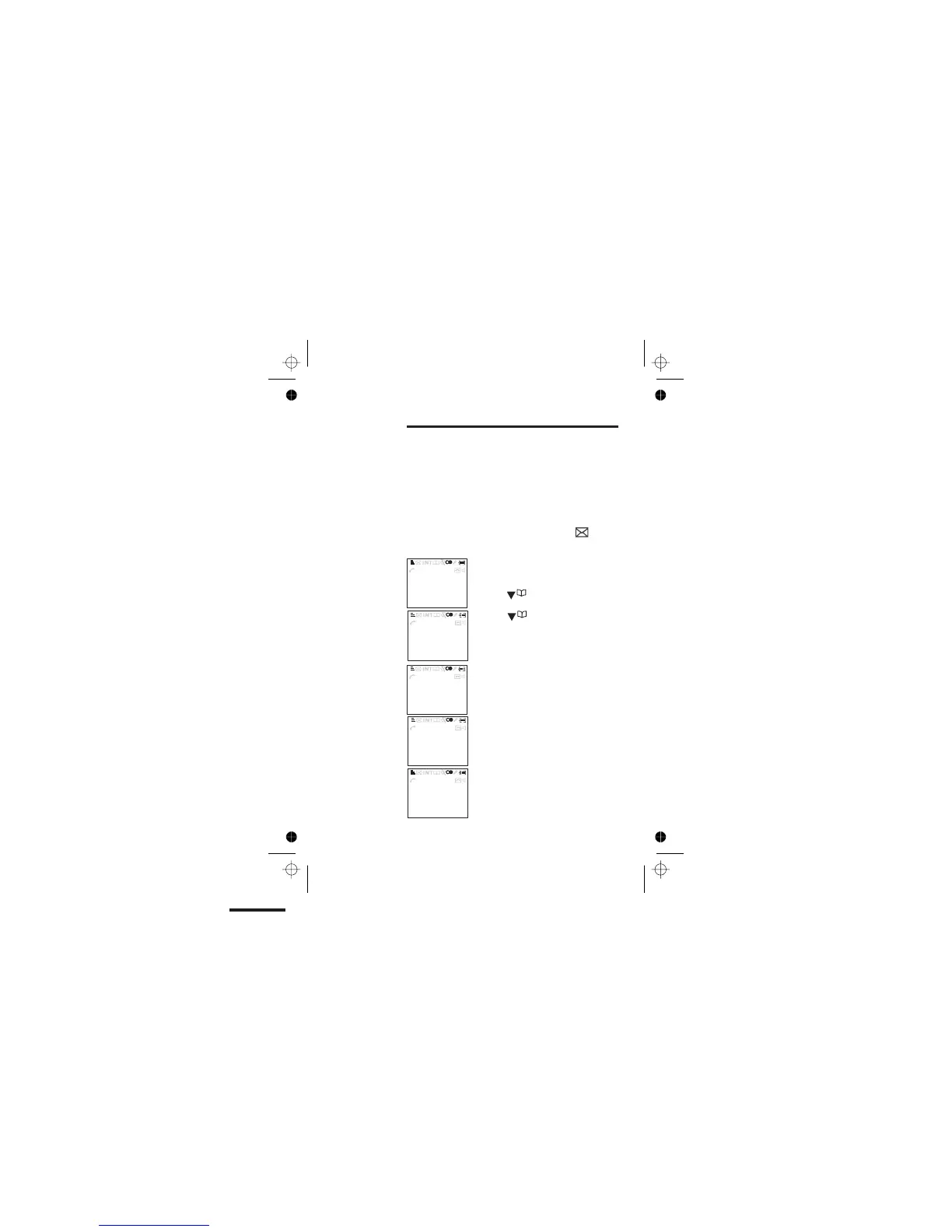
A call from someone whose name
(Jenny) and number are stored in your
Phone Book.
Press the (Down) button once to
see the full number.
came 4:21 pm on 15th.
Press the button again to see
more details. In this example, the most
recent call
A call from someone who withheld their
number by dialling 141.
A call from someone whose name and
number are not stored in your Phone
Book.
A call from someone whose number is
unavailable (for example, this may be
an international call).
Here are some
examples of
Caller Display
records:
18:44 12/08
18:44 12/08
18:44 12/08
18:44 12/08
18:44 12/08
Call List
Call List
Call List
Call List
Call List
>Jenny
>15/04 16:21
>0123467809
>(PRIVATE)
>(Out of Area)
Color profile: Disabled
Composite Default screen



 To Next Page