Answering machine operation
n
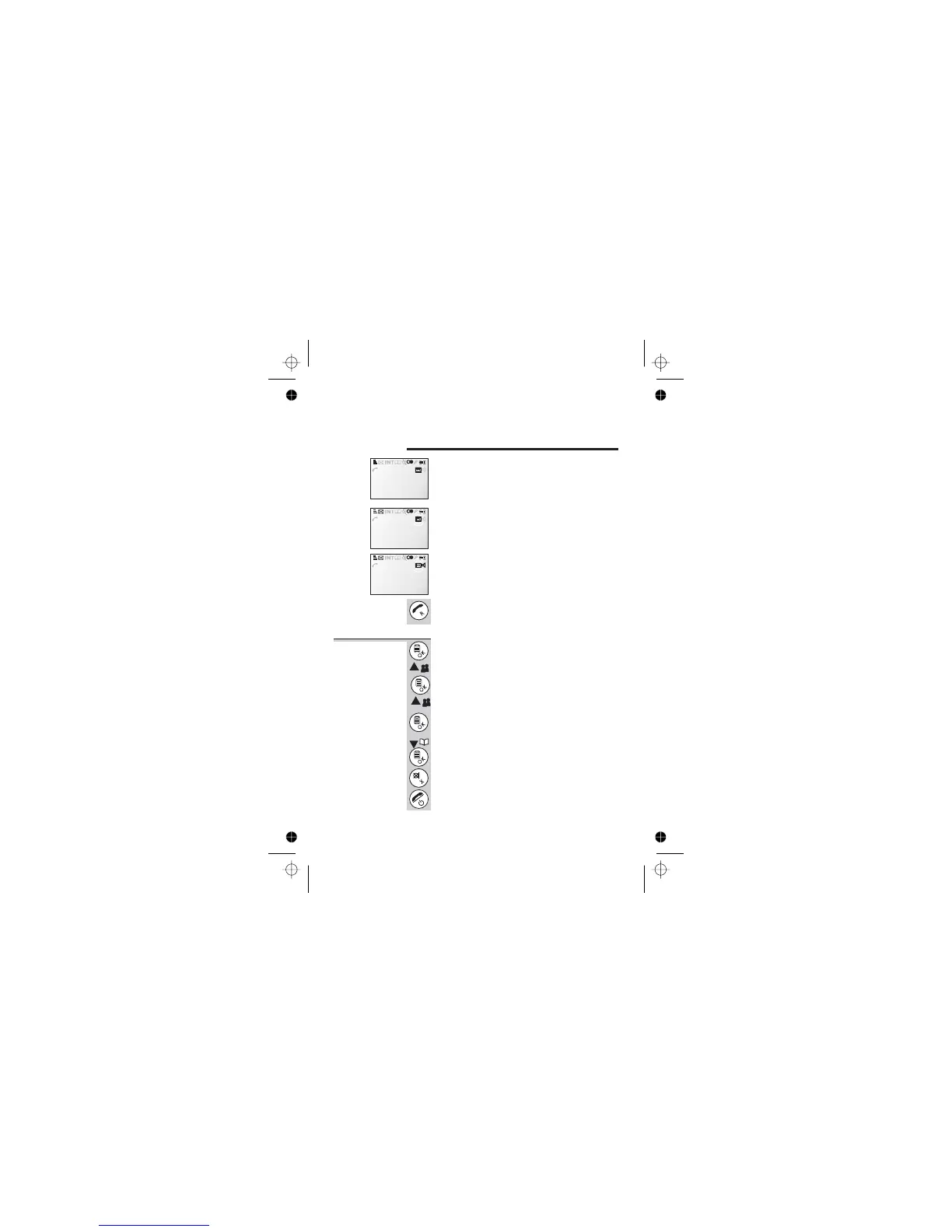
When the answering machine is switched on
the TAM icon on the handset display will
come on steadily.
n
When the answering machine is recording a
message the TAM icon will flash and the
caller ID will be displayed
n
If call screening is on the SPKR icon will
come on and the incoming message can be
heard on the speaker
To stop the recording and take the call,
simply press the PHONE button in the
normal way
Turn the
answering
machine on or
off:
1 Press the MENU/OK button ONCE then the
á button ONCE
è
Display Shows Main Menu >Ans Machine
2 Press the MENU/OK button TWICE then the
á button ONCE
è
Display Shows Ans Machine >Answer On/Off
3 Press the MENU/OK button
è
Display Shows Answer On/Off >On
4 Press the â button to select Off and then
the MENU/OK button to confirm
5 Use the CANCEL button to exit the menu or
press and hold HANG UP to go to standby
mode
Answering machine operation
Help Line: 0845 345 9677 (Local Call rate) 33
18:44 12/08
JANE 1
18:44 12/08
08453459677
ICM Recording
18:44 12/08
08453459677
ICM Recording



 To Next Page