Auto-hang up With auto-hang up turned on, you can end a call by
putting the handset back in place on the base unit or
charger pod.
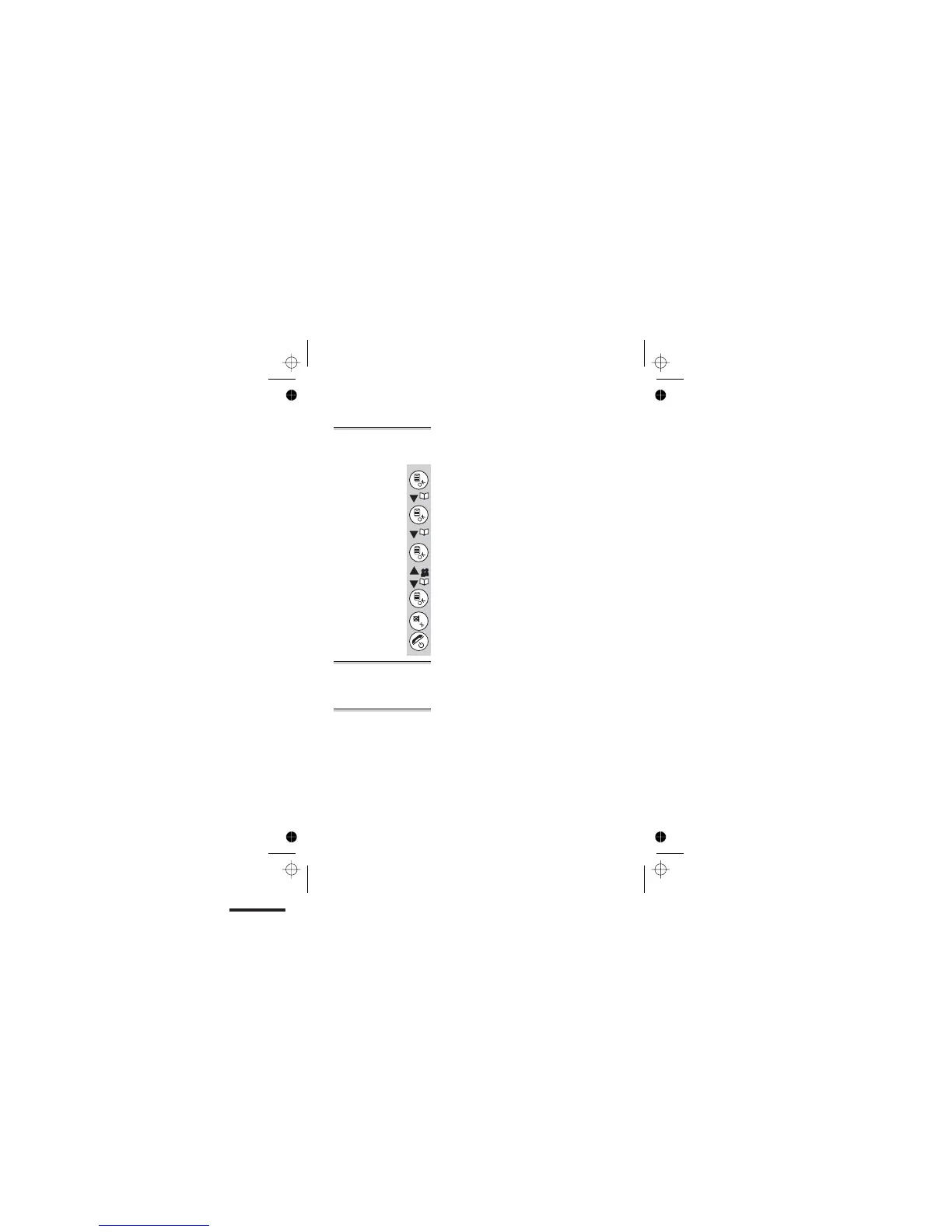
To turn auto-answer on and off:
1 Press the MENU/OK button and the â
button TWICE
è
Display shows Main Menu >Personal Set
2 Press the MENU/OK button ONCE and the
â button THREE times
Display shows
Personal Set >Auto Hang-up
3 Press the MENU/OK button
è
Display shows Auto Hang-Up >Off
4 Use the â or á button to select ON or OFF
5 Press the MENU/OK button
è
You will hear a confirmation beep
6 Use the CANCEL button to exit the menu or
press and hold HANG UP to go to standby
mode
Registration See page 46.
Deregistering
handsets
See page 47.
Custom settings
42
Color profile: Disabled
Composite Default screen



 To Next Page