Installation and set-up
6
Make sure the battery compartment door is securely
in place. If you have problems fitting the batteries,
contact the Help Line on 0845 345 9677.
6
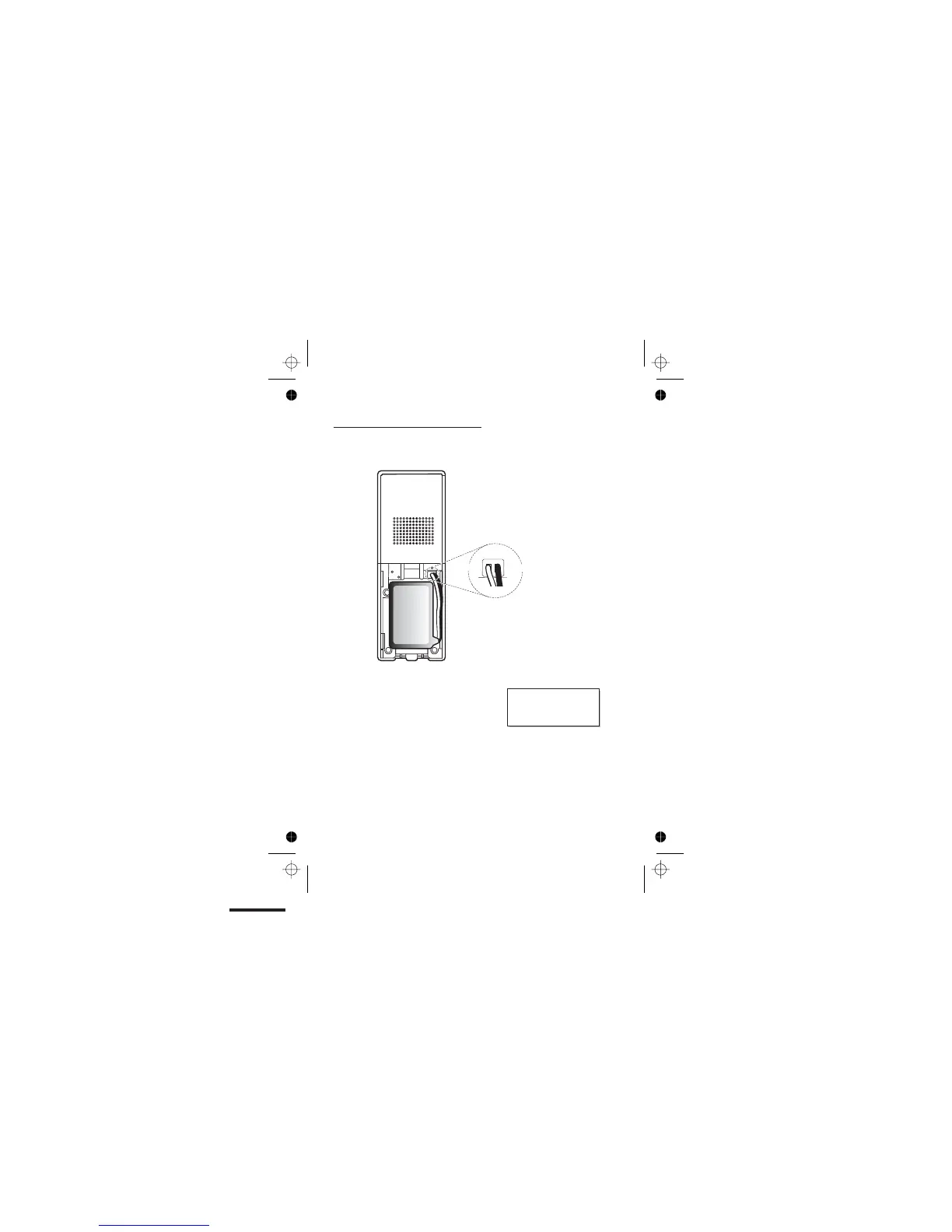
B. Plug the battery connector
into the socket at the top of
the battery compartment.
C. Place the battery in the
compartment
Always use the battery
pack supplied — never
use any other kind of
batteries in the handset.
D. Fit the battery compartment
cover, sliding it into place and
pressing firmly to make sure it is
secure
A. Remove the battery compartment cover.
Fit a battery pack in each handset



 To Next Page