F INTRODUCTION
The aim of the ITERM programme is to provide a simple and reliable tool that IDRONAUT customers
can freely use to communicate with their products, like the OCEAN SEVEN probes. ITERM does not
need any special Windows installation procedure.
F.1 DISTRIBUTED FILES
ITERM can be freely uploaded from the IDRONAUT web site download area in a self-extracting
package, which contains the following files:
ITERM.EXE Terminal emulation and probe upgrading programme.
Iterm.rtf ITERM programme documentation (Read Only).
F.2 INSTALLATION
Before running the ITERM programme, please create a new folder and name it as you like. Then, copy
the ITERM.EXE, and the ITERM.RTF programme in that new folder. A shortcut on the desktop can be
created using the Windows operating system resources.
F.3 PROGRAMME MENUS AND FUNCTIONS
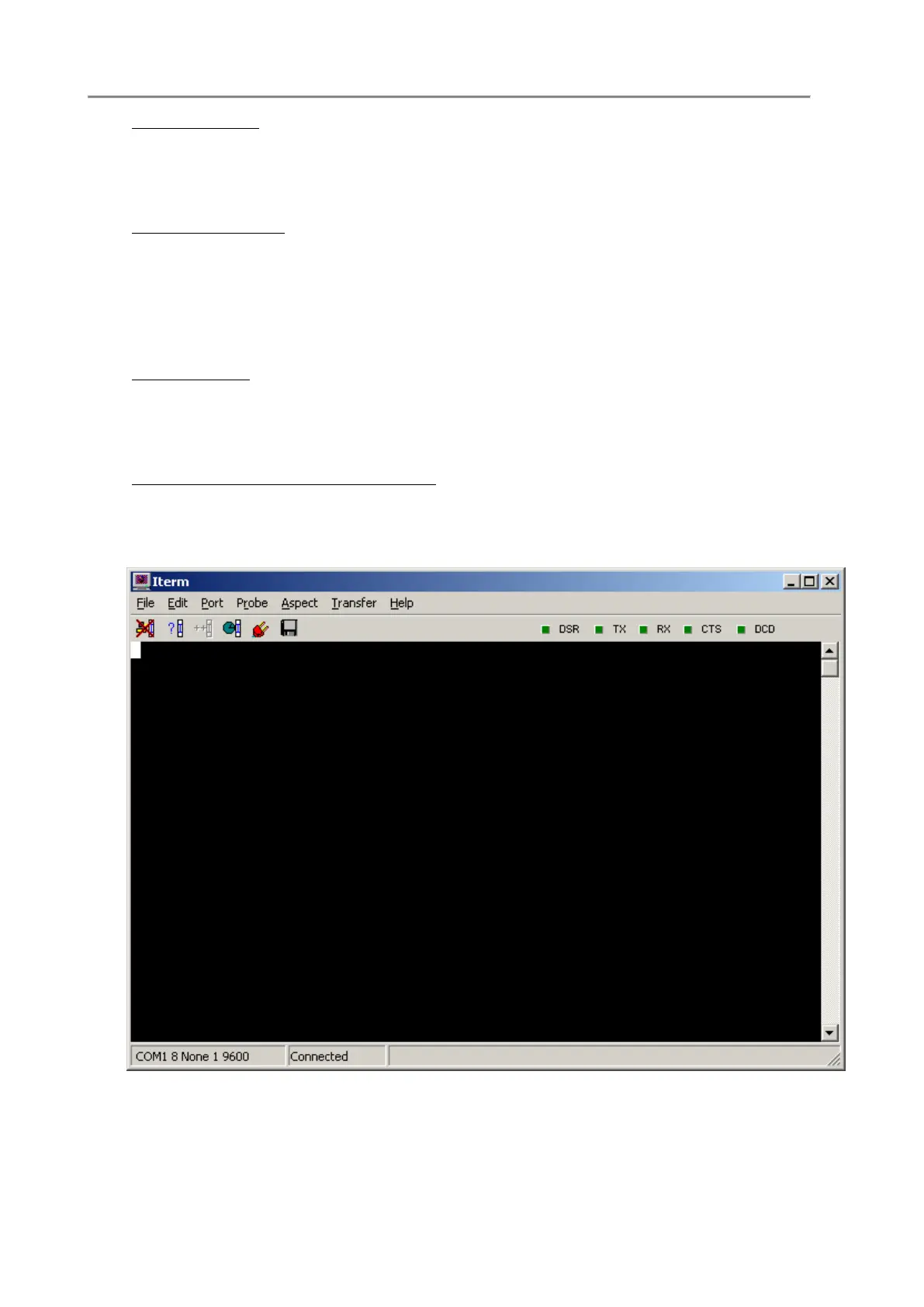
The ITERM Main Menu has the following items: File, Edit, Port, Probe, Transfer, Help. A short
description of menus and functions follows.
File->Exit
It exits from the programme and closes the communication port and any open file.



 To Next Page