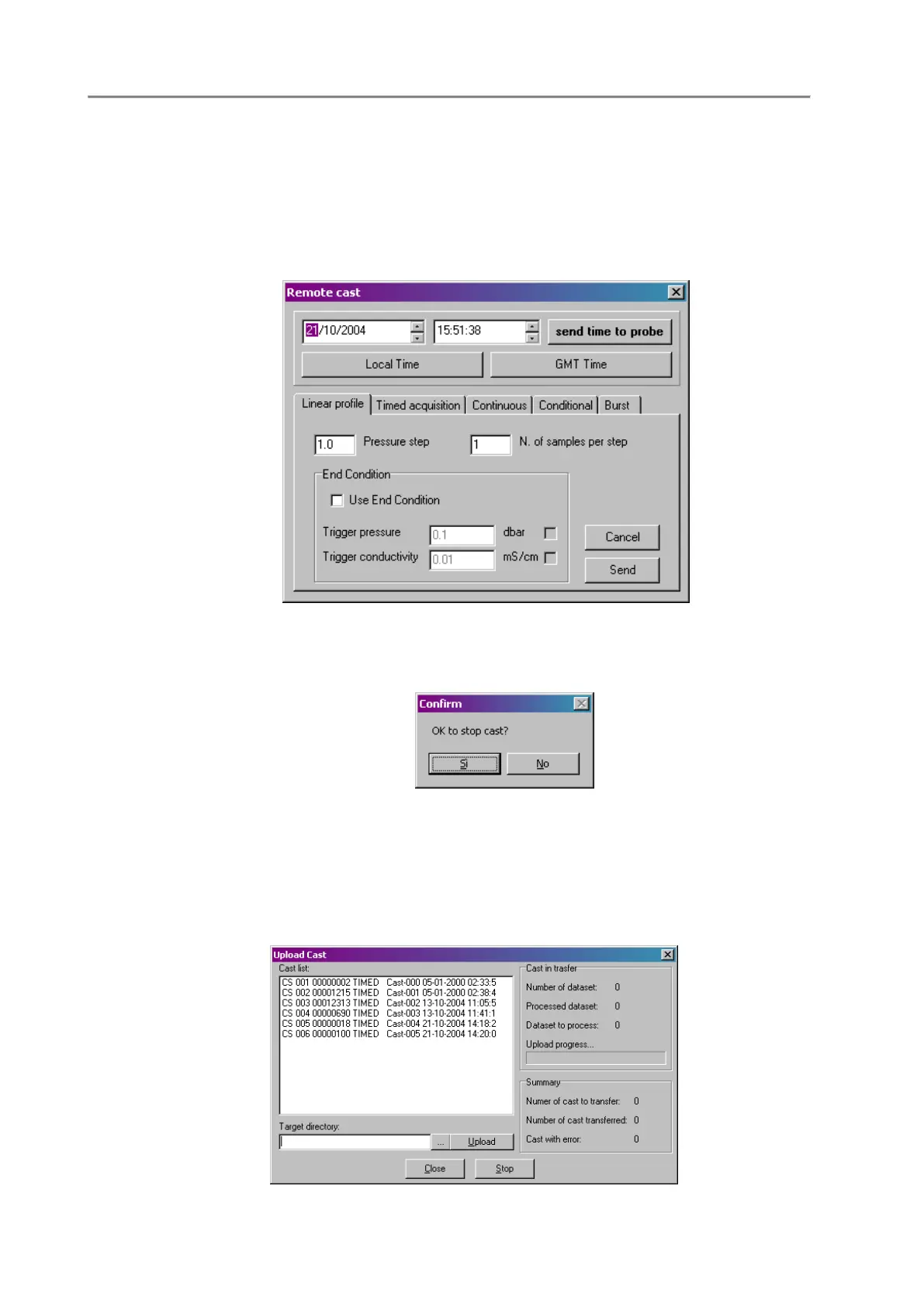
Probe->Unattended cast
This command allows the operator to configure the probe unattended data acquisition functions like:
Linear profile, Timed data acquisition, Continuous data acquisition, Conditional data acquisition and
Burst data acquisition. Through a dialog box, the operator can set the unattended data acquisition
parameters and then send them to the Ocean Seven 310 probe, effectively starting the unattended data
acquisition cycle. This function is available only after the probe has been identified using the probe
Identify function. Different unattended cycles can be configured by selecting the different dialog
windows embedded in the “Remote Cast” window.
Probe->StopCast
This command concludes an “unattended” data acquisition cycle, which was previously started using
the “Probe->Unattended Cast” command.
Probe->UploadCast
This function allows the operator to retrieve data stored in the probe memory and store it in “Text” files
on the PC. The cast uploading is automatically performed by the program. This function is available
only after the probe has been identified using the probe Identify function. More than one cast can be
selected by using the mouse and the <CTRL> or <SHIFT> keyboard key. “Target directory” must be
configured before starting to upload. After the target directory has been configured and the desired cast
has been selected from the cast list window, the upload button can be pressed. The programme uploads



 To Next Page