Copyright © 2010-2014, International Technologies & Systems Corp. All rights reserved.
Page 27 of 74
9.1 Manual Command
The demo software allows users to manually input and send commands to the device.
Type the <Command Data> in the field, and the command will be sent
Command will be sent out in the following structure:
<STX> <Command_Data> <ETX> <LRC>
where:
<STX> = 02h, <ETX> = 03h.
<Command_Data> : Please refer to Appendix A for a complete list of commands
<LRC> is a one byte Xor value calculated for the above data block from <STX> to
<ETX>.
eg. 02 53 18 03 4A (Set Default Configuration)
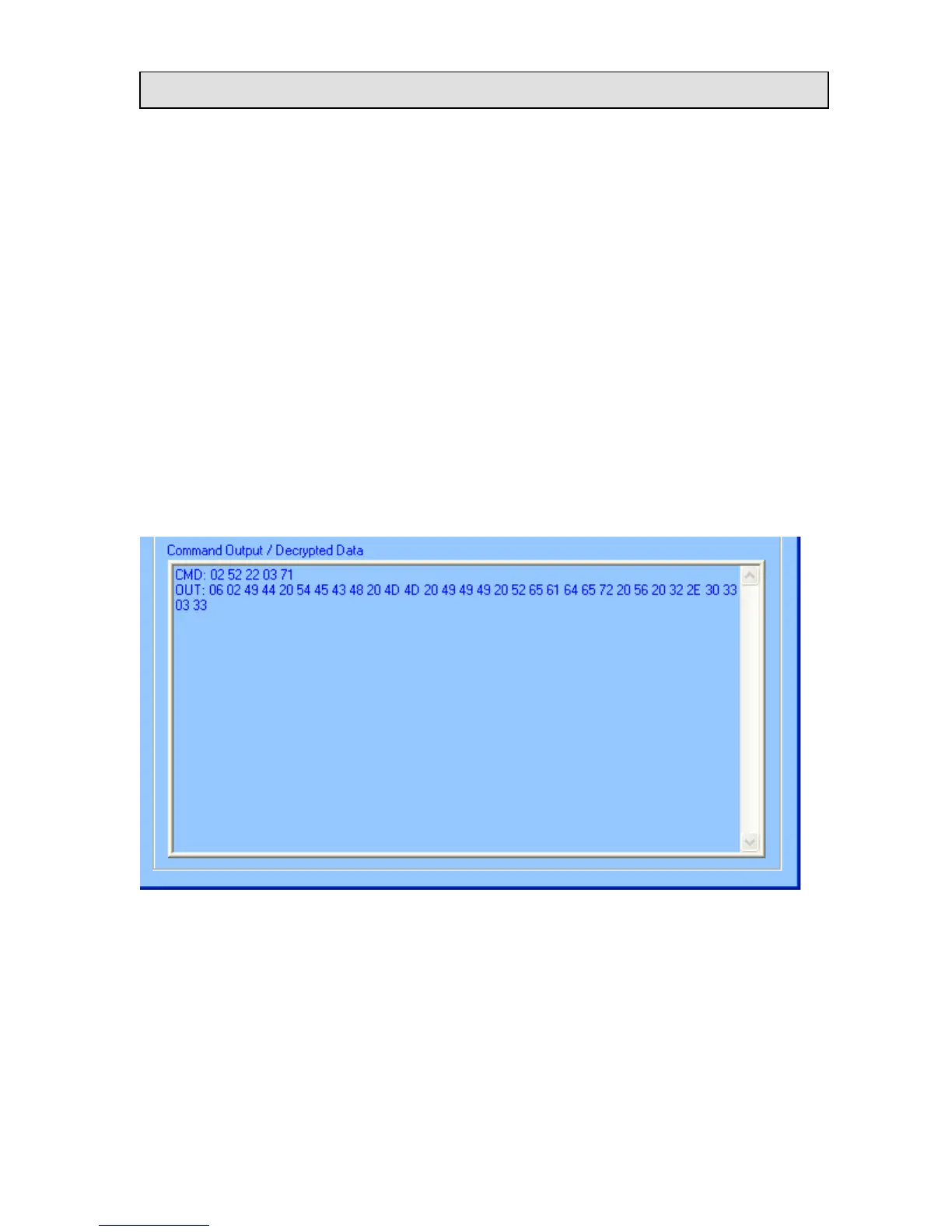
eg. 02 52 22 03 71 (Read Firmware Version)
Press “Send Command”, the input and output would be shown in the lower text box.














 To Next Page