Copyright © 2010-2014, International Technologies & Systems Corp. All rights reserved.
Page 28 of 74
9.2 Decryption
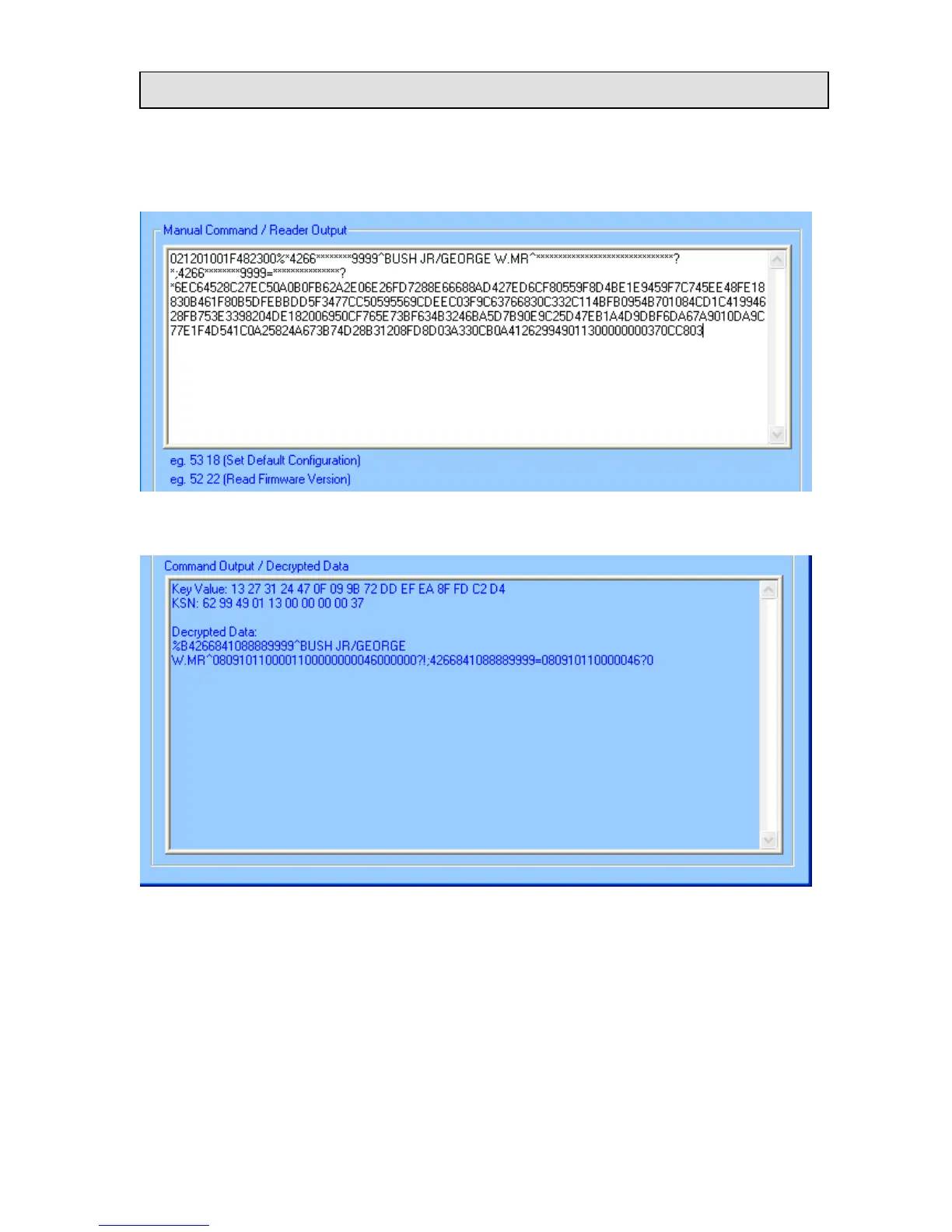
The encrypted data will show in the Manual Command / Encrypted Data textbox after a
card is swiped. By default, the cursor is in Manual Command / Encrypted Data textbox
To get the decrypted data, press the “Decrypt” button and the decrypted card data will be
displayed in the lower box.
The default initial key is 0123456789ABCDEFFEDCBA9876543210. If the reader is
programmed with a user-defined key, load the same key to the demo software by pressing
the “Input Initial Key” button. Type the initial key in the box, and press OK when
finished.














 To Next Page