Ce document est la propriété d'IER et ne doit pas être reproduit ou communiqué sans autorisation écrite.
This document is the property of IER and may not be reproduced or communicated without prior written
authorization
1 OVERVIEW
1.1 PRESENTATION OF THE PRINTER
The IER i420 printer is designed to print ATB1 size coupons and bag tags.
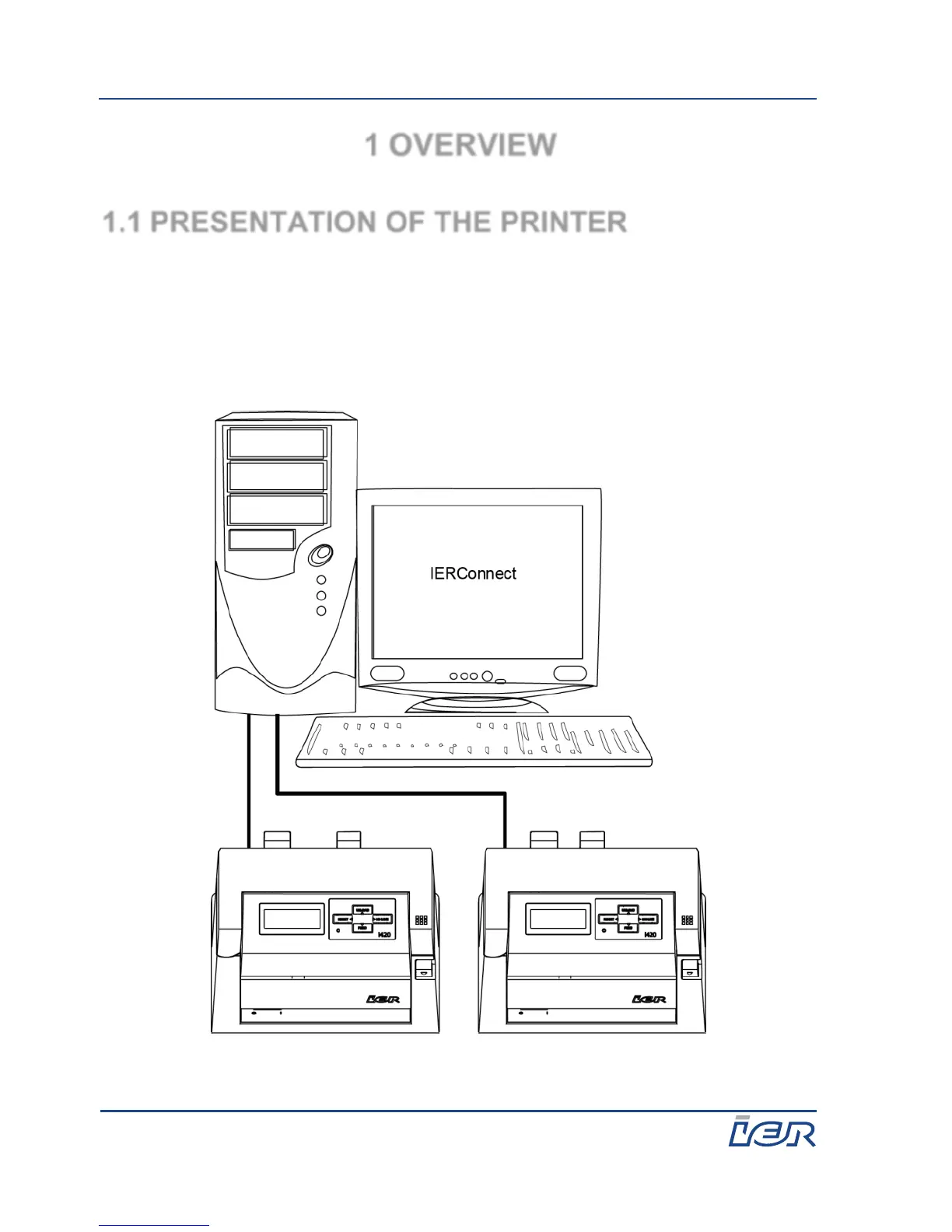
To operate, the printer must be connected to a computer on which the
IERConnect software is installed. Two IER i420 printers can be connected to
the same computer, if they are not in the same print mode. One must be in
ATB mode (i.e. wide) and the other in bag tag mode (i.e. narrow).



 To Next Page