Ce document est la propriété d'IER et ne doit pas être reproduit ou communiqué sans autorisation écrite.
This document is the property of IER and may not be reproduced or communicated without prior written
authorization
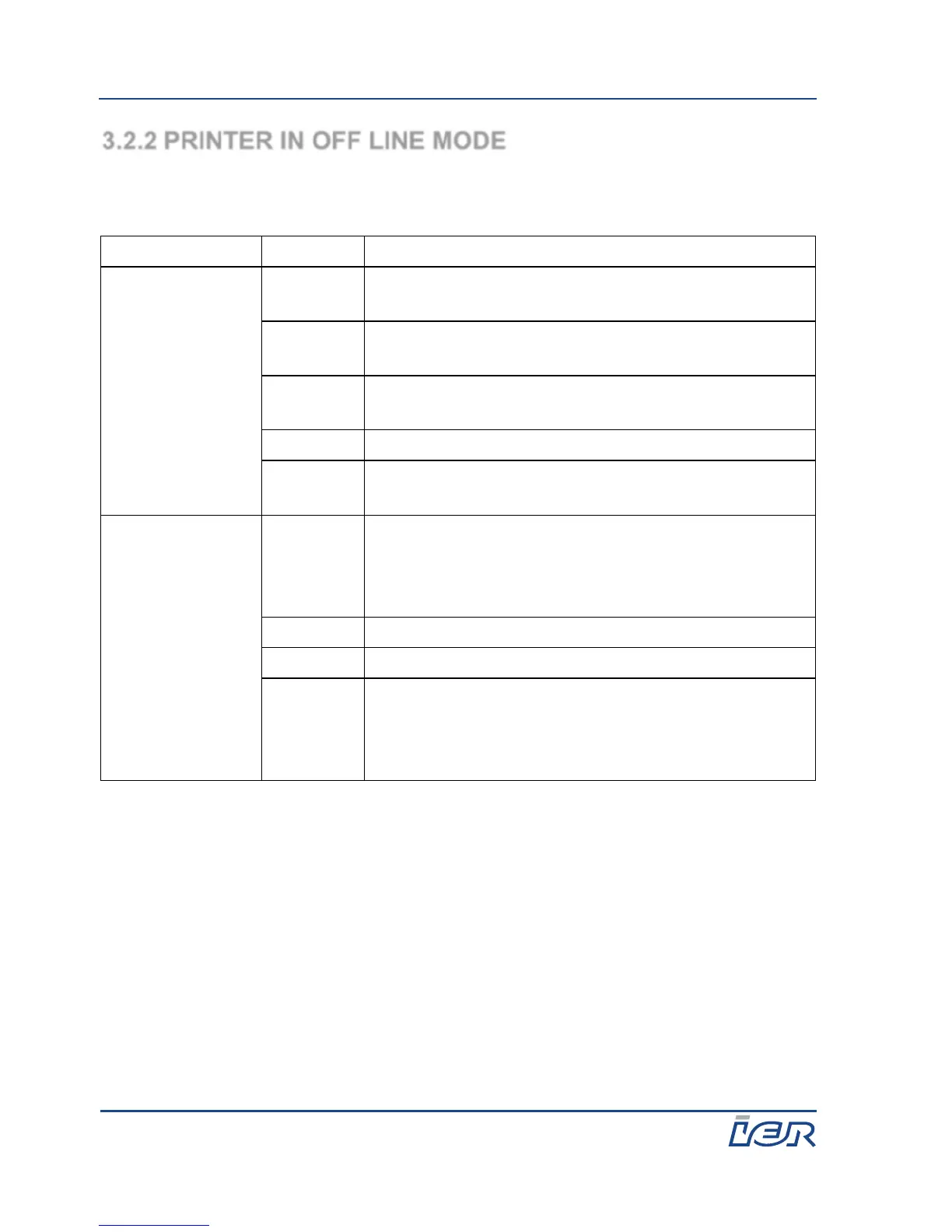
3.2.2 PRINTER IN OFF LINE MODE
When the printer is in OFF LINE mode, the assignment of the keyboard keys
is the following.
Switches to ON LINE mode. Effectiveless if a
test is in progress.
Press longer than 2 s to unload the media.
Effectiveless if a test is in progress.
Ejects a blank coupon. This action can be
deactivated by configuration.
Switches between bag tag (Narrow) and ATB
(wide) modes.
Warning,
minor default or
technical default
signaling
Acknowledges warnings or defaults. In case of a
technical default, the printing module is asked to
try to cancel the fault. In all cases, the HMI
remains in OFF LINE mode.
Acknowledges warnings or defaults. In case of a
technical default, the printing module is asked to
try to cancel the fault. In all cases, the HMI
remains in OFF LINE mode.



 To Next Page