Ce document est la propriété d'IER et ne doit pas être reproduit ou communiqué sans autorisation écrite.
This document is the property of IER and may not be reproduced or communicated without prior written
authorization
3.1.3 LCD DISPLAY MESSAGES
The LCD display has 2 lines of 15 characters to displays information about the
printer itself and also about the operation mode and the functional state of the
printer.
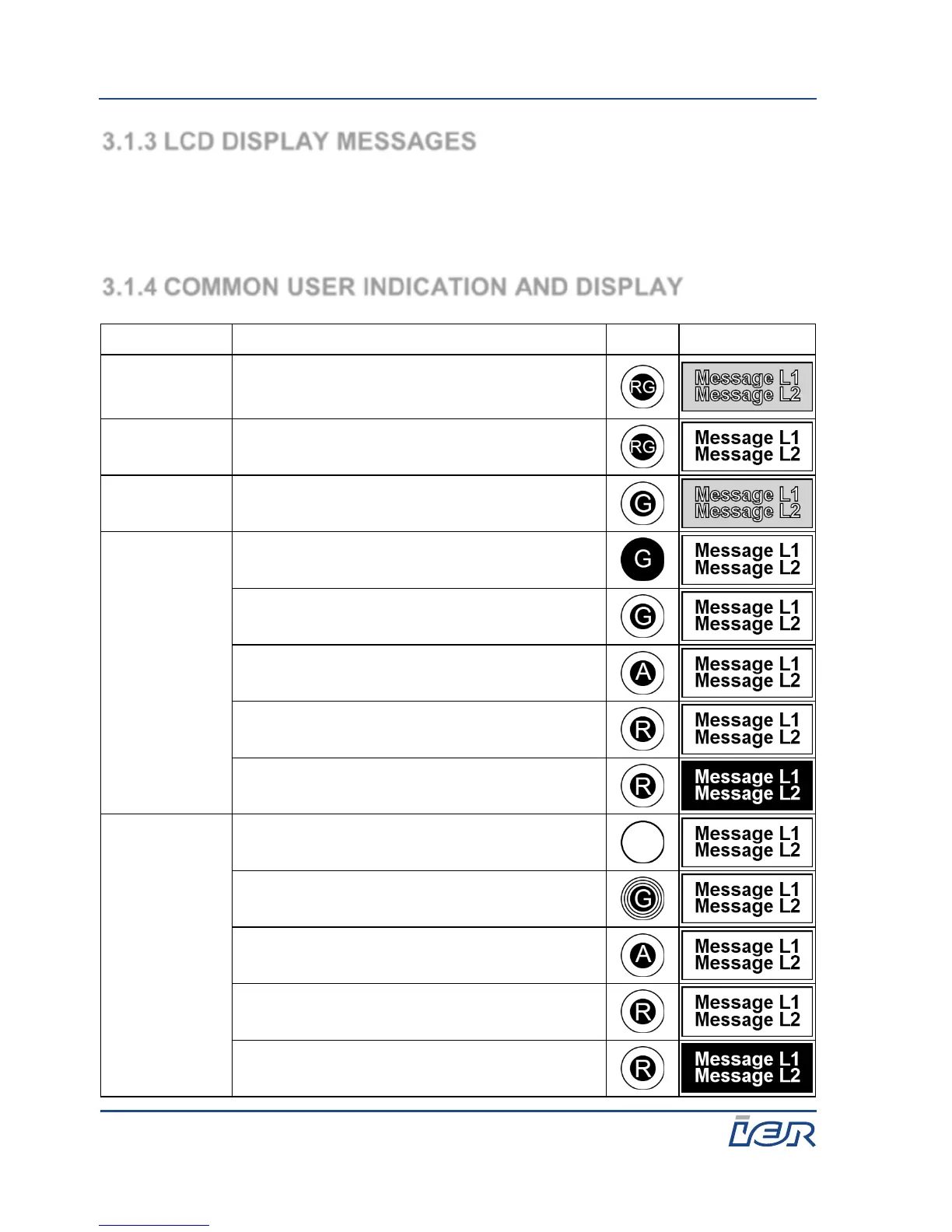
3.1.4 COMMON USER INDICATION AND DISPLAY
Initialization mode (may take more than 1 minute
at power-up). Application and printing modules
desynchronized
Maintenance mode. Application and printing
modules desynchronized.
Downloading in progress. May take several
minutes.
Active rest signaling. Transaction in progress.
Technical default signaling
Active rest signaling. Test in progress.
Technical default signaling



 To Next Page