11
INSTALLATION
❖ Switching on for the irst time
Make sure your TV is also switched on and the TV AV channel (input) is correctly
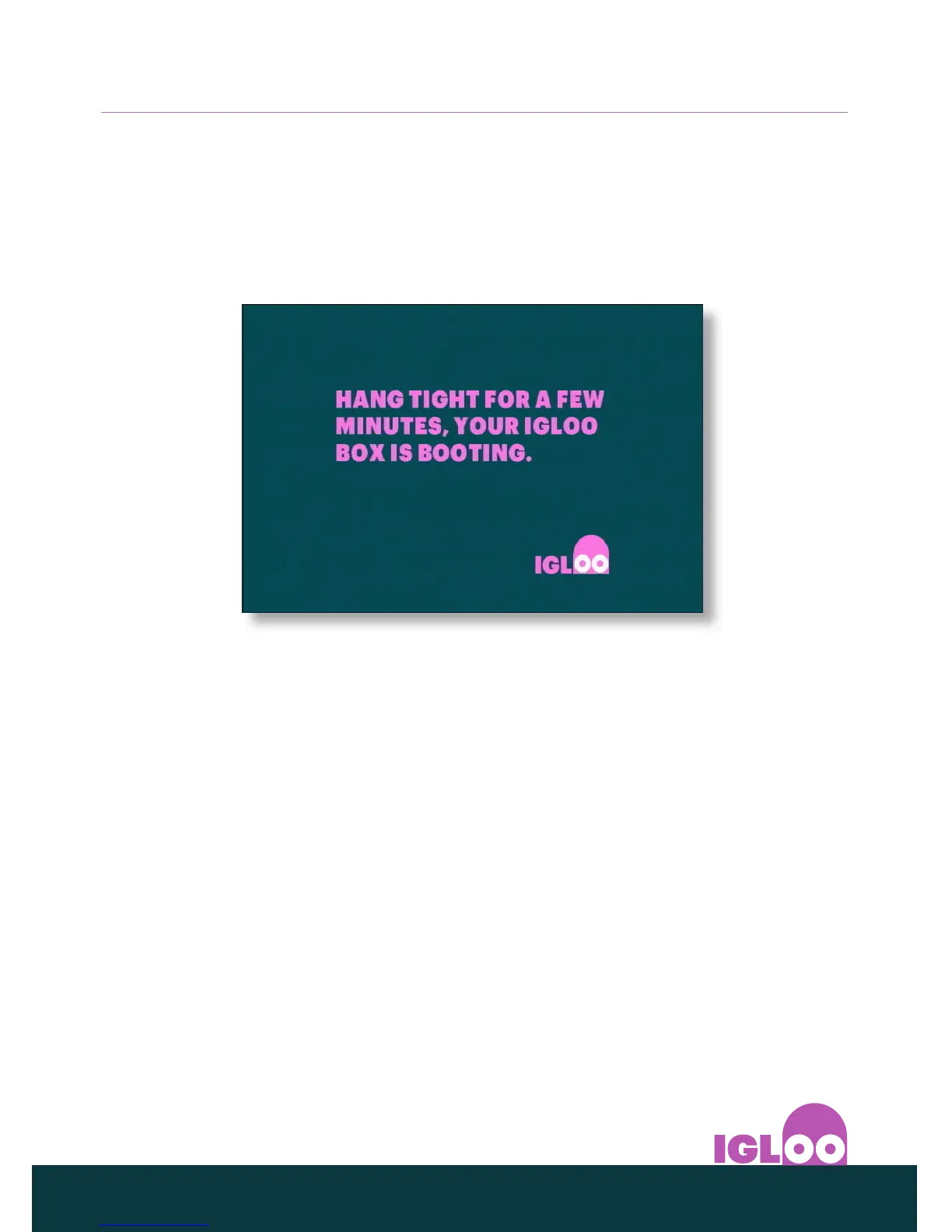
selected. A few minutes after you connect your IGLOO to the power supply, the
standby indicator lights up green.
The first installation setup screen appears.
Ensure that your aerial cable is connected to your IGLOO and press OK.
Follow the instructions on the screens that are displayed. If the first installation
setup is successful, you can start watching your IGLOO channels on your TV.
If there is no signal, check your installation. Check that all the connections are
properly made. See also Solving Problems on page 25.
❖ Switching your IGLOO on and o
Whenever you are not using your IGLOO you should put it into standby.
You should not unplug it or switch it o at the power point, unless instructed to
do so.
◆ To put your IGLOO into standby, press S on your remote control or front
panel.
◆ The standby light on the front panel shines red.
◆ To take your IGLOO out of standby and switch it on, press S again.
◆ The standby light on the front panel shines green.



 To Next Page