22
SETTINGS
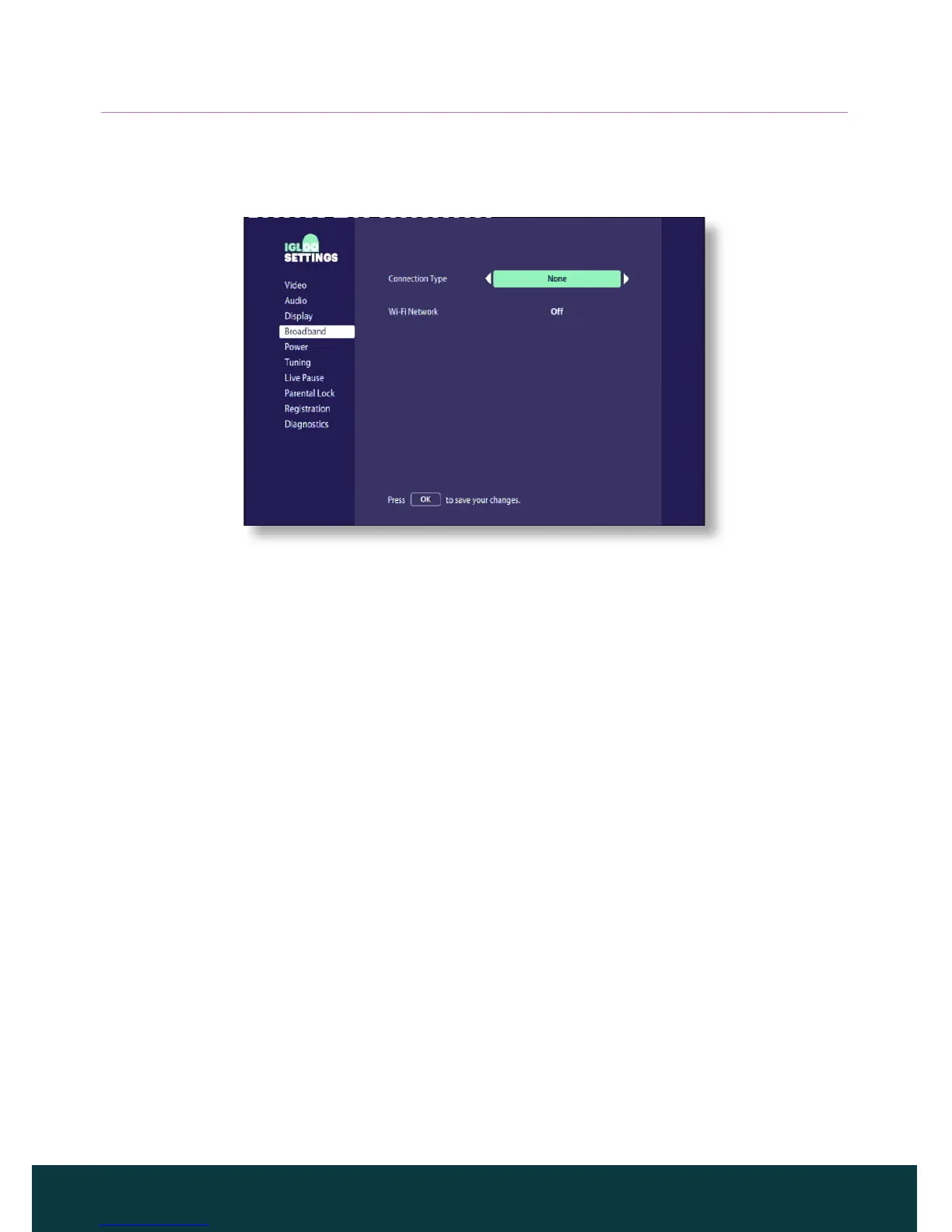
❖ Changing Broadband settings
You use the Broadband settings to connect your IGLOO to the Internet.
❖ Changing power settings
To save power and money, and to reduce greenhouse gas emissions, your
IGLOO is configured to automatically go into the standby mode when not in
use for 4 hours.
On the Power settings screen, you can turn this feature o by setting Auto
Power Down to Never.
❖ Scanning for new channels
You can use the Tuning settings screen to scan for any new channels that
may be available on your network or if you have subscribed to any additional
packages.
❖ Setting up live pause
Live Pause allows you to pause a live programme at any moment and later
continue watching it from that point, or instantly rewind and watch what you
have seen (or missed) in the last few seconds.
To set up Live Pause, insert an empty USB memory stick into the USB
connector on the side or rear panel of your IGLOO. If it is not empty, your
IGLOO will erase its contents and reformat it.
To pause live TV, press K, and to resume playing, press R. When you switch to
a dierent channel, your IGLOO discards the previously recorded programme,
and starts recording the current programme.



 To Next Page