18
SETTINGS
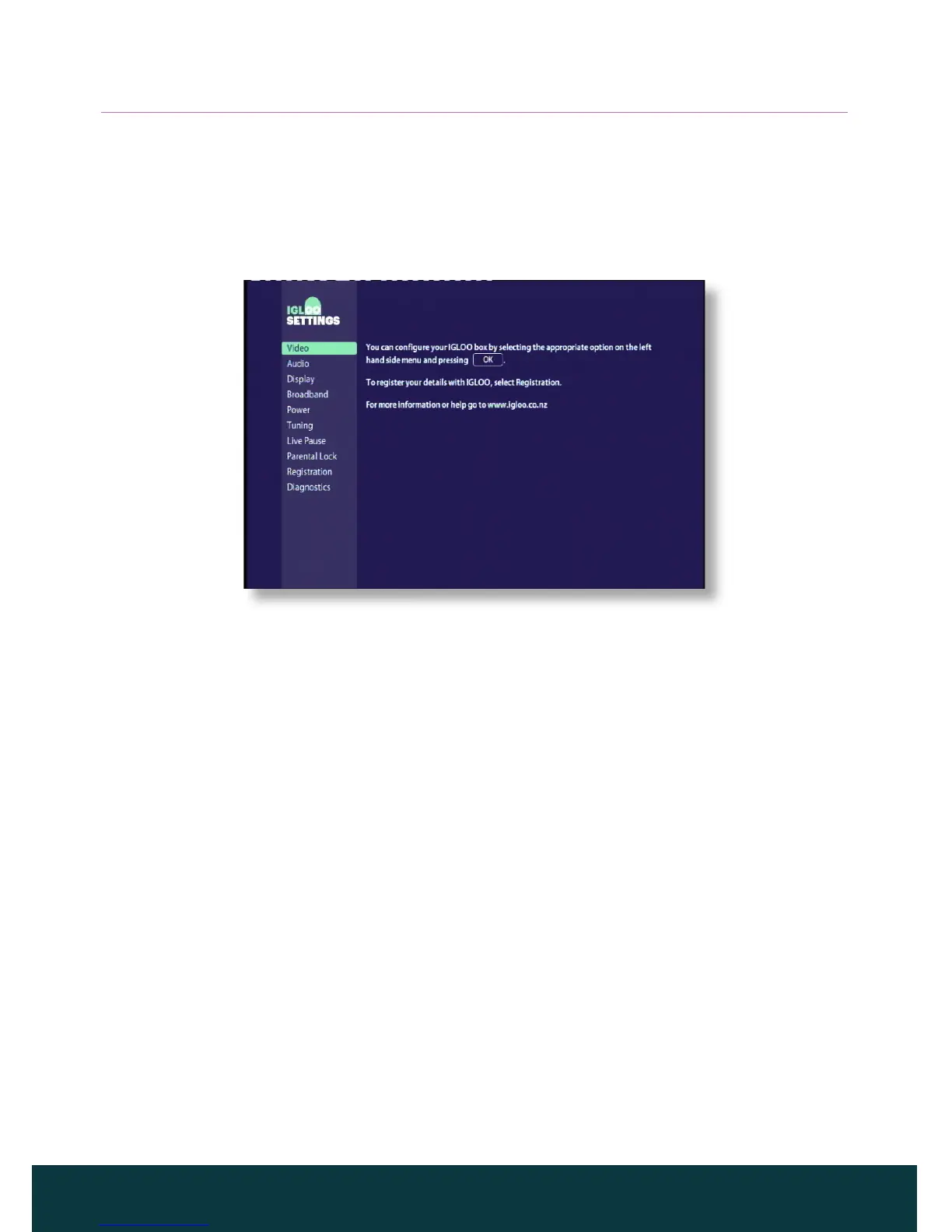
Displaying the Settings menu
◆ To display the Settings menu, press Menu on your remote control, and
then use the U or D buttons to select Settings and press OK.
◆ Press U or D to highlight the menu item you want, then press OK.
Using the menu screens
◆ On the menu screens, you mainly use U or D to highlight the setting you
want to change, and then press R or L to display the available options.
On some screens, however, you press OK or use the number buttons to
change a setting or enter values.
◆ While you are using a menu, you can press OK to apply any changes you
make, or press Back to cancel any changes and return to the previous
menu.
◆ To remove the Settings menu and return to watching TV, press Live TV.



 To Next Page