24
SETTINGS
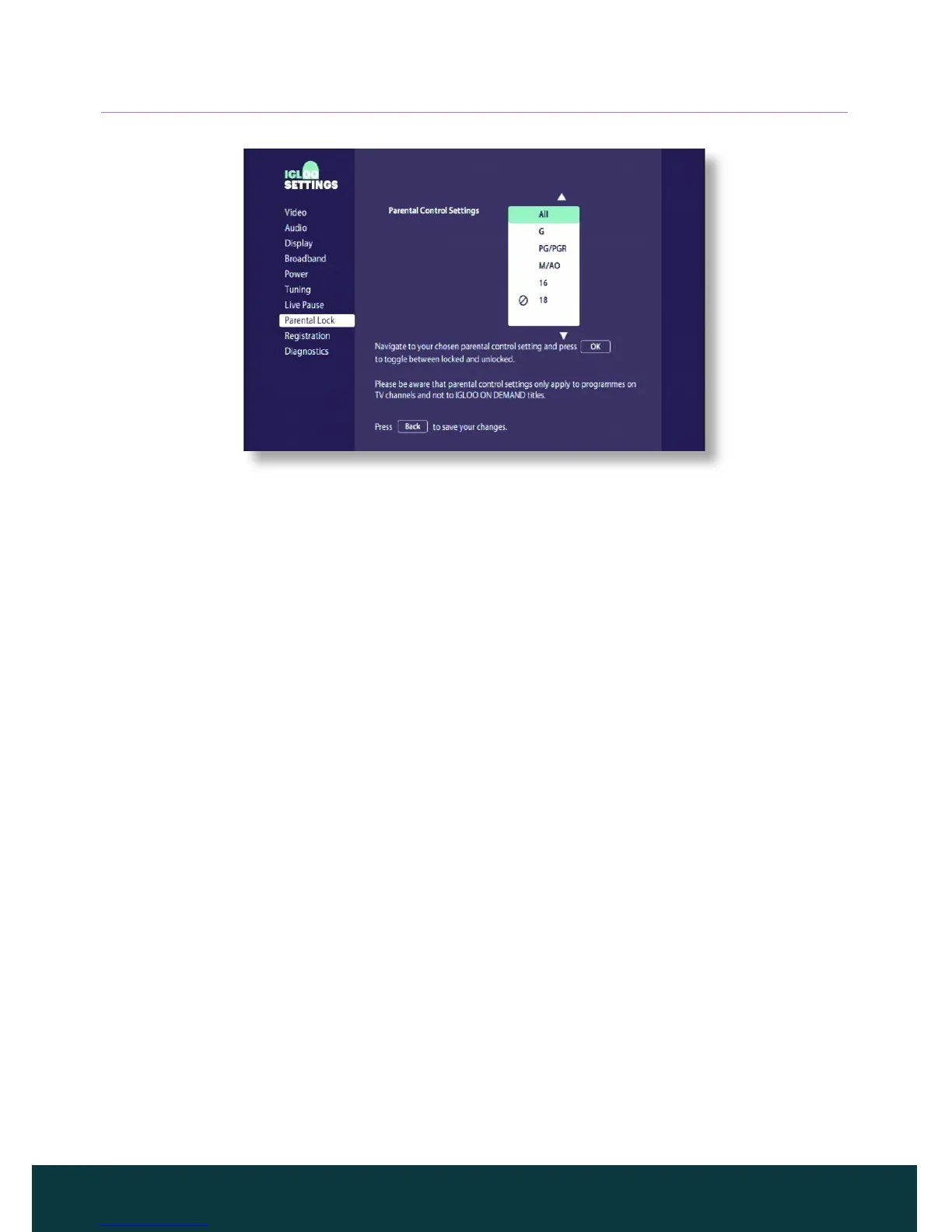
Changing your parental control PIN
You can change the parental control PIN code to a secret four-digit number
which you find easy to remember.
◆ From the Parental Lock screen, highlight Change Parental PIN then press
OK. The Change PIN screen appears.
◆ Use the number buttons to enter a new 4-digit parental control PIN of your
choice (dots appear in place of actual digits).
◆ Enter your new 4-digit parental control PIN again, for confirmation.
◆ A message displays to confirm you have changed your parental control
PIN. If you make a mistake while entering the parental control PIN code,
press L to delete one or more digits.
❖ Restoring factory default settings
◆ From the Settings menu, select Diagnostics and press OK.
◆ On the Diagnostics screen, highlight Factory Reset and press OK.
◆ Use the number buttons to enter your IGLOO’s 4-digit PIN code (0000).
A message appears asking you to confirm. If you are sure that you want
to continue, highlight OK and press OK. To cancel and go back to the
Diagnostics screen, highlight Cancel and press OK.
If you choose OK, your IGLOO restores the factory default settings and
restarts. You will then be required to complete the first installation setup
(see page 11).



 To Next Page