16
YOUR PLANNER
Note
The maximum number of reminders you can set is 100. If there are many
reminders listed in your Planner, you can press CH + or CH – to see the
previous or next section of the listing.
Schedule changes
If the start time of a programme changes, your Planner may be automatically
updated. So, if you have set a reminder for a programme, you still see the
reminder when the programme is about to start.
However, it is not possible to guarantee that all changes to the TV guide will be
updated in time. The programme will then be removed from your Planner and
you will need to set a new reminder.
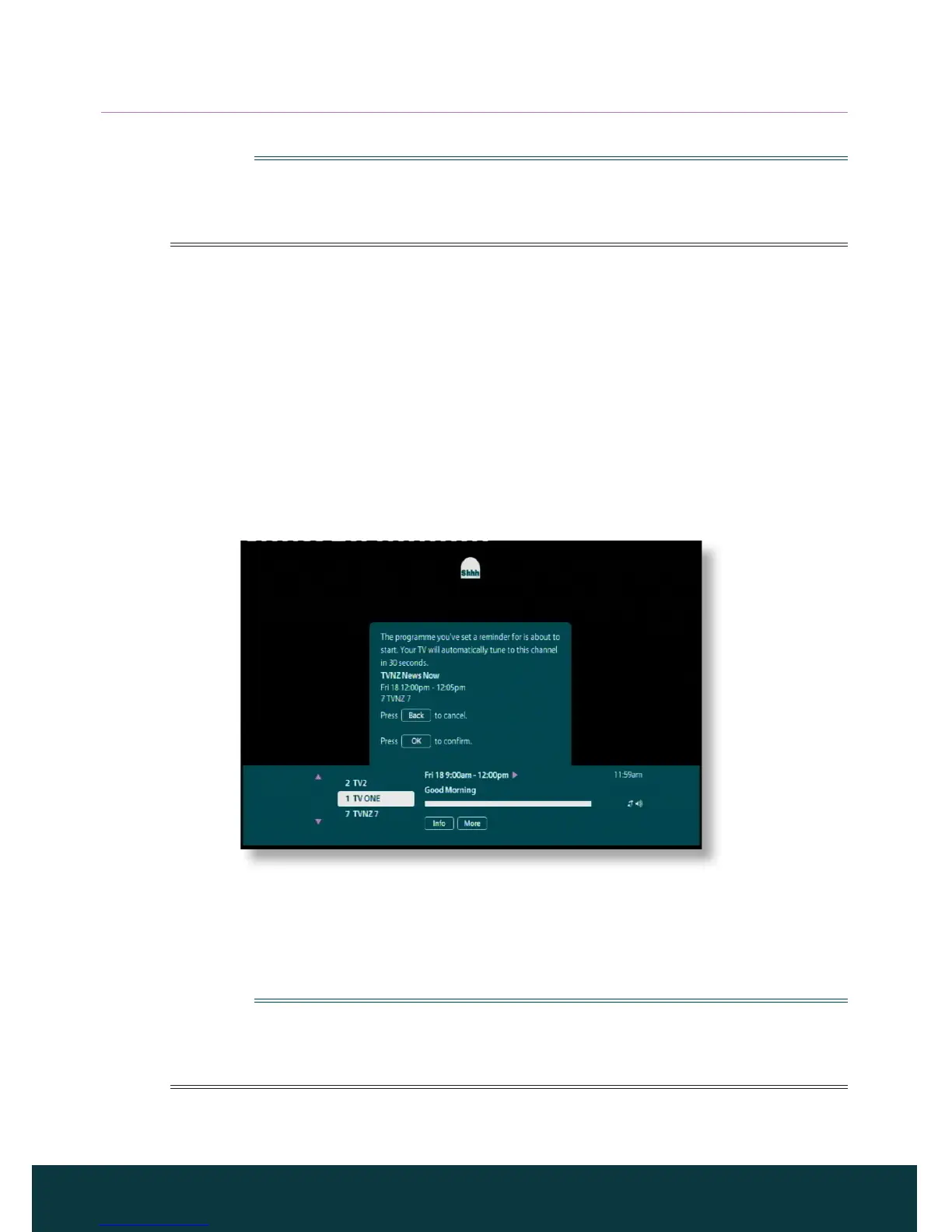
Watching a programme when you see the reminder
Shortly before a programme for which you have set a reminder is due to start,
your Planner displays a reminder message on your TV screen.
◆ To accept the reminder, press OK. Your IGLOO will change channel (if
required) automatically at the programme’s start time.
◆ To cancel the reminder and carry on watching the programme you are
already watching, without changing channel, press Back.
Note
In order for reminders to be displayed, your IGLOO must be switched on and
you must be watching TV. You can change the setting for when the reminder
appears (see page 21).



 To Next Page