12
GETTING STARTED
❖ Changing the channel
You can change the channel by using:
◆ the CH + and CH - buttons;
◆ the number buttons;
◆ the Live TV button to remove any on-screen display, and take you to the
previous channel you were viewing; or
◆ one of the on-screen methods described in the following sections.
❖ Changing the volume
◆ To change the volume, press VOL + or VOL -.
◆ To turn the sound on or o, press Shhh button.
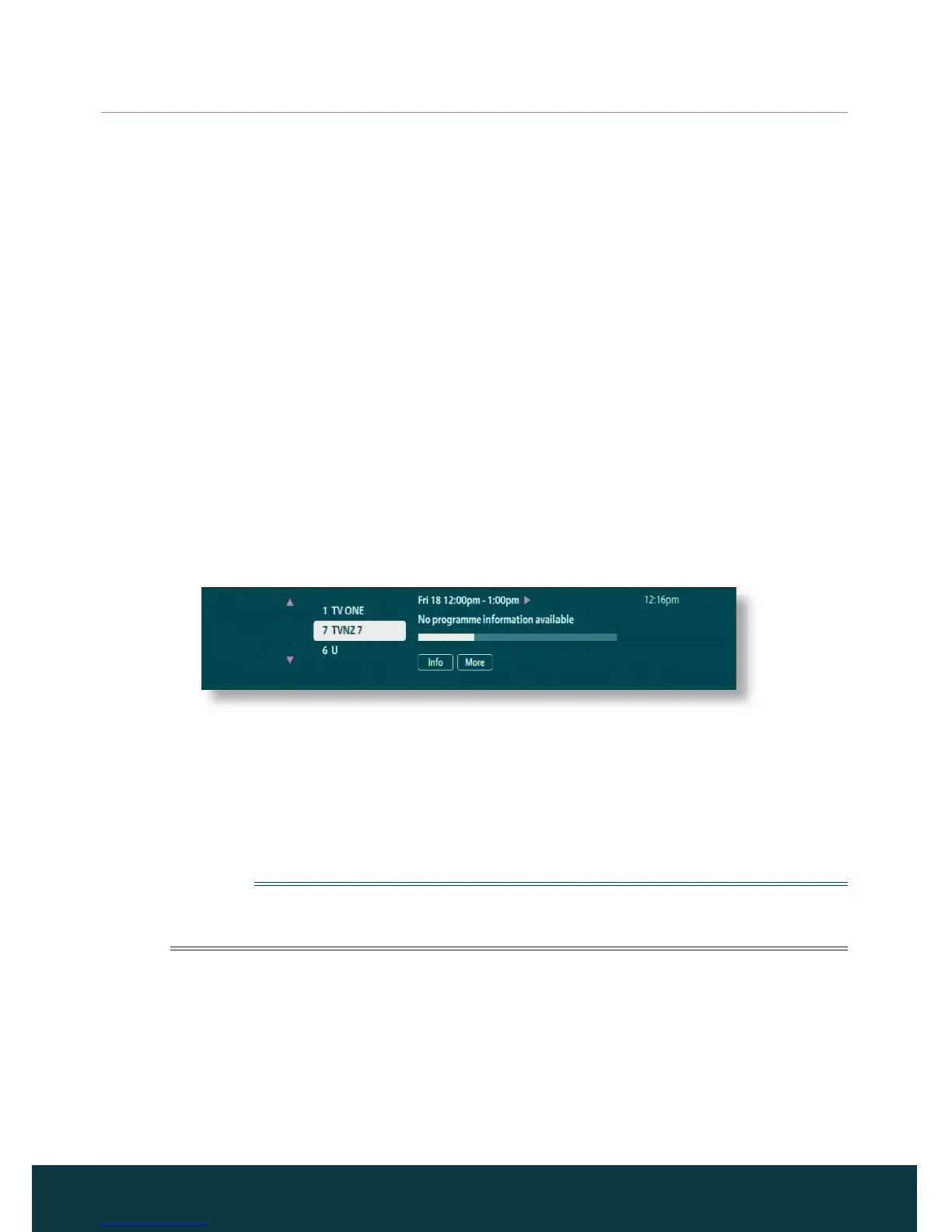
❖ Using the channel banner
To display the channel banner, press Info or OK.
Information about the programme on now appears.
◆ To display what programmes are on now on other channels, press U or D.
◆ To display information about what’s on at dierent times, press L or R.
◆ To display extra programme information, press Info.
(to remove the extra programme information, press Back.)
◆ To remove the banner without changing channel, press Back, or wait a few
moments - it disappears automatically.
Note
This banner also appears briefly when you change channel. To set the length of
time that the channel banner remains on-screen, see page 21.
Watching a programme
If you see a programme you want to watch in the channel banner, press OK.
If the programme is on now, your IGLOO tunes to it automatically.



 To Next Page