15
YOUR PLANNER
Your IGLOO sets a reminder for you and the programme is added to your
Planner (see the next section). A reminder symbol appears on the TV guide,
next to the programme, to show you the programme has been added to your
Planner.
Purchasing a channel pack or sport event
To purchase a channel pack or sport event, highlight the programme you are
interested in and press More on your remote control. Use U, D, L, or R to
highlight Purchase, and press OK.
❖ Using your Planner
Reminders & Booked Events
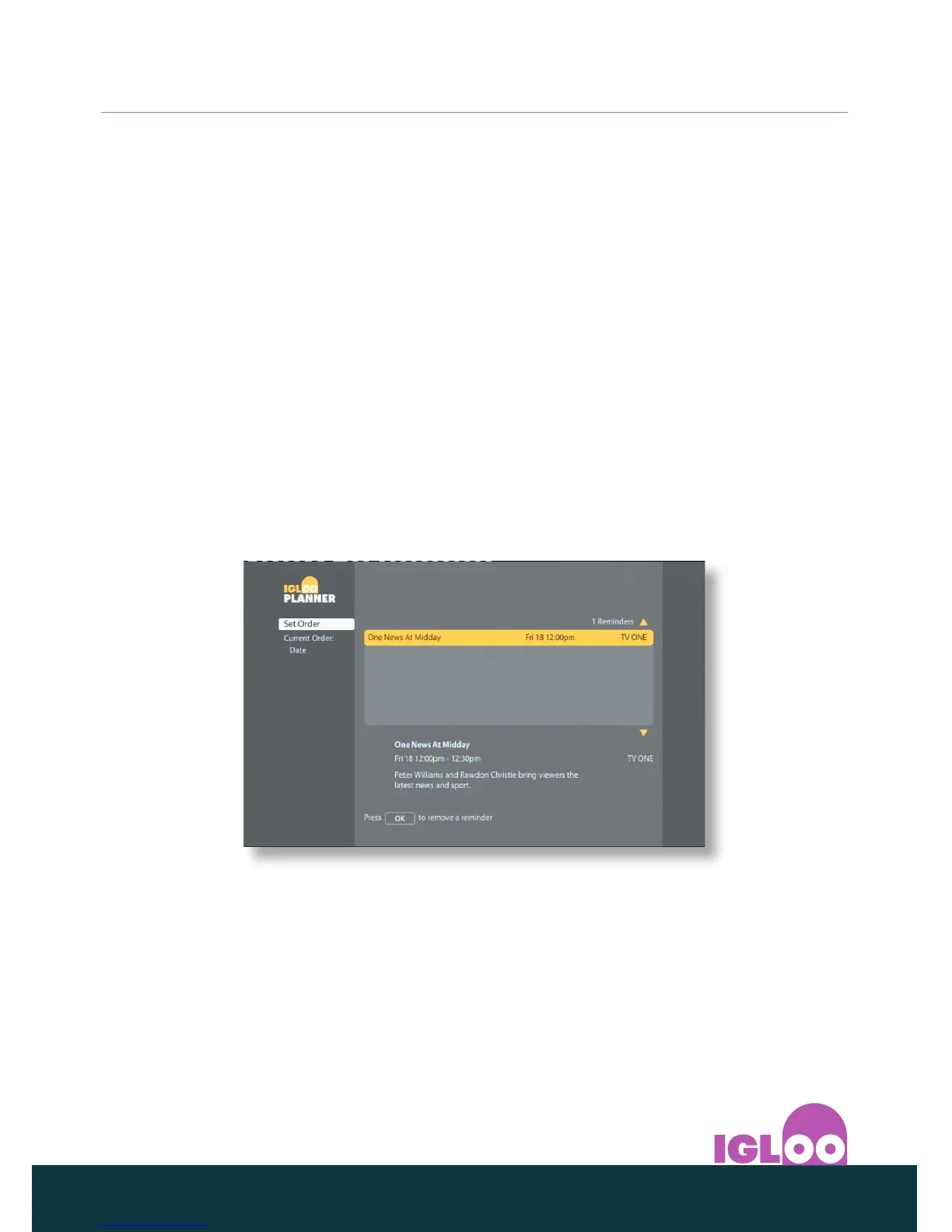
Your Planner helps you plan all your TV viewing. It shows all the reminders you
have set.
To view your Planner, press Menu on your remote control, and then use the
U or D buttons to select Planner and press OK.
◆ Use U or D to highlight the reminder you want. Information about the
reminder is shown below the list of reminders. You can also press Info to
display the reminder’s information screen.
◆ To remove a reminder, make sure it is highlighted and press OK. On the
menu that pops up, press OK to confirm, or press Back to return to your
Planner.
◆ To remove the Planner and return to watching TV, press Live TV or Back twice.



 To Next Page